Curl gzip Website
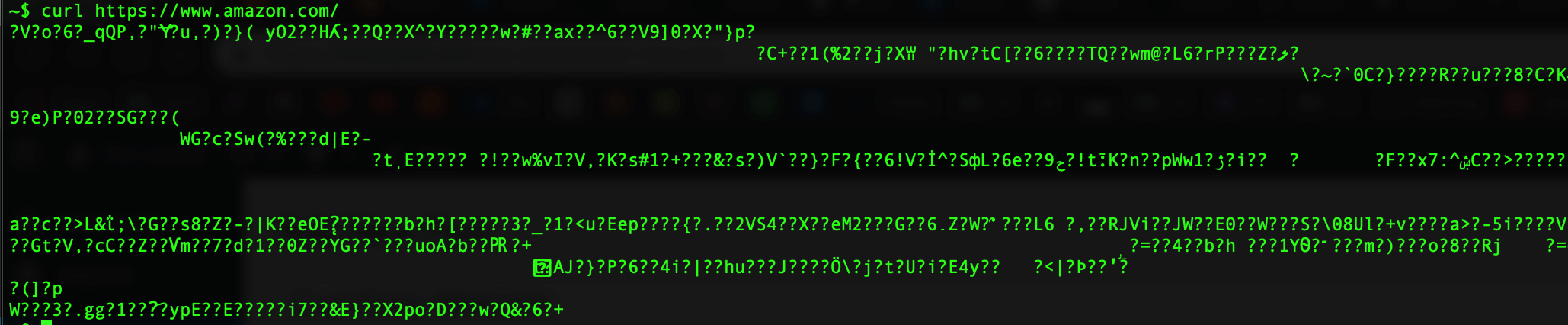
If you have ever tried to curl a website and it returns a bunch of unreadable characters? It is most likely a gzip/compressed response. Here is an example of a curl request to amazon.com which returns compressed characters.
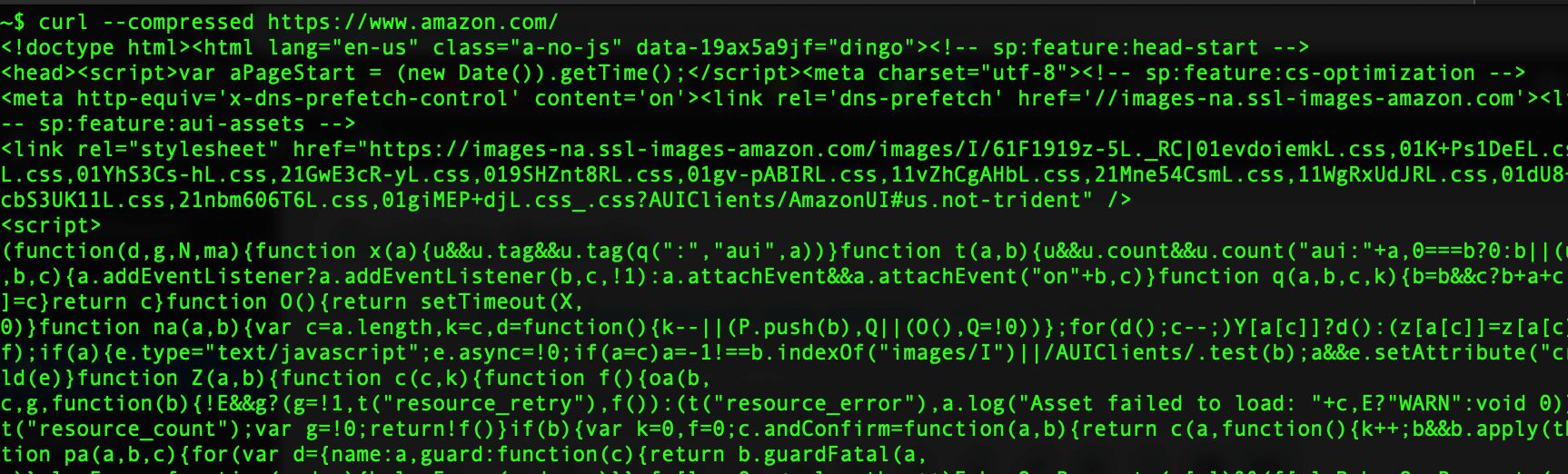
To get a readable response, you can add the –compressed options to your curl command.
curl --compressed https://www.amazon.com/?tag=timlelcom-20
If you are using curl in PHP you can set the CURLOPT_ENCODING to an empty string.
curl_setopt($x, CURLOPT_ENCODING, '')
The contents of the “Accept-Encoding: ” header. This enables decoding of the response. Supported encodings are “identity”, “deflate”, and “gzip”. If an empty string, “”, is set, a header containing all supported encoding types is sent.