Free Weather Pro: Share Weather
Share Weather Extension with someone who would find it useful, and I’ll give you a free lifetime Weather Pro upgrade. A text, an email, or a conversation all count. Already told someone? That counts, too.
Updated September 2026: You can now activate the upgrade yourself. The old manual promotion instructions have been replaced with the sharing offer below. No review, payment, screenshot, or email to me is required.
Start in the browser and profile where you want to use Pro. If you haven’t installed Weather yet, get Weather here, then follow these steps. Click any screenshot to see it full size.
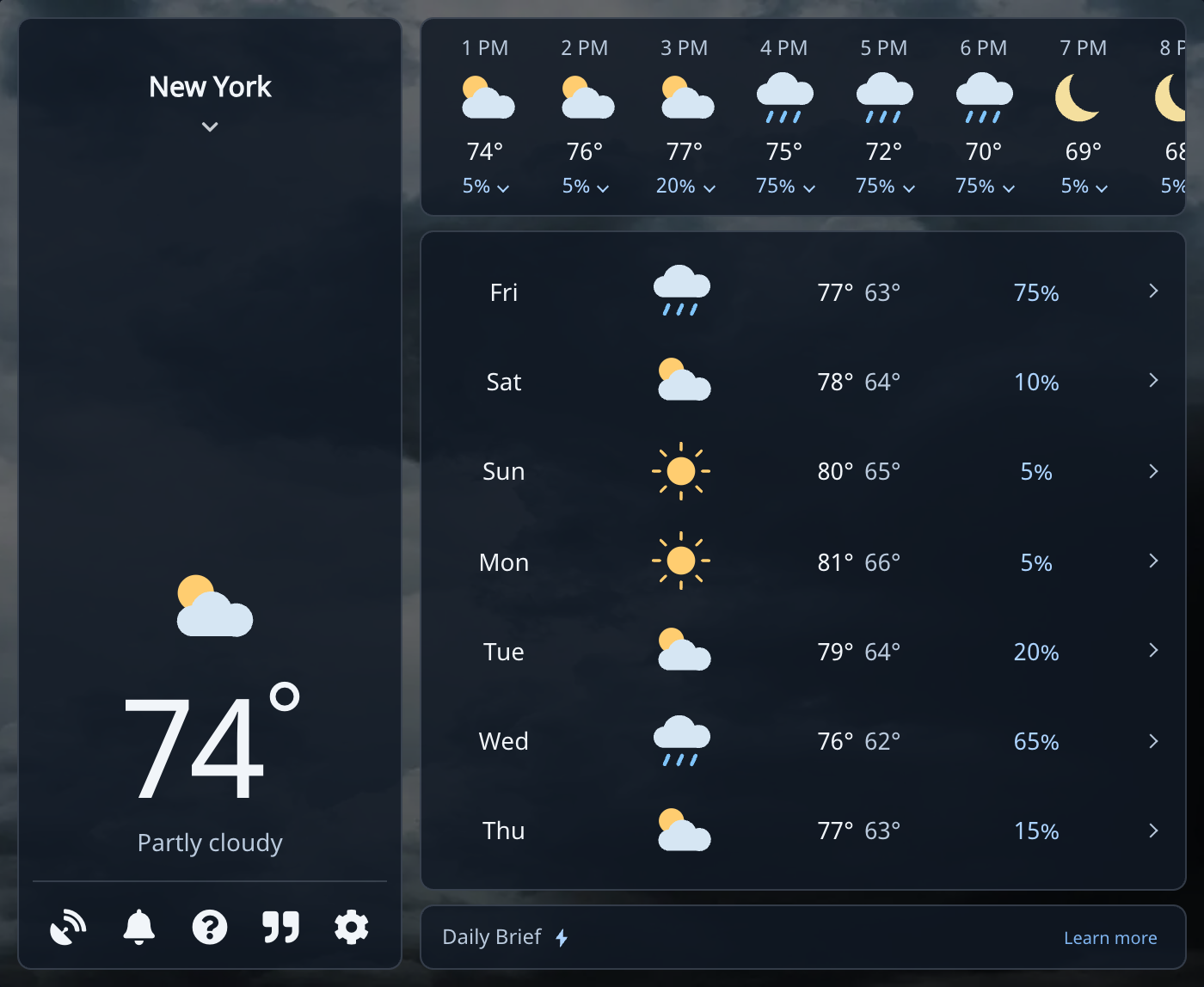
1. Open Weather and Click the Question Mark
Click Weather in your browser toolbar. In the forecast, click the question mark (?) in the lower-left controls to open Contact.
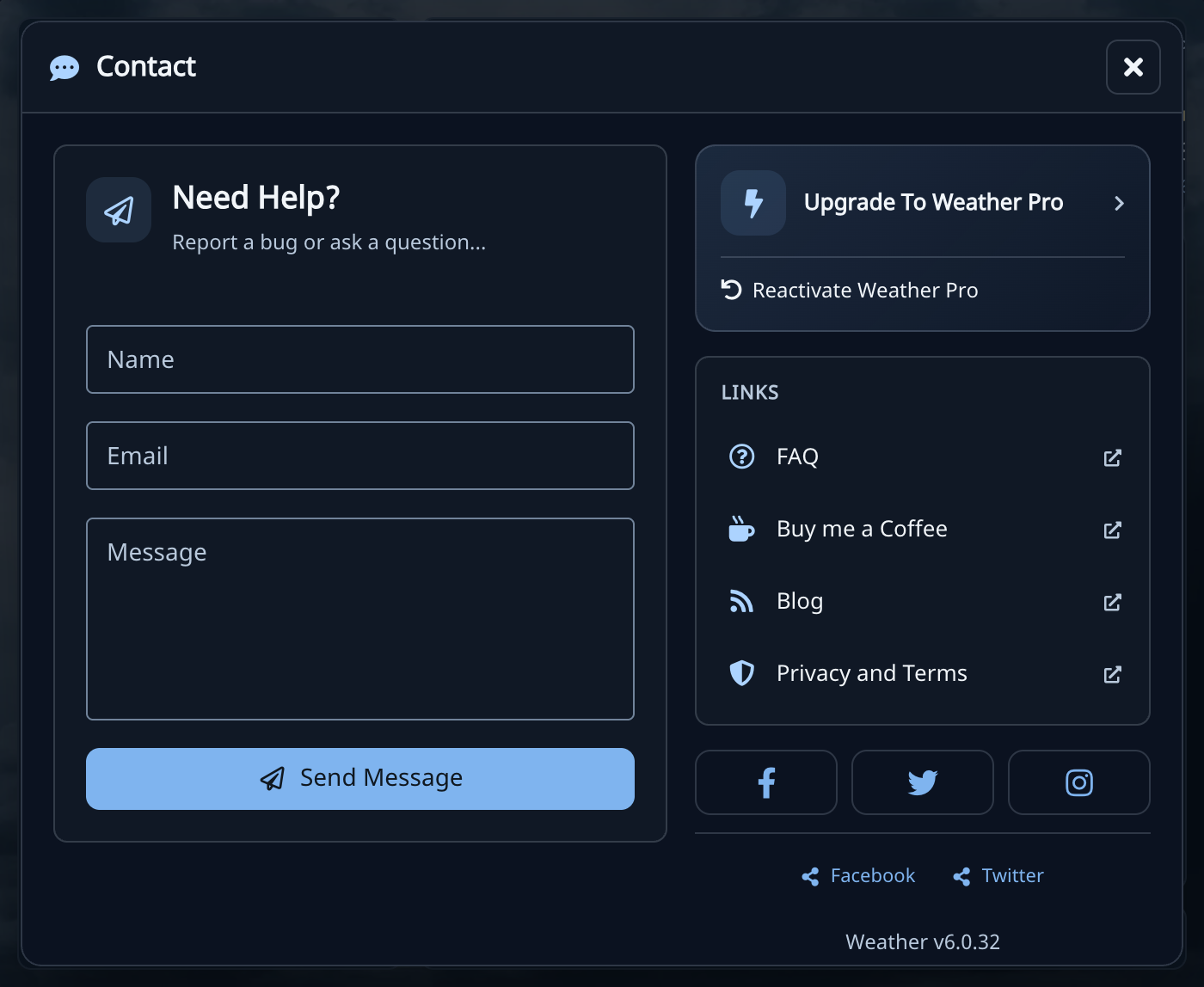
2. Choose Upgrade to Weather Pro
In Contact, select Upgrade To Weather Pro at the top of the right column. This opens the upgrade website for your Weather extension. You can leave the contact form empty.
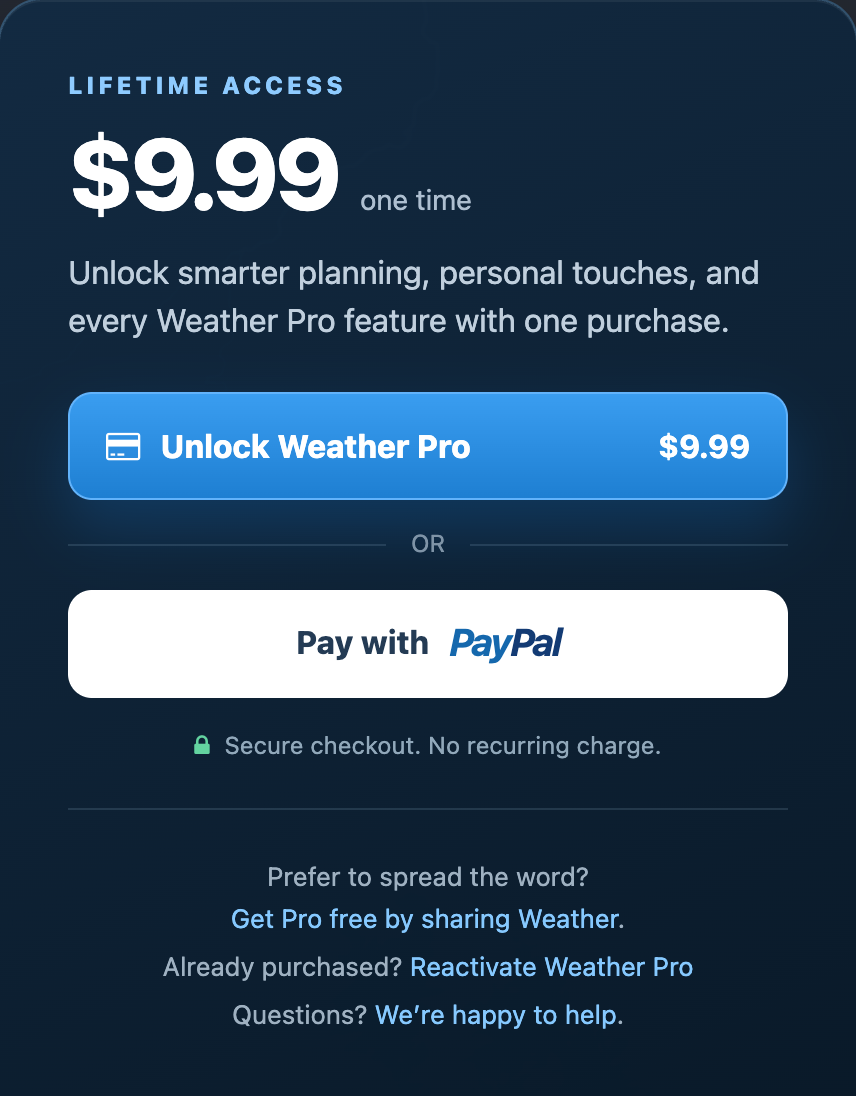
3. Find the Free Sharing Offer
Below the card and PayPal options, choose Get Pro free by sharing Weather. You do not need to enter payment details.
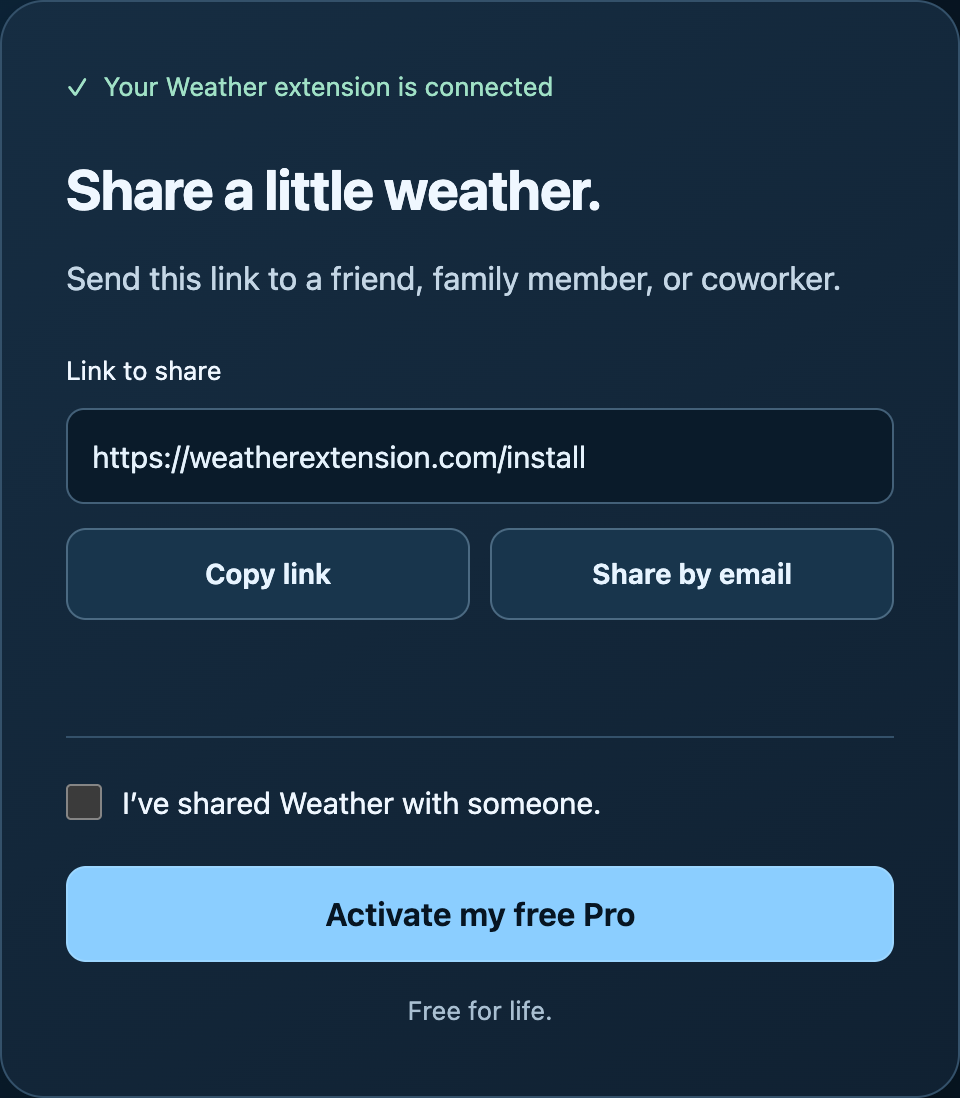
4. Share Weather and Activate Pro
Choose Copy link and send the link to someone, or use Share by email. If you already told someone about Weather, you can go straight to the confirmation.
Check I’ve shared Weather with someone, then click Activate my free Pro. Copying the link by itself does not activate the upgrade. There is no proof to submit or approval to wait for. I trust you.
When the page says Weather Pro is active!, close and reopen Weather in the same browser and profile. Your lifetime upgrade is ready.
What’s Included
The sharing upgrade includes every Pro feature: weather alerts, more saved locations, additional weather sources, a Daily Planning Brief, custom toolbar colors, and optional weather summaries. There is no recurring subscription. See Weather Pro features and examples.
Already Have Pro or Need Help?
If Pro is already active, you’re all set. If you paid for Pro and want to use it in another browser, follow the restore-Pro guide.
Free sharing upgrades do not come with a purchase receipt or license key. If your upgrade stays locked after reopening Weather, or you need help using it in another browser, email [email protected]. Contact me before reinstalling or clearing browser data.
The illustrated free-Pro help guide covers these same steps. You can also browse the Weather Help Center for help with forecasts, locations, settings, and alerts.