Autonomous Standing Desk Won’t Go Down?
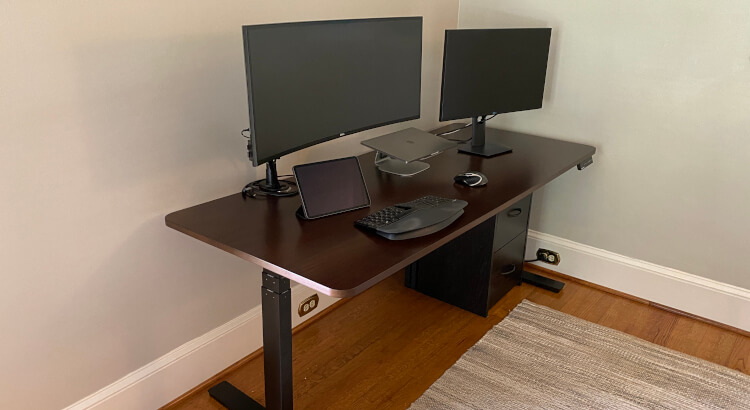
My Autonomous SmartDesk recently got stuck and would not lower. The display was acting weird too, which made it feel like the desk had lost track of its actual height.
Luckily, the fix was simple. Autonomous support sent over these hard reset steps, and after I ran through them, the desk started working again.
Autonomous SmartDesk reset steps
- Unplug the desk for 20 seconds.
- Plug it back in, then wait another full 20 seconds.
- Hold the up and down buttons until the desk lowers all the way and beeps, or until 20 seconds pass.
- Release both buttons.
- Hold the down button until the desk beeps one more time, or until 20 seconds pass.
That should reset the desk. In my case, it fixed the problem where the desk would not lower. I have also seen people say it fixes incorrect height readings, which makes sense since the reset seems to recalibrate the desk position.
If you are still shopping around, I wrote a full Autonomous standing desk review. You can also compare current Autonomous SmartDesk options on Amazon or browse other standing desks.