Link Shortener Extension
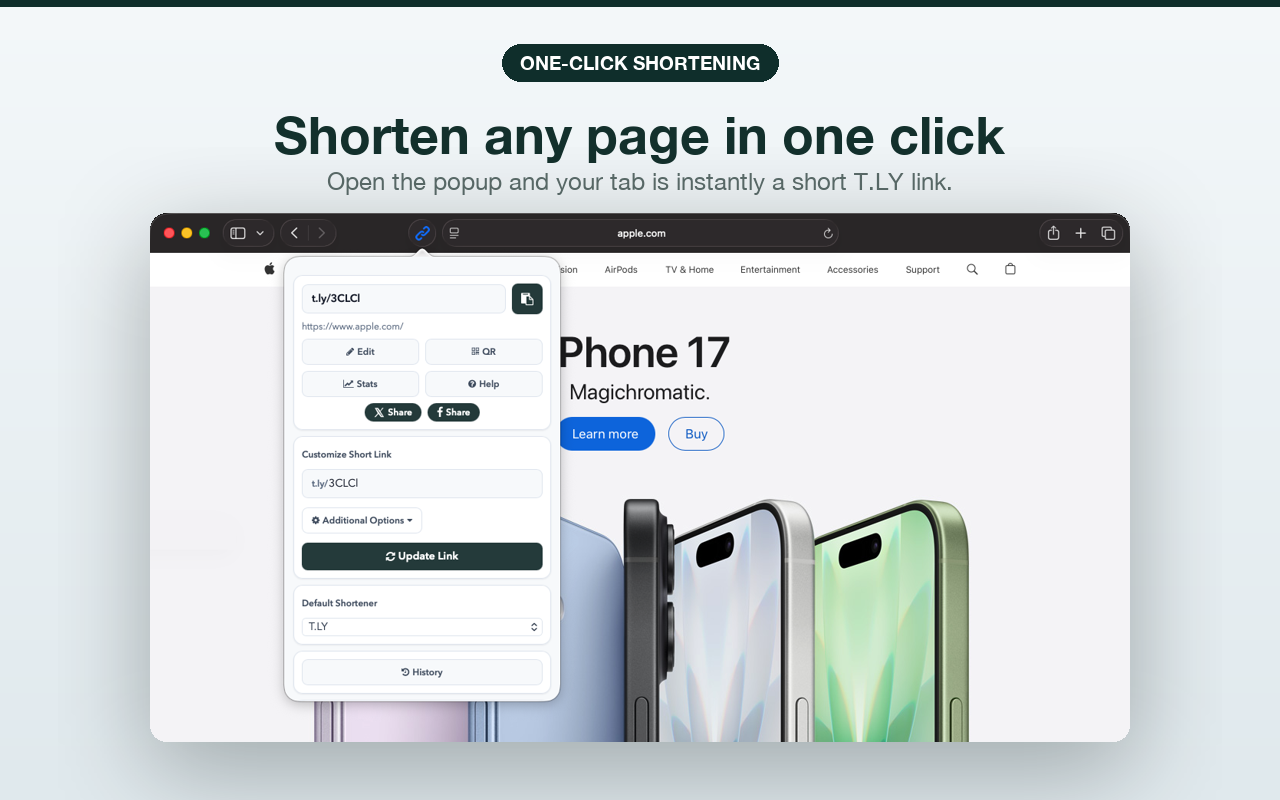
Link Shortener Extension lets you create short URLs from the current page or any link you right-click in the browser.
It is designed to keep the workflow fast: shorten, copy, and share without opening a separate site every time. It now supports Safari too.
Install Link Shortener Install for Safari
Features
- Shorten the current page in one click
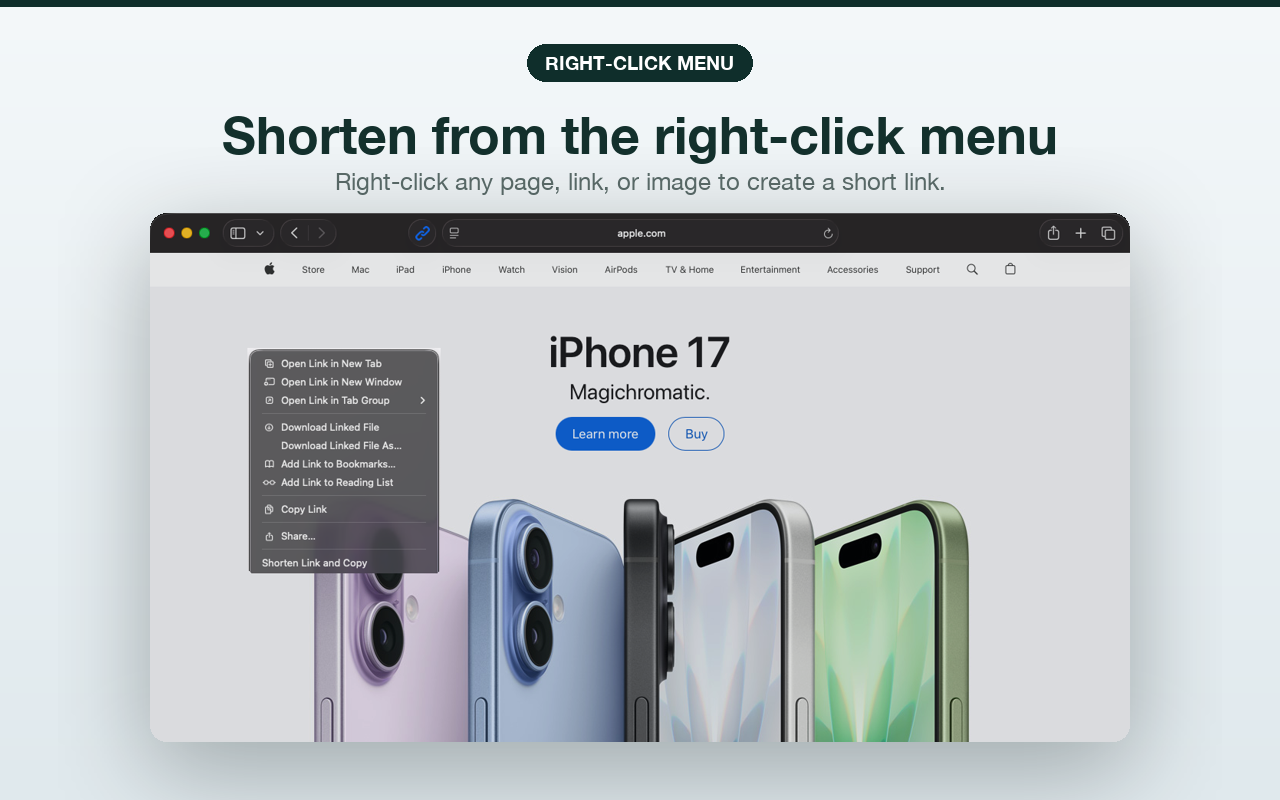
- Shorten any right-clicked link
- Copy short URLs automatically
- Generate QR codes for quick sharing
- Support T.LY and other providers
- Work with supported personal API keys
Safari Support
The Safari extension is available from the App Store. You can shorten the page you are on from the toolbar popup, or use Safari’s right-click menu to shorten a page, link, or image.
T.LY shared more details in the Safari launch post.
Browsers
Link Shortener is available for Safari, Chrome, Firefox, Edge, and Opera. Use the App Store for Safari, or the main install flow at t.ly/extension for the other browser versions.