 PxlShot Free for Mac
 Capture it.
Make it clear.
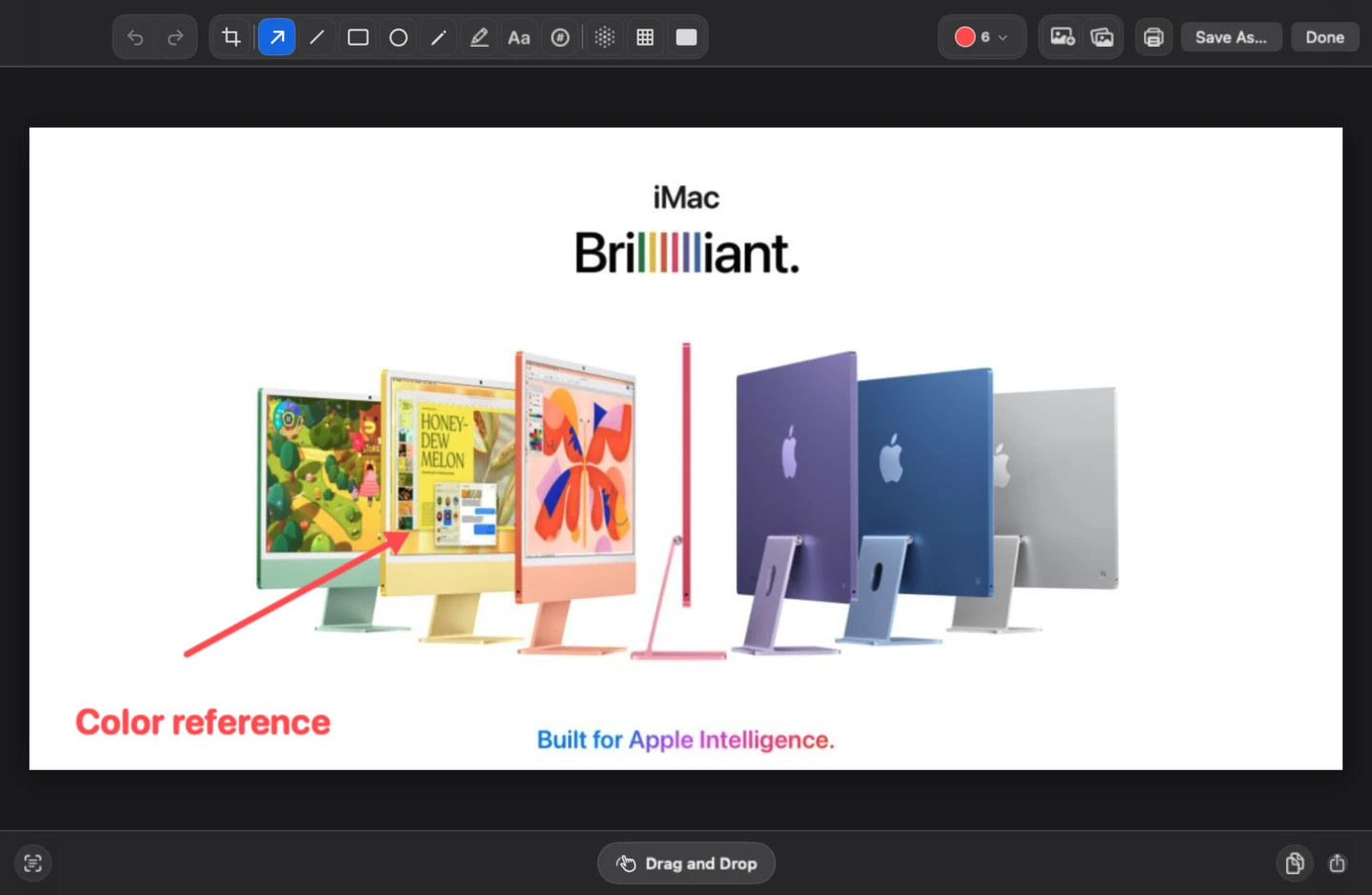
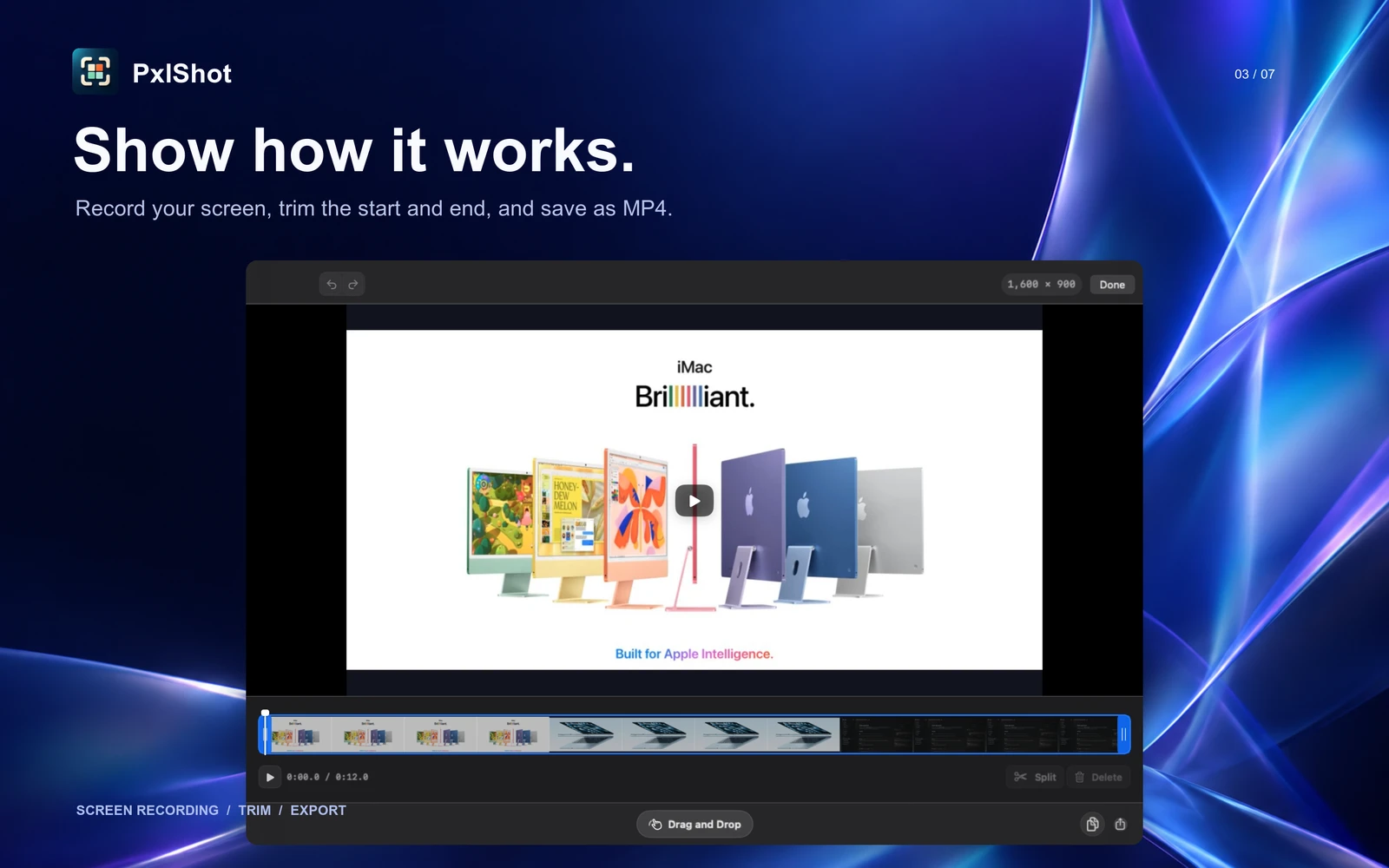
Take a screenshot. Add an arrow or a note. Record a quick walkthrough. Everything you need to show what you mean, right on your Mac.
macOS 14+ · Screen recording on macOS 15+
- No account
- No uploads
- No analytics

Built-in polish
Ready to share.
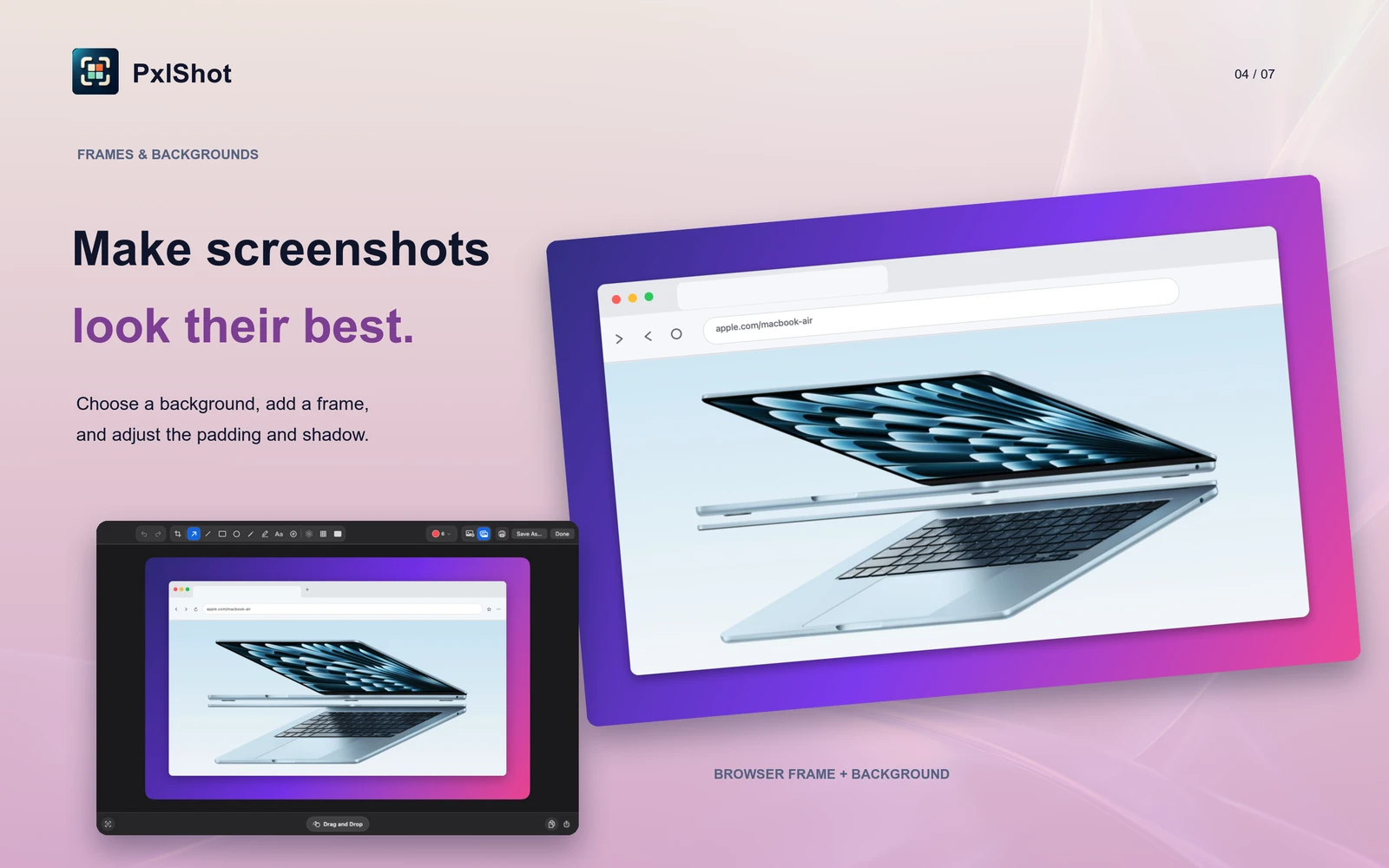
Add padding, a gradient, a solid color, your current Mac wallpaper, or any photo. No design app needed.
What it does
From capture to share.
A free, privacy-first CleanShot X alternative for Mac.
Capture fast
Grab an area, window, or display from the menu bar or a shortcut.
Move right away
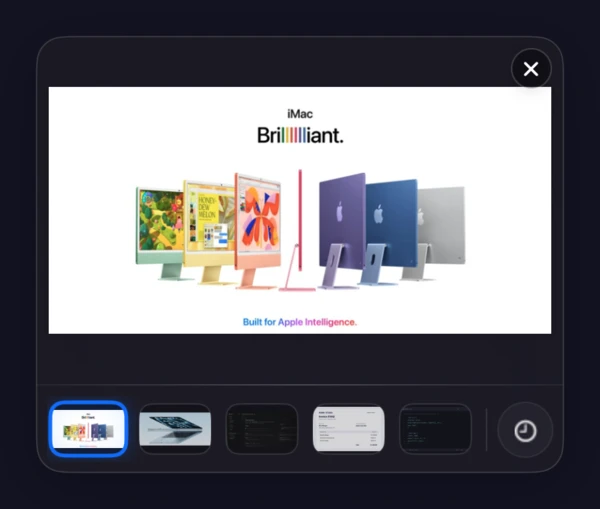
Drag a recent shot, open it to edit, or jump to history.
Mark it up
Add arrows, shapes, text, highlights, freehand notes, or numbered steps.
Finish the image
Crop it, use your wallpaper or any photo as the background, round the corners, or add a browser frame.
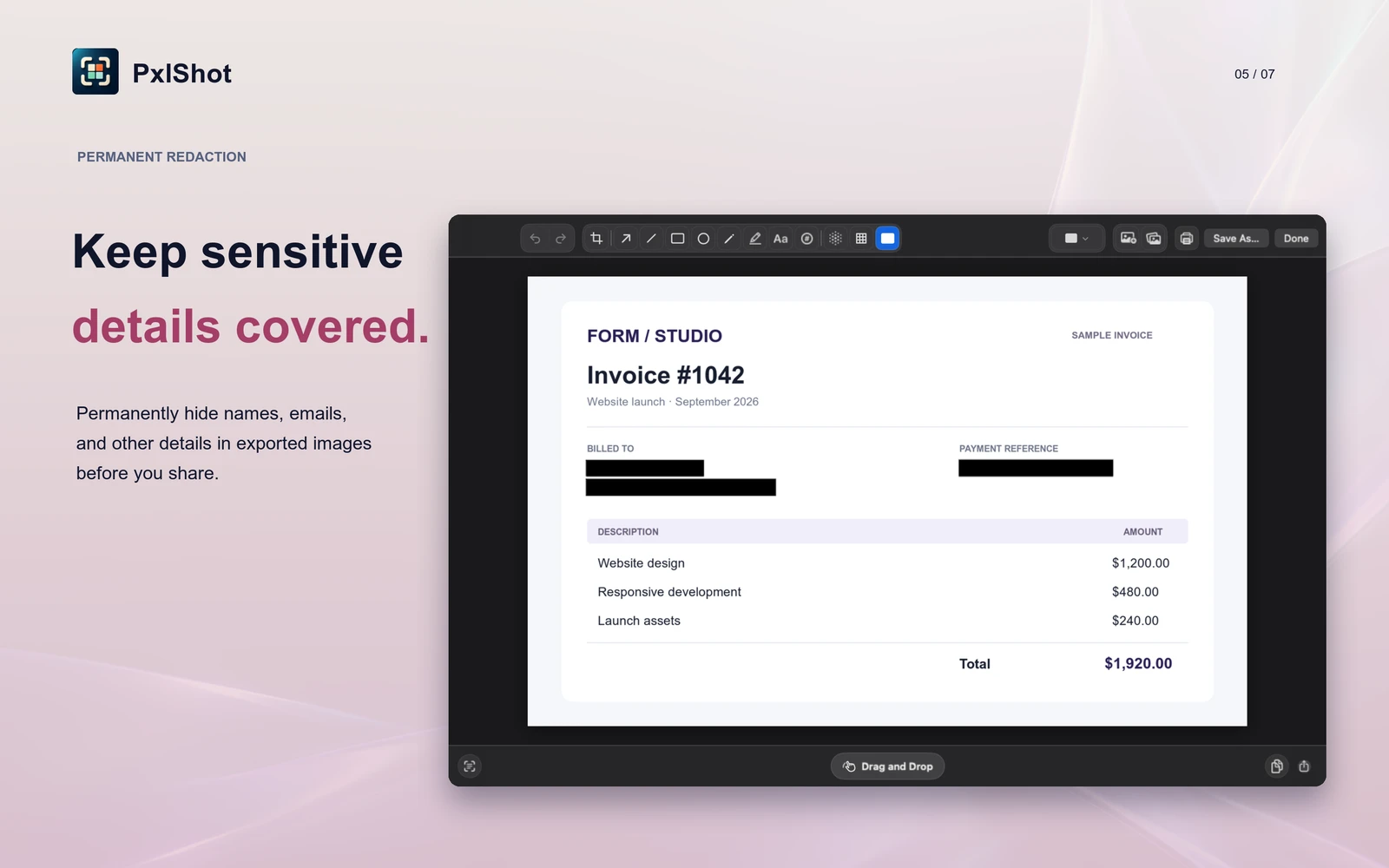
Hide private details
Blur, pixelate, or redact details permanently before sharing.
Find it later
Search captures by the text inside them. OCR stays on your Mac.
A closer look
Native Mac UI. No cloud.



Private by default
Screenshots stay on your Mac.
No account, server, analytics, telemetry, ads, or network access. Captures, OCR, and search stay local. Exports are re-encoded without GPS or EXIF metadata.
Quick answers
Is PxlShot really free?
Yes. No subscription or account.
What version of macOS does it need?
PxlShot requires macOS 14 or newer. Screen recording requires macOS 15 or newer.
Does OCR upload the screenshot?
No. Text recognition runs on the Mac for both editor extraction and recent-capture search. You can review extracted text before copying it.
PxlShot for macOS