Introducing PxlShot: A Free Screenshot Tool for Mac
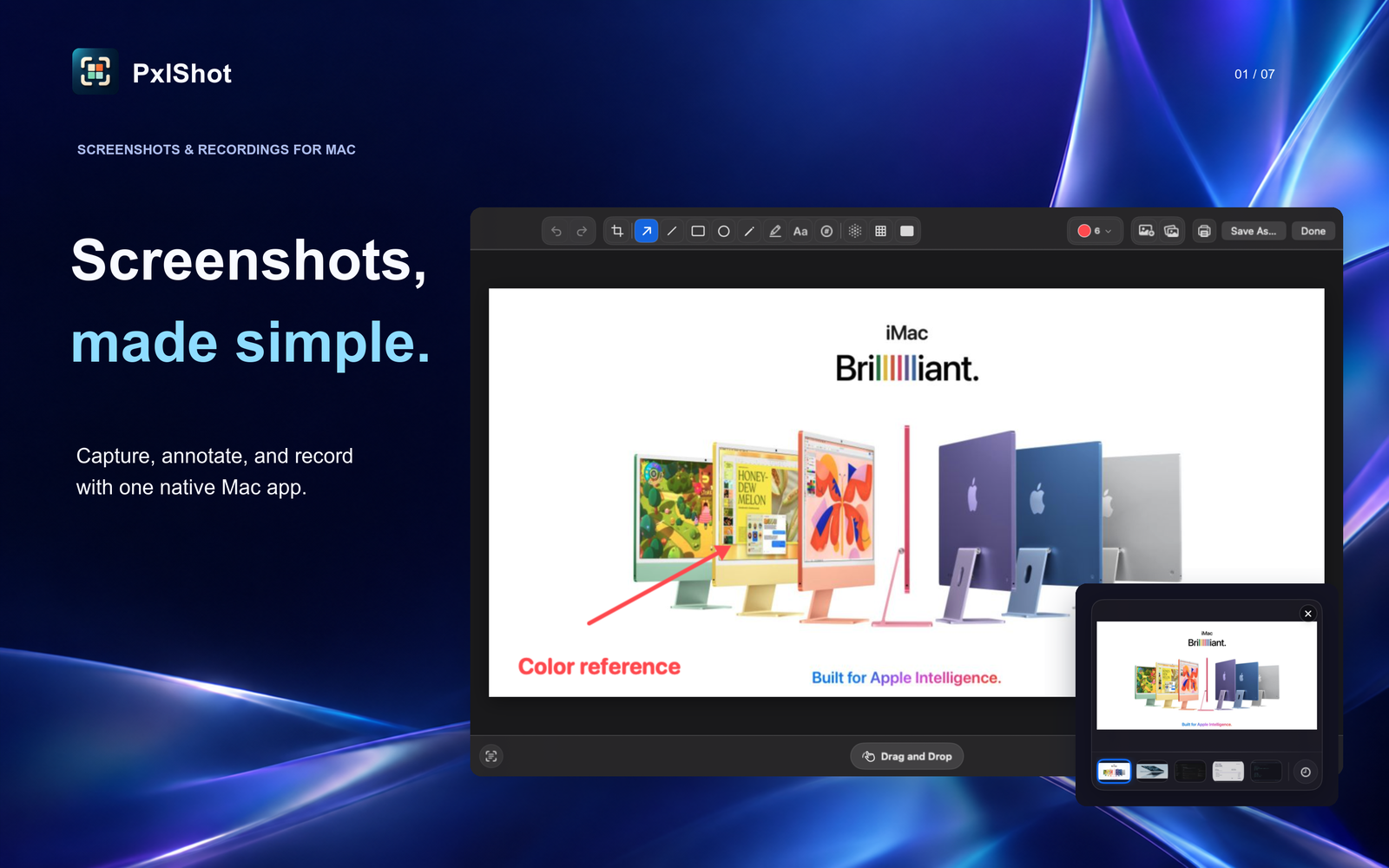
I built a new Mac app called PxlShot.
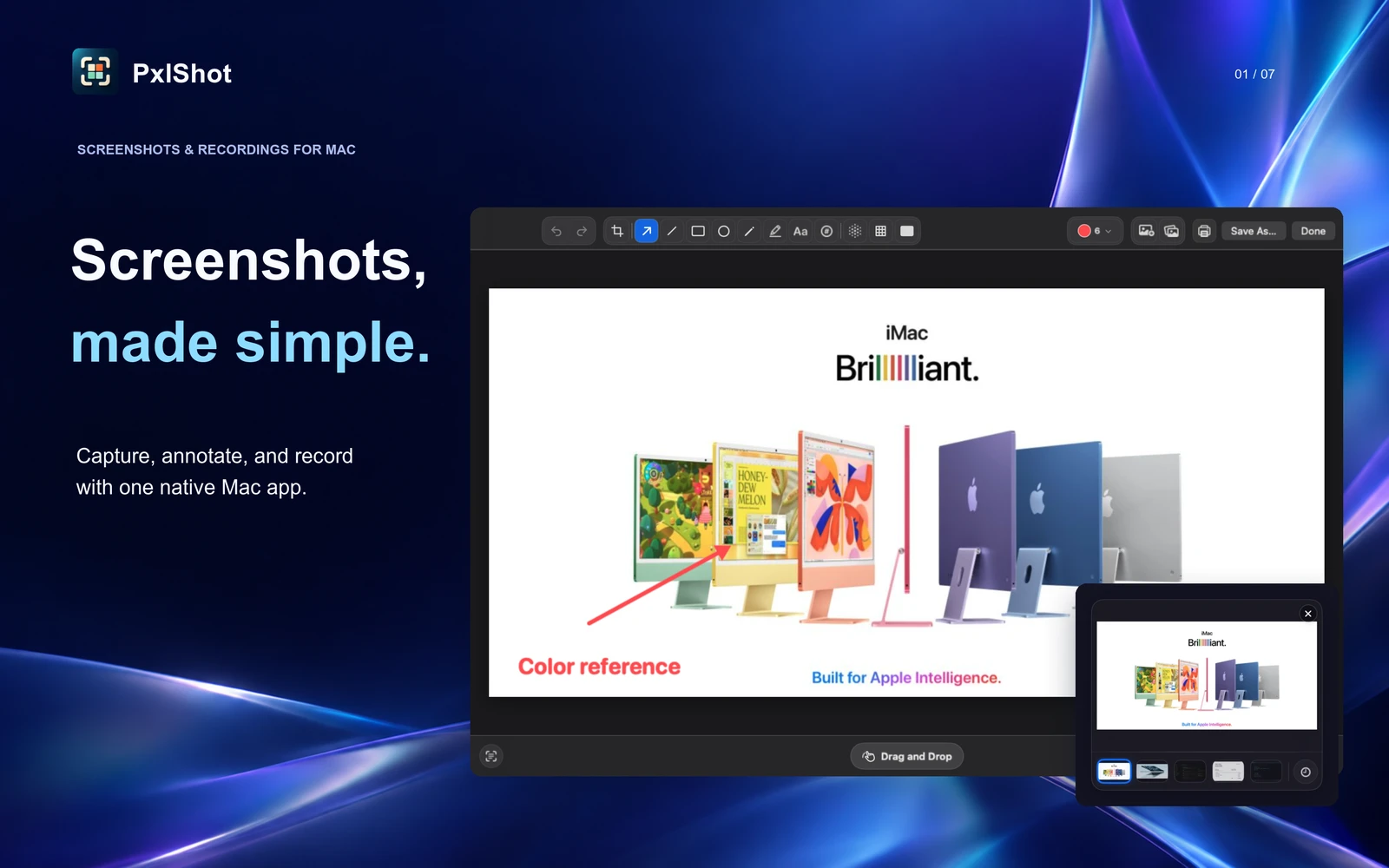
It is a native screenshot tool for capturing areas, windows, and displays. After each capture, you can copy it, save it, edit it, or find it again in local history.
The app is free.
Why I Built It
There are some excellent screenshot apps for Mac. A lot of them are paid, and a few have turned the basic screenshot workflow into another subscription.
I wanted the useful parts without another account or bill.
My goal with PxlShot is to cover the everyday workflow people currently pay for: capture the right part of the screen, add an arrow or note, hide private information, copy text out of an image, and get back to a recent screenshot.
The built-in macOS screenshot tools handle the first step. I wanted the rest of the workflow to feel just as quick.
What PxlShot Does Now
I kept building after the first release. The latest update includes:
- Area, window, and display capture from the menu bar
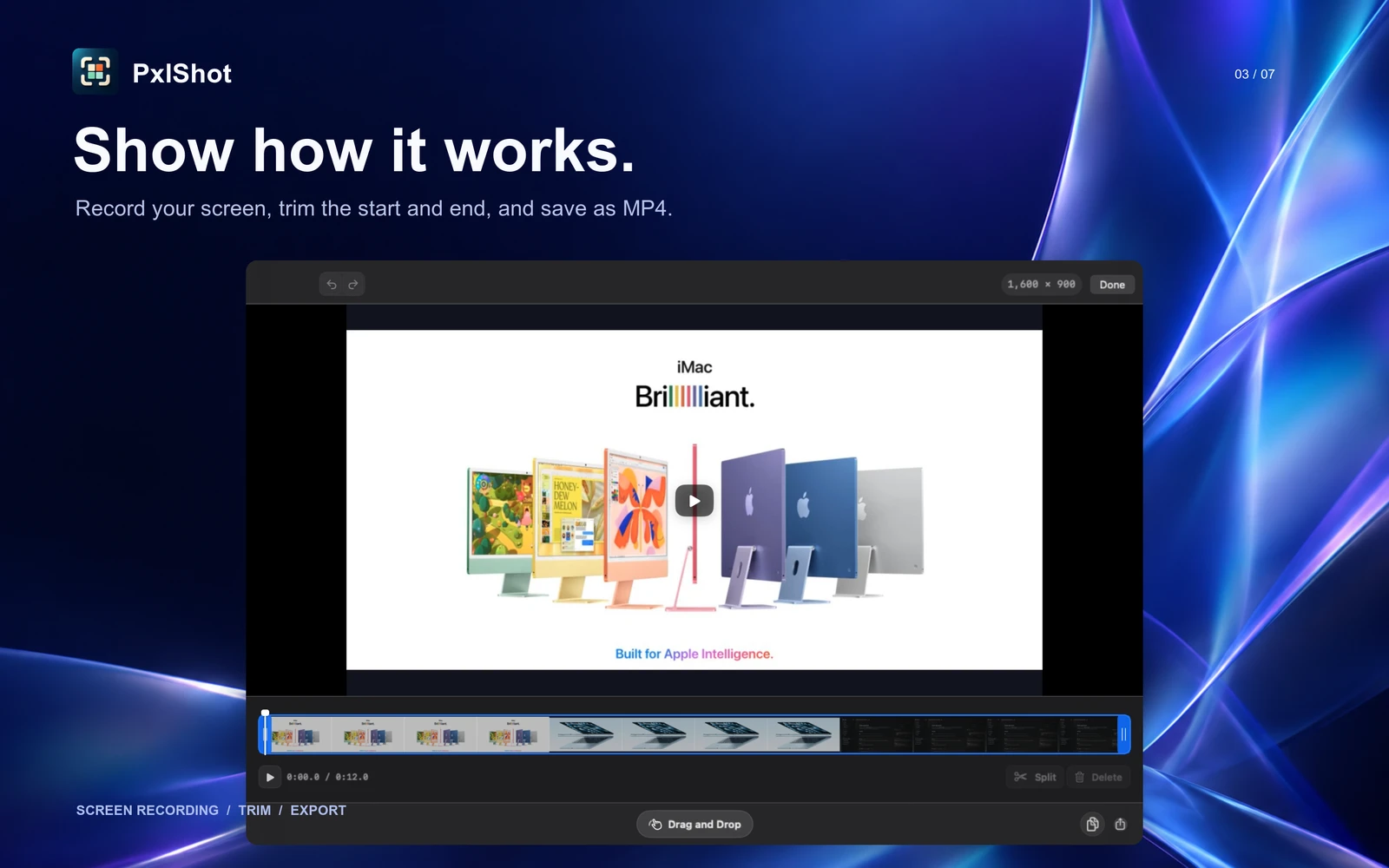
- Screen recording on macOS 15 or newer, with optional Mac audio, microphone, and camera overlay
- A video editor for trimming, splitting, removing sections, and exporting MP4 files
- Customizable global shortcuts for area, window, and display capture plus recent history
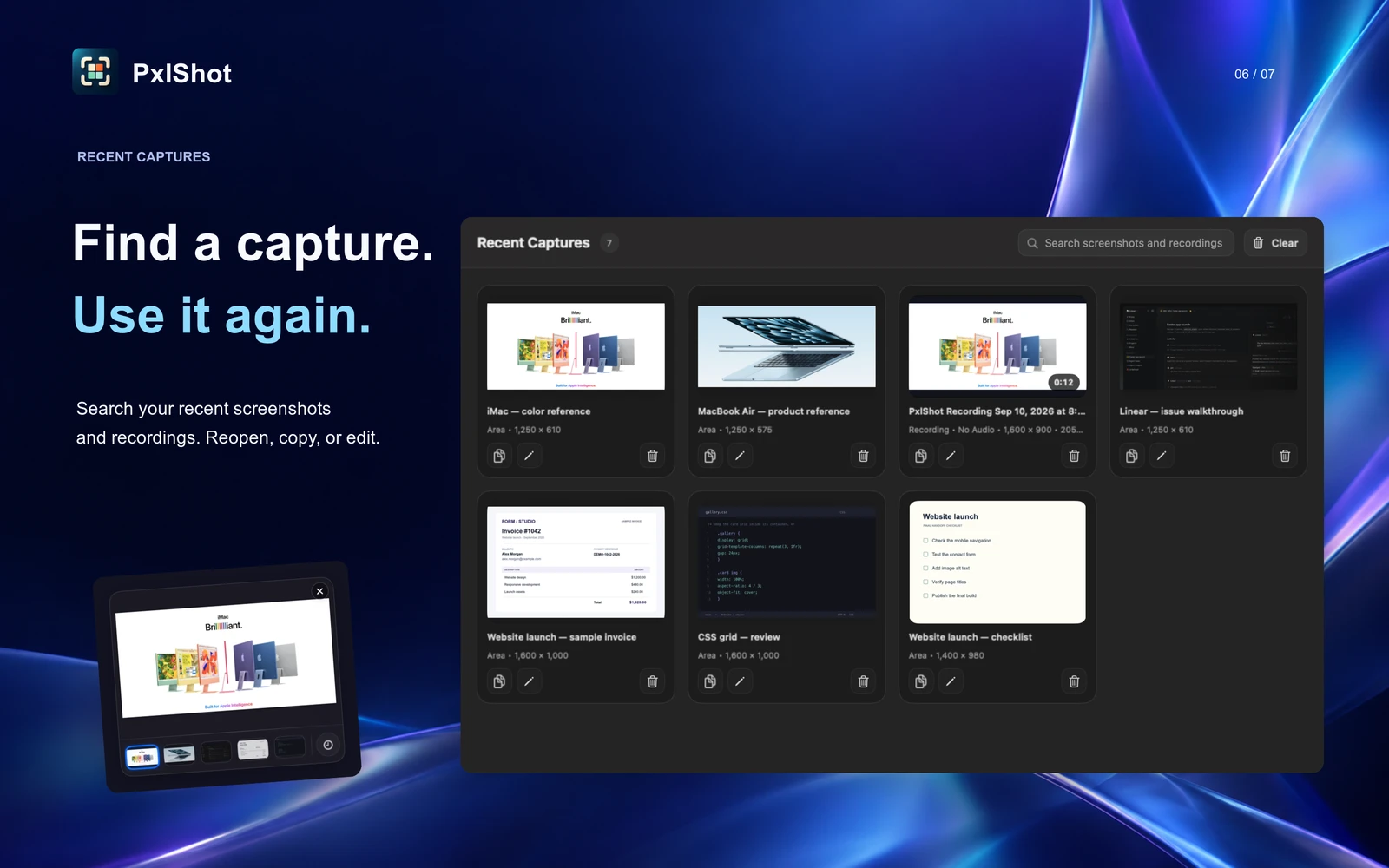
- Quick Access with copy, save, edit, delete, drag, and local history
- A full editor with crop, arrows, lines, shapes, text, pencil, highlighter, numbered counters, and controls for color, thickness, fonts, and text backgrounds
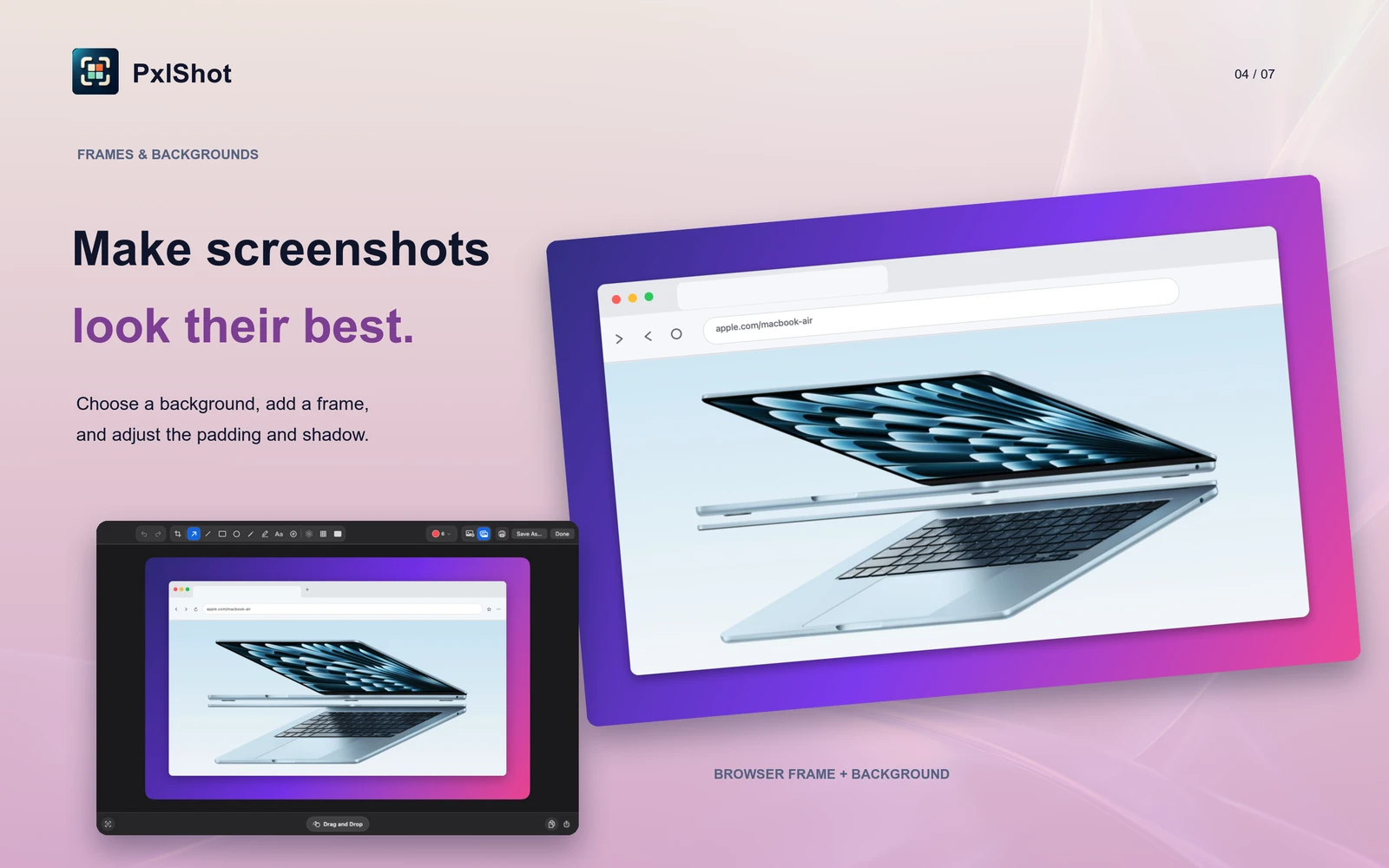
- Photo backgrounds using the current Mac wallpaper or any image, plus solid colors and built-in gradients
- Clean browser frames with Mac and Windows styles, light and dark appearances, and a custom address
- Multiple image layers you can add from the toolbar or by dropping photos onto a screenshot
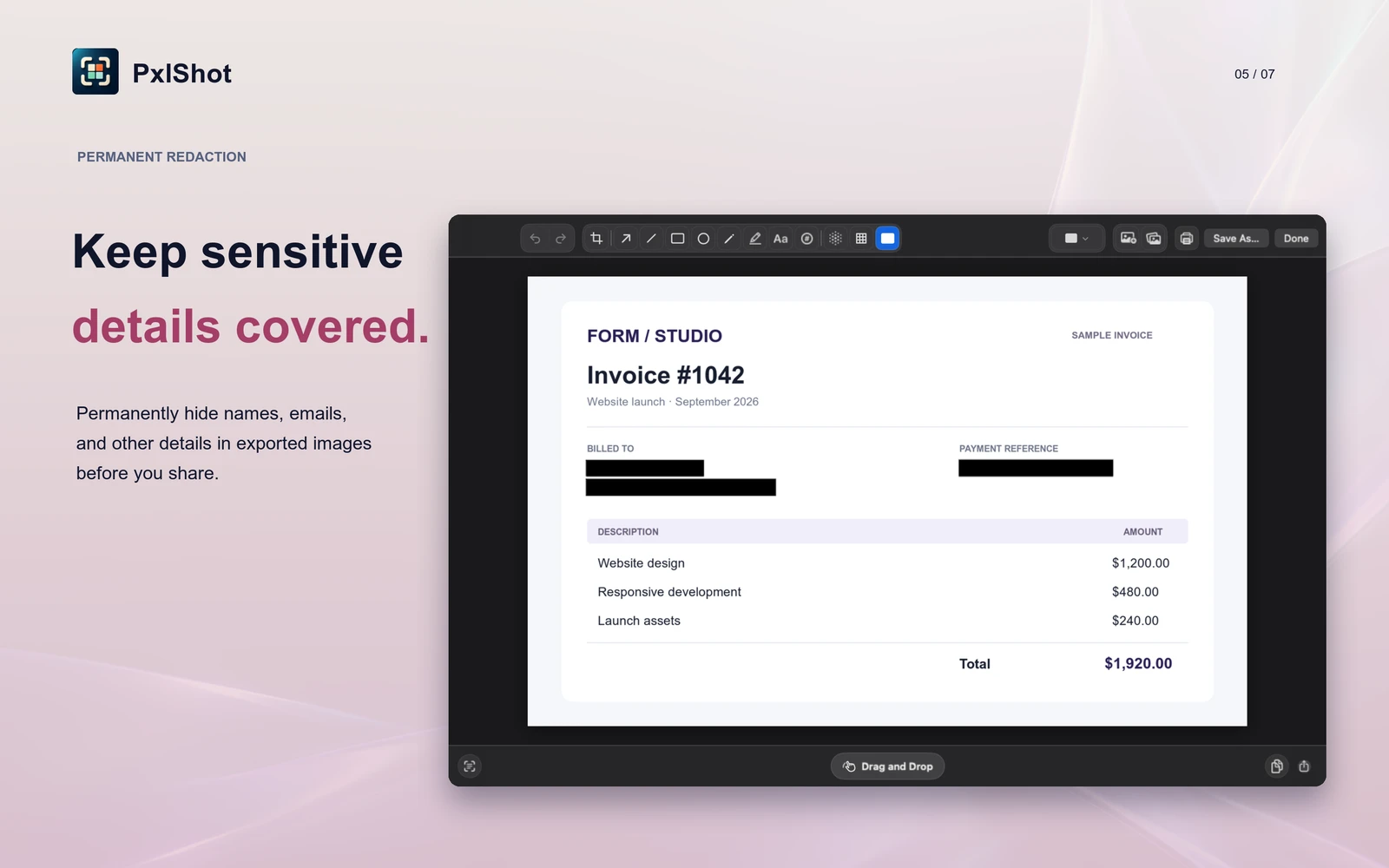
- Permanent blur, pixelation, and redaction, plus fresh exports without source photo metadata
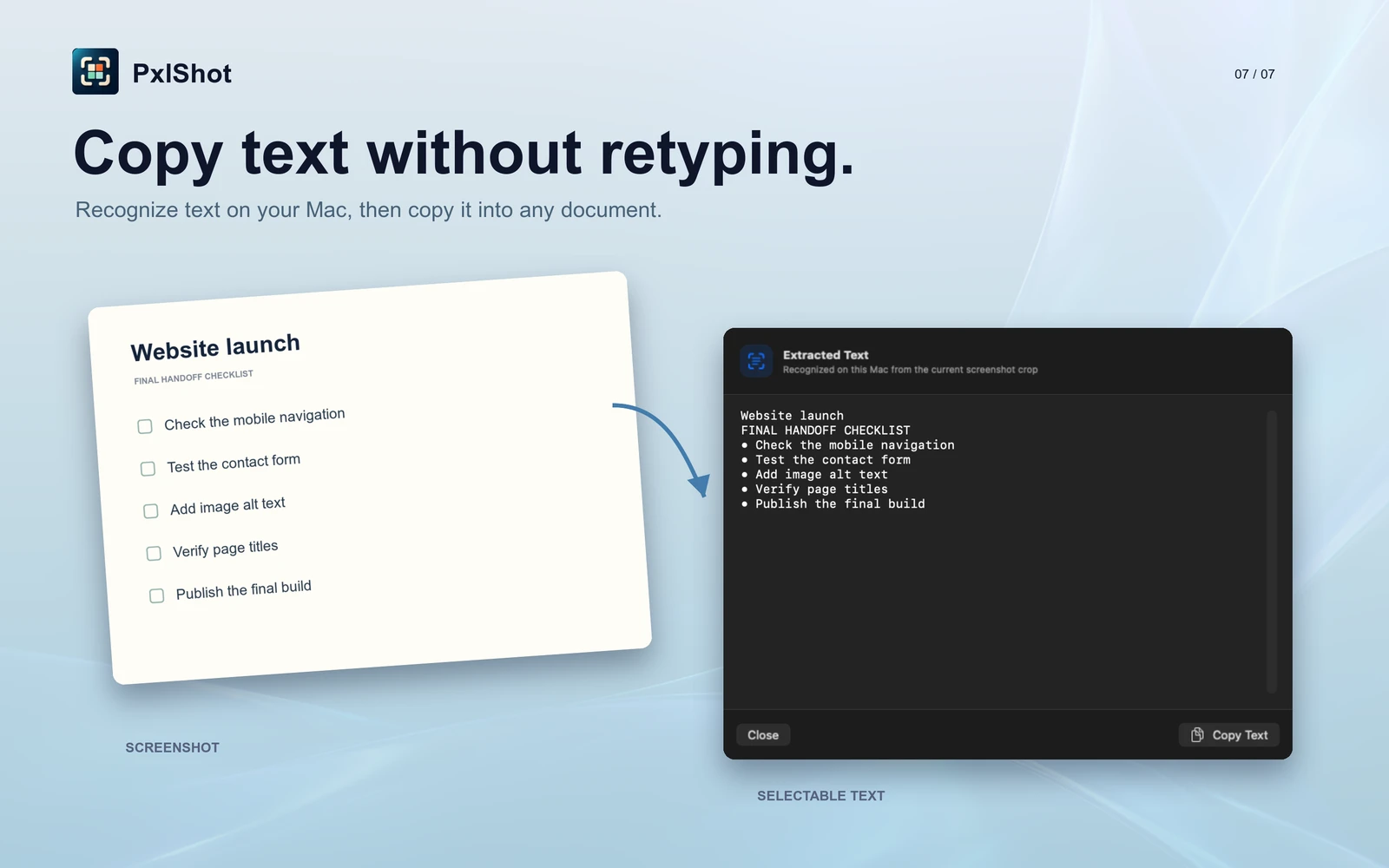
- On-device text recognition with a review sheet before you copy the result
- Searchable recent captures that can find words inside the image, with adjustable retention
- PNG, JPEG, and WebP export, plus native copy, save, print, share, and drag
That is already enough to replace the screenshot workflow I was using before.
Photo Backgrounds
I kept wanting a background that felt more personal than a flat color. In the editor, choose Photo and PxlShot starts with the wallpaper on your current display. You can swap in any image, then switch between Photo, Gradient, Solid, and Transparent whenever you want.
The background is copied into the edit and center-cropped behind the screenshot. The original file can move or disappear without breaking the saved edit.

Private By Default
Screenshots regularly contain things that should not end up on somebody else’s server.
PxlShot has no account system, server component, analytics, telemetry, advertising, or network entitlement. Captures stay on the Mac. OCR runs on the Mac. Recent history and its searchable text index stay on the Mac.
When you copy, drag, share, or export an image, PxlShot re-encodes it from the pixels. Source GPS, EXIF, and other descriptive photo metadata do not go with it.
This is not a privacy mode hidden in settings. It is how the app works.
The details are in the PxlShot section of my privacy policy.
Free, For Now
I want to make a free but useful screenshot tool that can compete with the paid options on the features most people actually use.
For now, I am giving PxlShot away. I may add paid features later if there is a good reason, but I do not want to cripple the basic capture and editing workflow just to force an upgrade.
What Comes Next
The current version is the starting point, not the finished list.
I have more work planned, and I would rather build around real requests than guess. If something is missing that would make PxlShot your default screenshot tool, send me an email at [email protected] or use my contact page.
Tell me what you are trying to do, not just the name of the feature. That context usually leads to a better version of it.
You can download PxlShot from the Mac App Store. The full feature list and screenshots are on the PxlShot product page.