WeatherTab
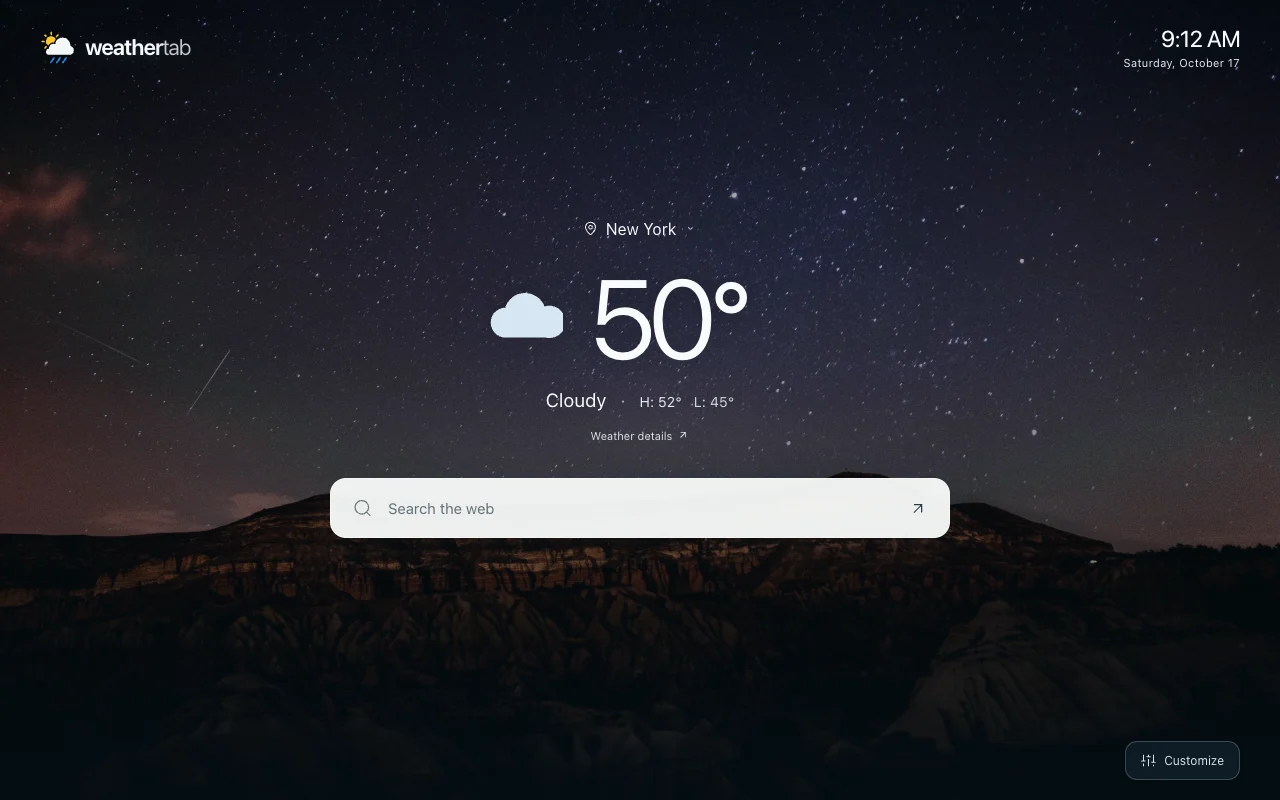
WeatherTab replaces your Chrome new tab with the weather, a full-screen photo, and web search that starts with your browser’s default engine.
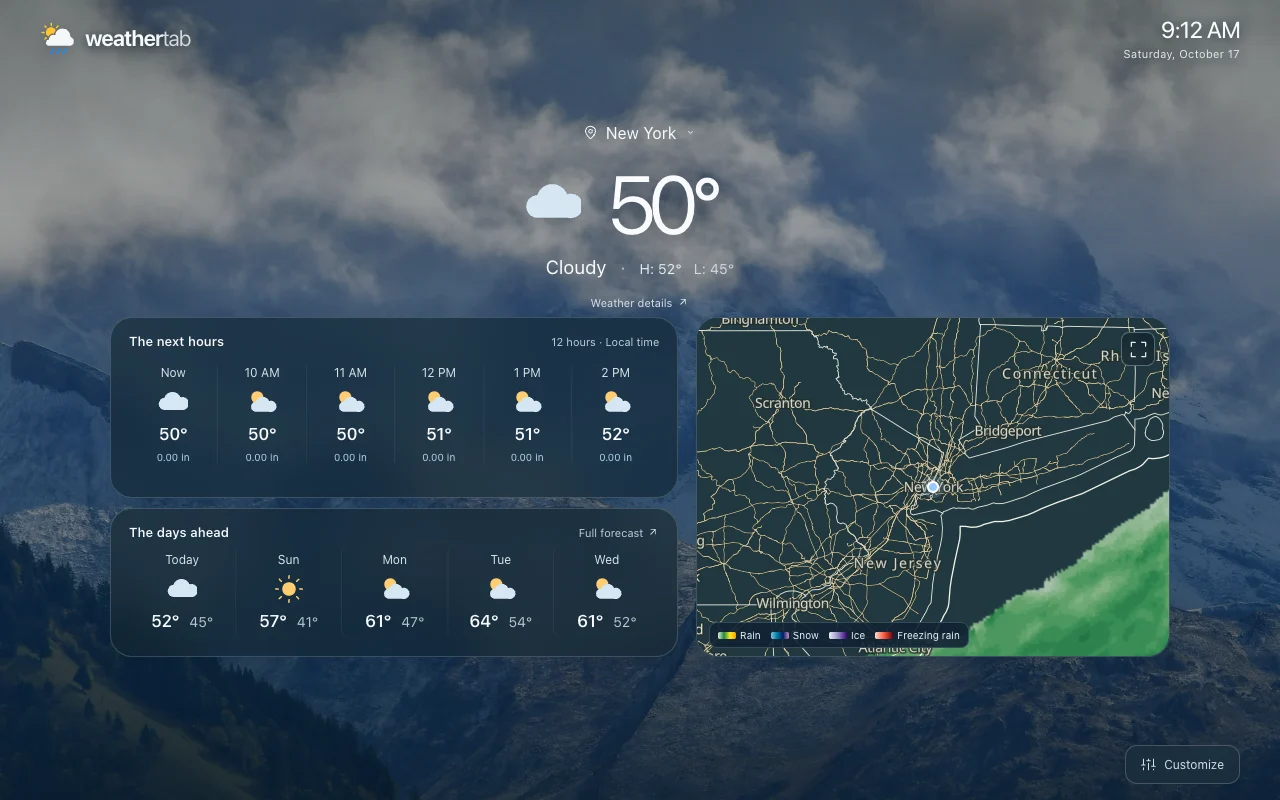
Keep it simple with the current weather and search. Or turn on hourly and daily forecasts, your favorite weather readings, sunrise and sunset, and radar.
See what’s new in WeatherTab →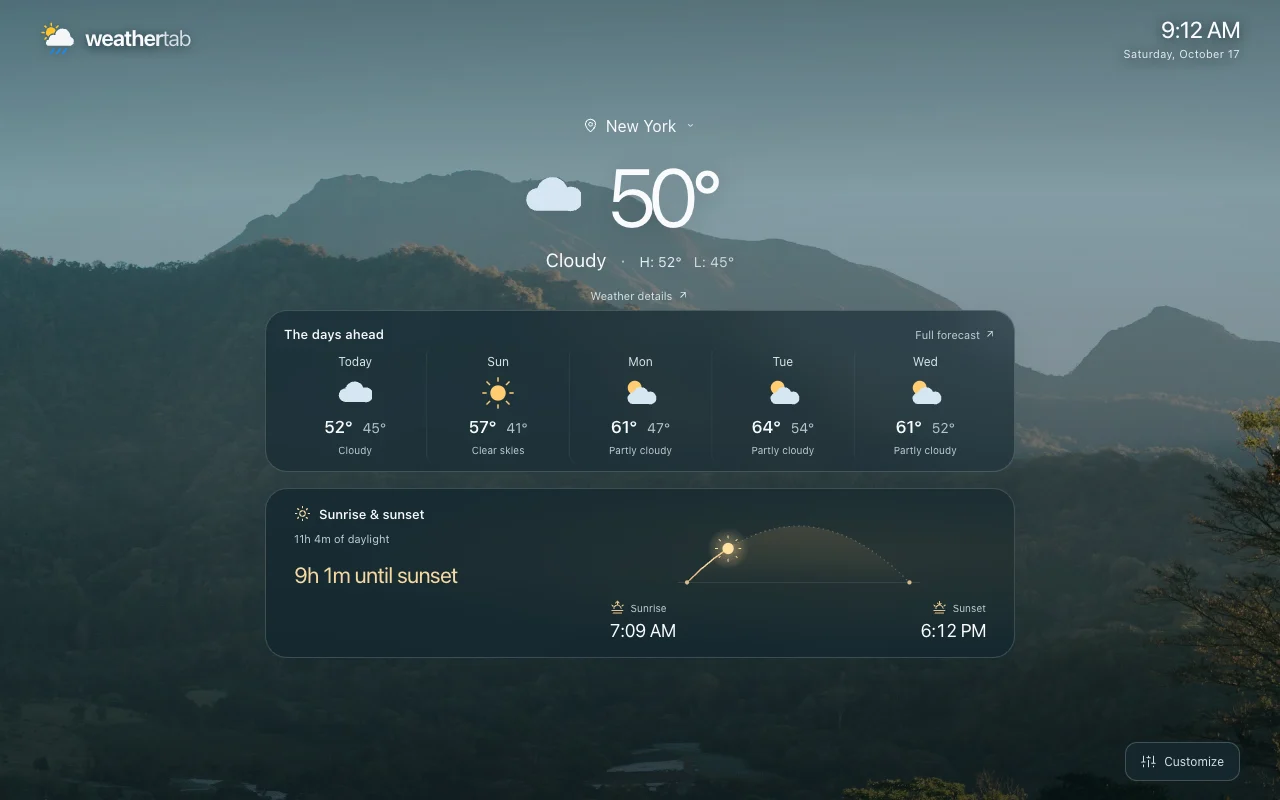
Features
- Choose a city and Fahrenheit or Celsius. Save cities to switch between them quickly.
- Follow sunrise and sunset with a daylight arc, countdown, and day length.
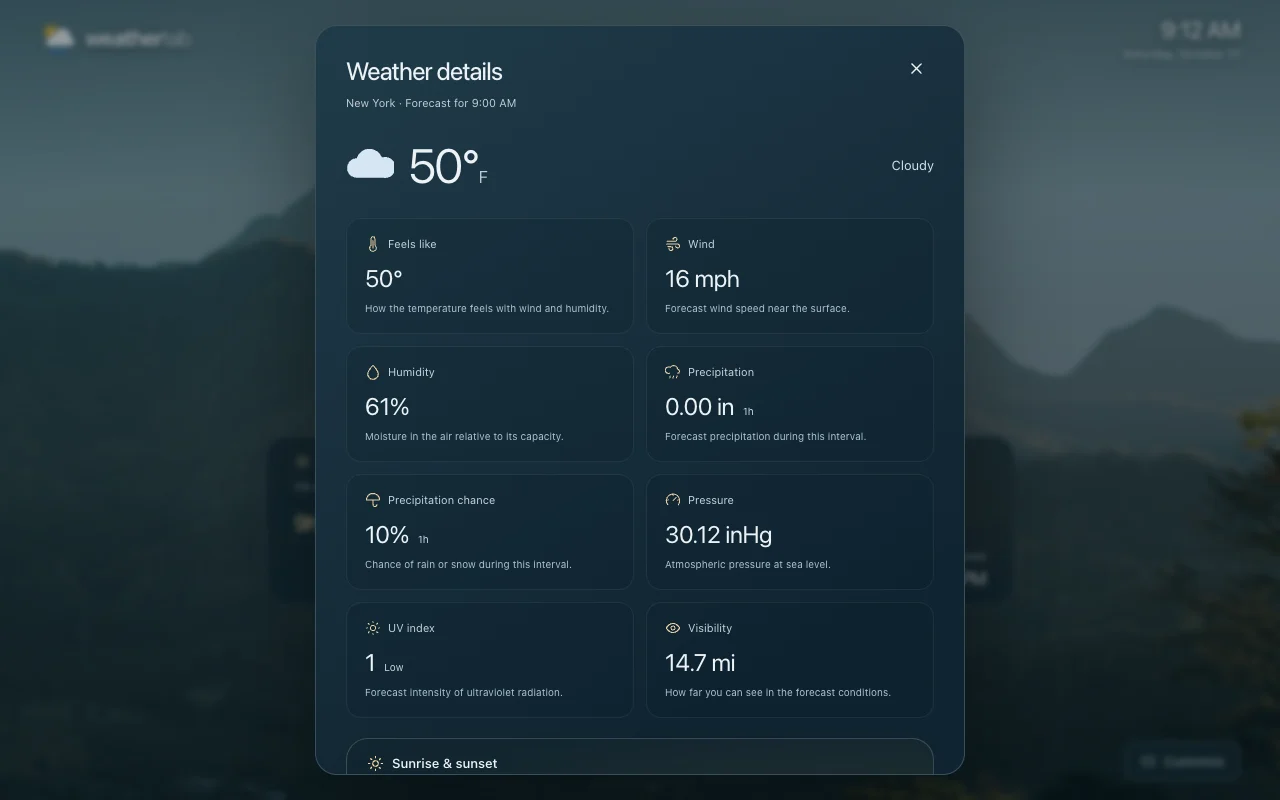
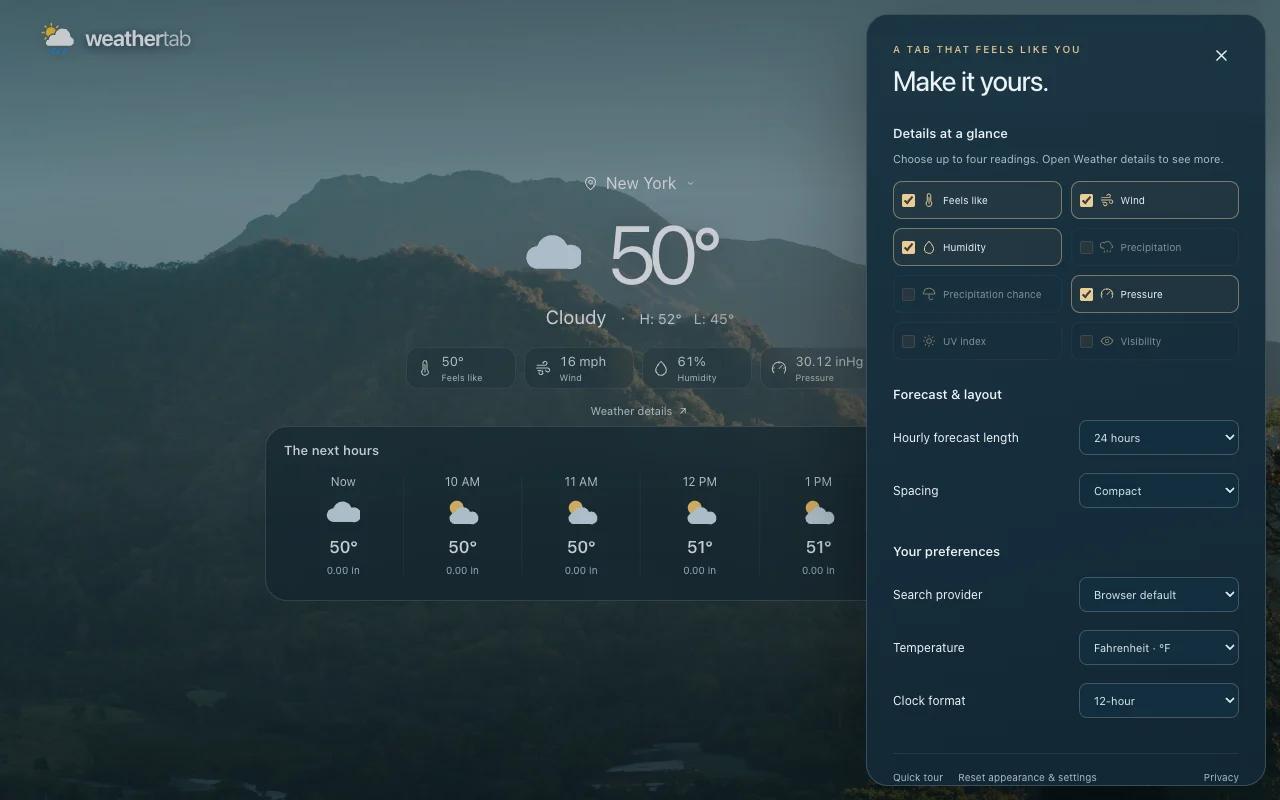
- Pick up to four weather readings for your dashboard. Open Weather details for more, including the moon phase.
- Choose 6, 12, or 24 forecast hours and 3, 5, or 7 days, when available. Use comfortable or compact spacing.
- Click a forecast day to open its details on Weather Extension.
- Show or hide the clock, search, daily forecast, hourly conditions, weather details, and radar.
- Start with your browser’s default search engine, or choose another web provider in Customize. This only affects searches from WeatherTab.
- Start with Minimal, Everyday, or Expanded, then adjust each setting.
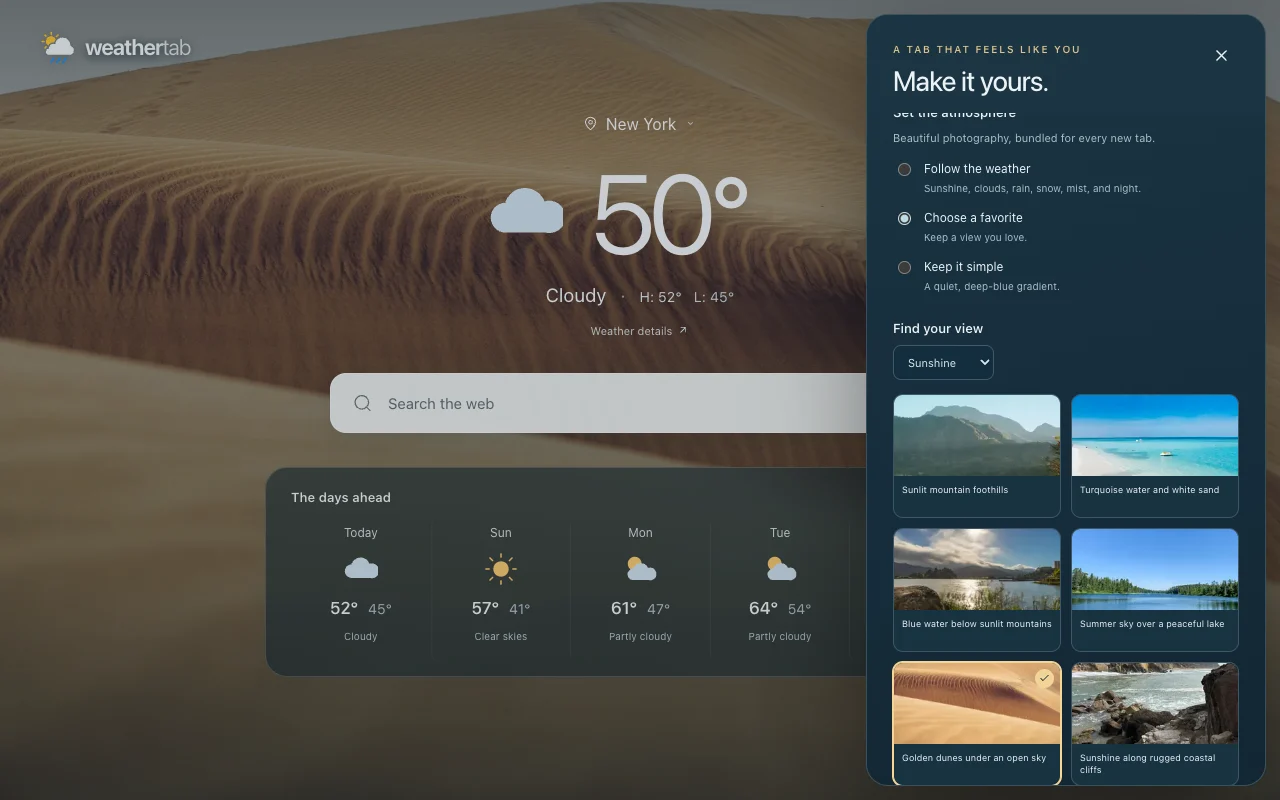
- Pick from 36 weather photos for sunshine, clouds, rain, snow, mist, and night. Let the background follow the weather, keep a favorite, or use a gradient.
- Weather refreshes automatically while your tab is visible and checks for updates when you return.
- Use a 12-hour or 24-hour clock. Preferences save automatically.
Weather at a glance
Take a closer look
Hourly forecasts and radar
Choose your layout
Pick your background
Visit WeatherTab on Weather Extension for the product page. If you also want the temperature in your toolbar, try Weather Extension.