Building the T.LY iOS App
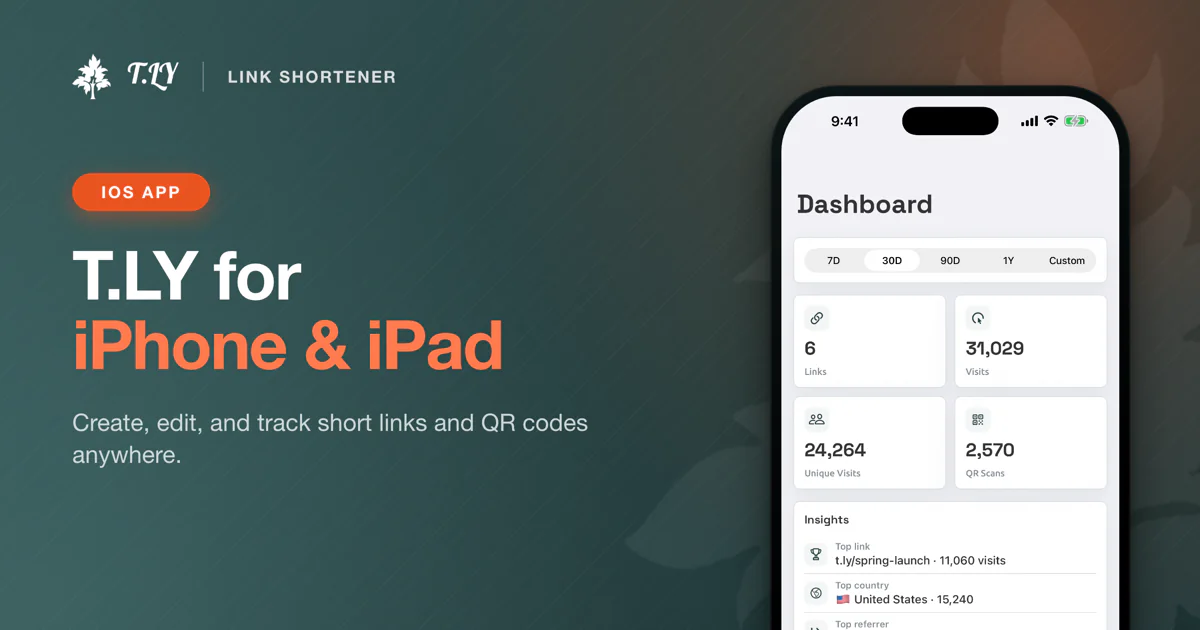
I have been working on a new iOS app for T.LY. You can learn more on the T.LY iOS app page.
At first, the idea sounds simple. T.LY already works well on the web, and a lot of link sharing happens from a phone. So the app should let people shorten links, manage existing links, check analytics, work with QR codes, and share links from anywhere in iOS.
Then reality shows up.
The web app has years of product decisions inside it. Short links, QR codes, analytics, custom domains, teams, settings, API access, billing, account flows, and plenty of smaller details that only exist because users asked for them over time.
Trying to fit all of that into a first iOS release is a good way to never ship.
The Hard Part
The hardest part of building a mobile version was not finding features to add. It was deciding what not to add yet.
When you already have a full web app, every feature feels important. Someone uses it. Someone asked for it. Someone may be annoyed if it is missing.
But a mobile app has a different job.
People are not opening the T.LY app on their phone because they want to manage every corner of their account. Most of the time, they want to do something quick:
- Shorten a link from their phone
- Share a link from Safari or another app
- Find a recent short link
- Check if a link is getting clicks
- Edit a link that needs a quick fix
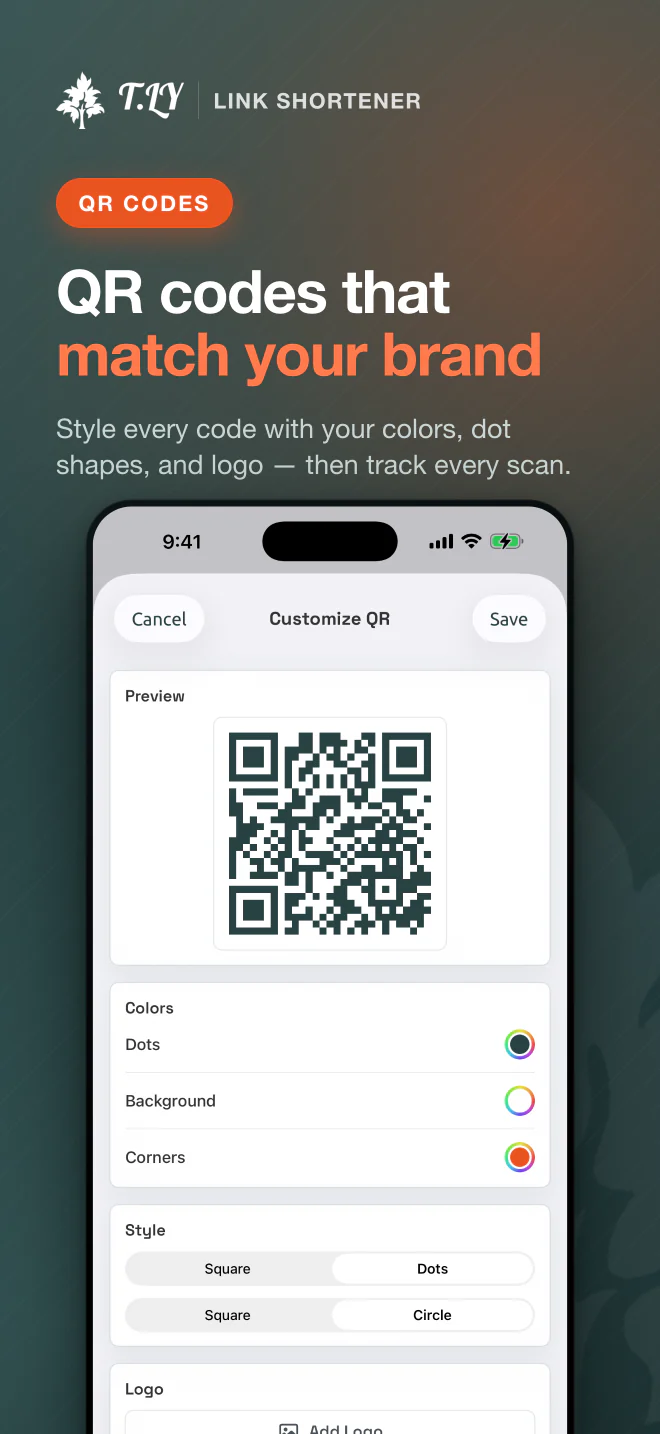
- Pull up or customize a QR code
That became the filter. If the feature solved a real mobile workflow, it belonged in the first version. If it was more of an account management workflow, it could stay on the web for now.
The MVP
The first version needed to prove that T.LY could feel useful on iPhone and iPad.
Not someday. Not after every web feature had been ported. Right away.
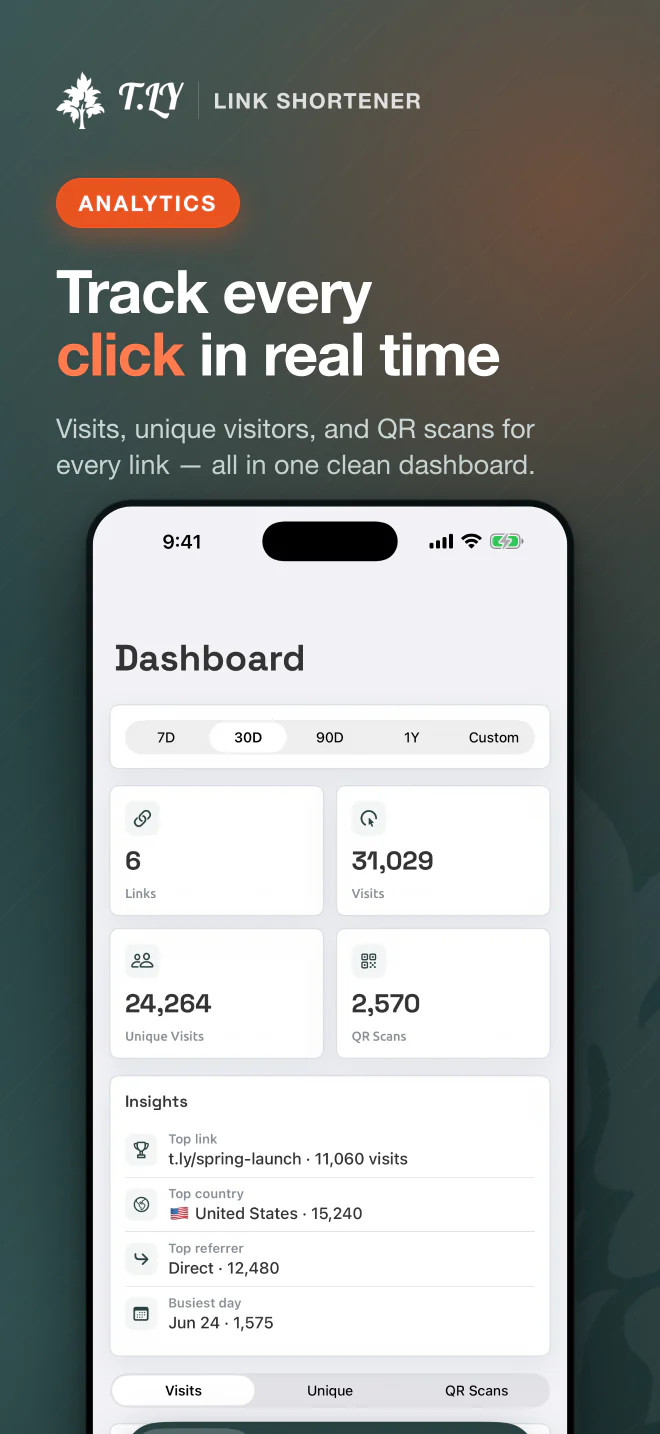
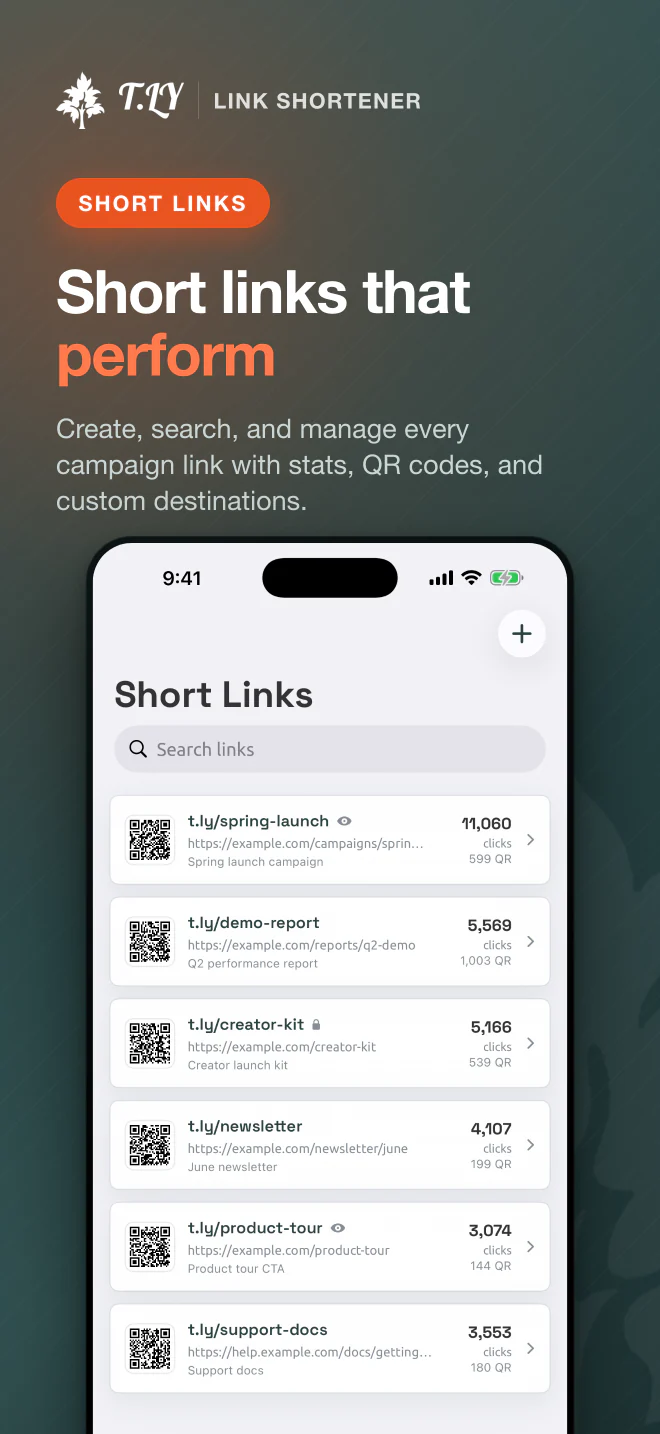
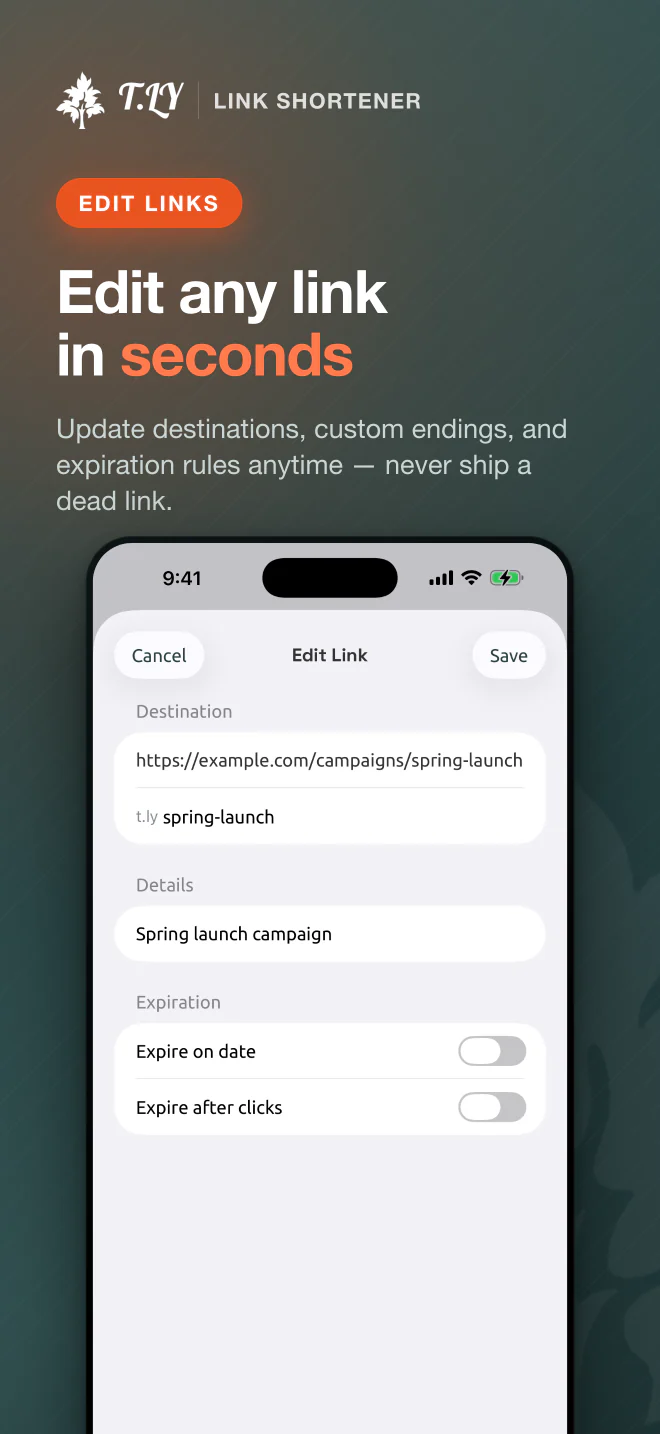
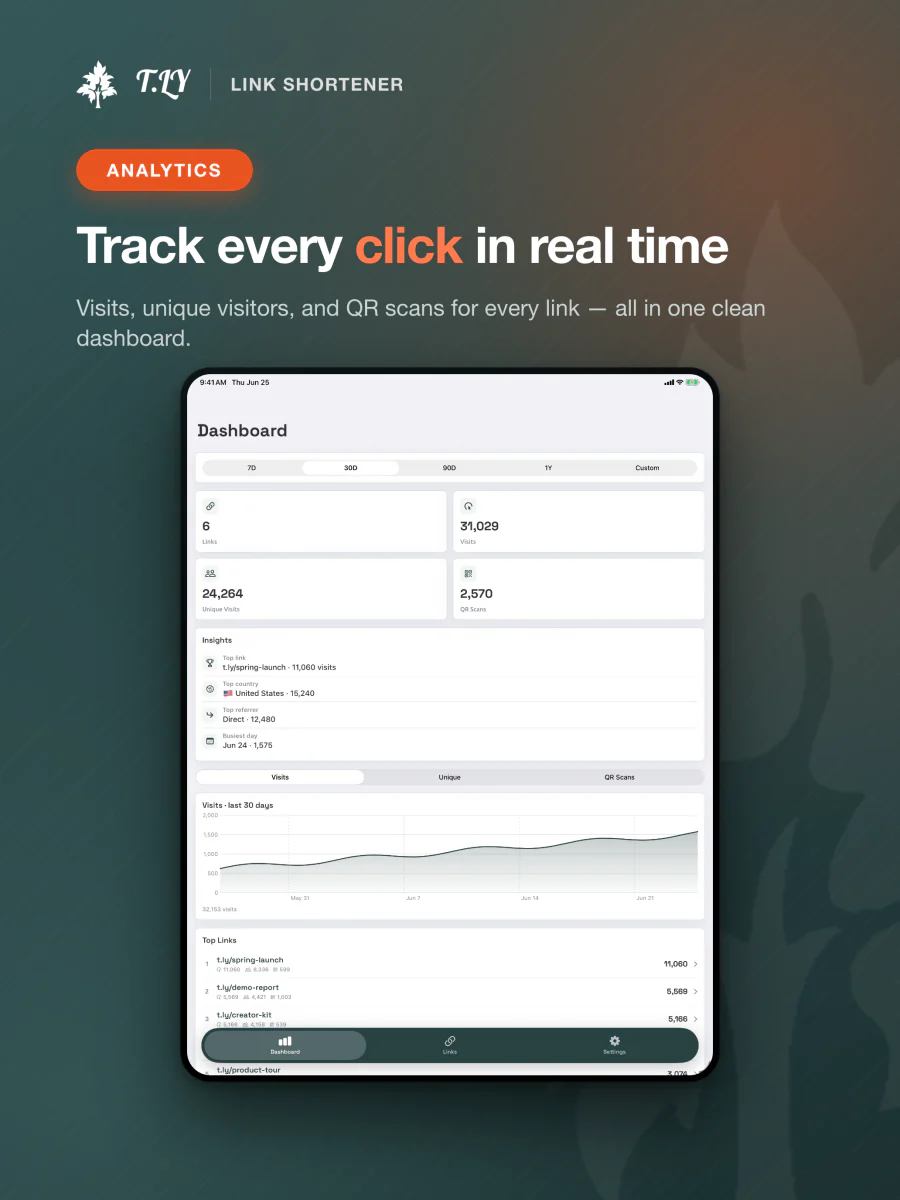
So the MVP is focused on the core signed-in workflows: create short links, manage links, view analytics, work with QR codes, and use the share extension. That is enough for the app to be useful without pretending it replaces the full web dashboard.
Some things are better left out of the first version. Account creation, pricing, checkout, subscription management, deep team setup, and advanced settings are not great mobile launch blockers. They add complexity, review risk, and more places for the app to feel half-finished.
The better version is simpler: make the app a strong companion for existing T.LY users.
The web app can stay the source of truth for bigger account decisions. The iOS app can focus on speed.
Shipping Teaches You Faster
There is always a temptation to wait.
Wait until the app has every feature. Wait until every edge case is cleaned up. Wait until the mobile version feels as complete as the product people already know from the web.
That sounds responsible, but it can turn into hiding.
You learn a lot more once real users have the app in their hands. They will tell you what is confusing, what is missing, what is slow, and what they expected to work differently. Some of that feedback will be obvious in hindsight. Some of it will surprise you.
That is the real reason to start with an MVP. It is not about shipping something weak. It is about getting the smallest useful version into the world so the next version is based on real usage instead of guesses.
What Comes Next
The plan is to keep improving the app based on feedback.
That may mean making the share extension faster, improving link search, adding better analytics views, polishing QR code tools, or bringing over more of the web app where it makes sense. The key is not to port features just because they exist.
Mobile should make T.LY faster in the moments where a phone is the best device for the job.
That is the product I want to build: not a tiny copy of the web dashboard, but a focused app that makes short links and QR codes easier to manage when you are already on your phone.
You can install it here: T.LY URL Shortener on the App Store. More details are on the T.LY iOS app page.
I also wrote up the Android version and the different challenges I ran into getting it ready for Google Play.