Free QR Code Scanner & Creator App
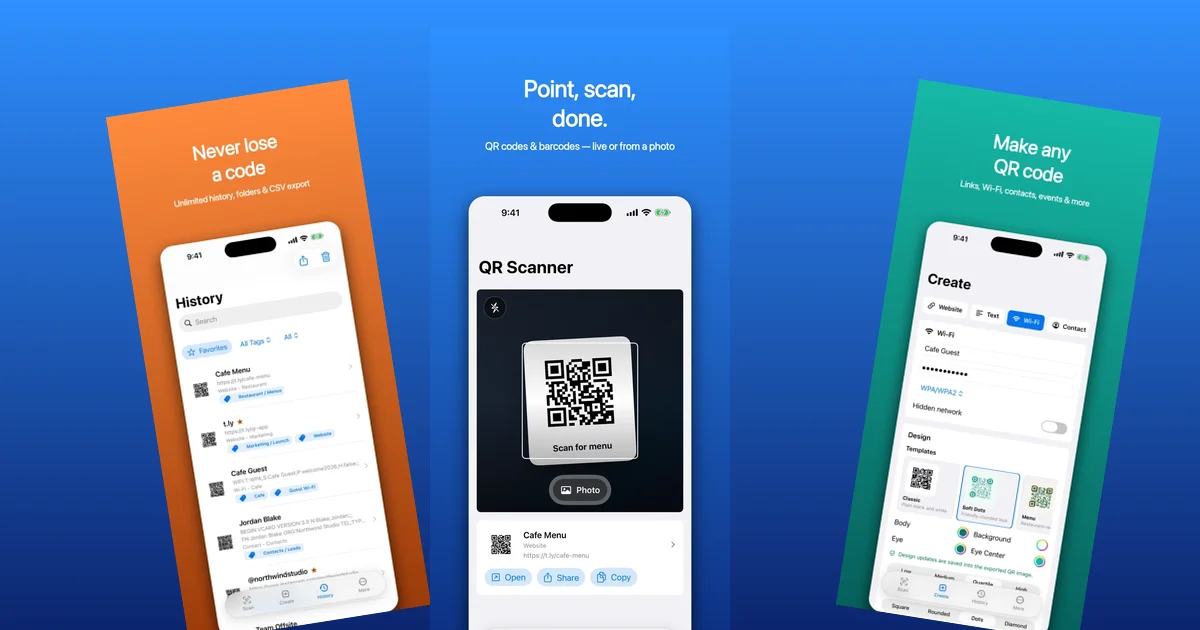
I built a new app called QR Code Scanner & Creator. It is available for iPhone and Android.
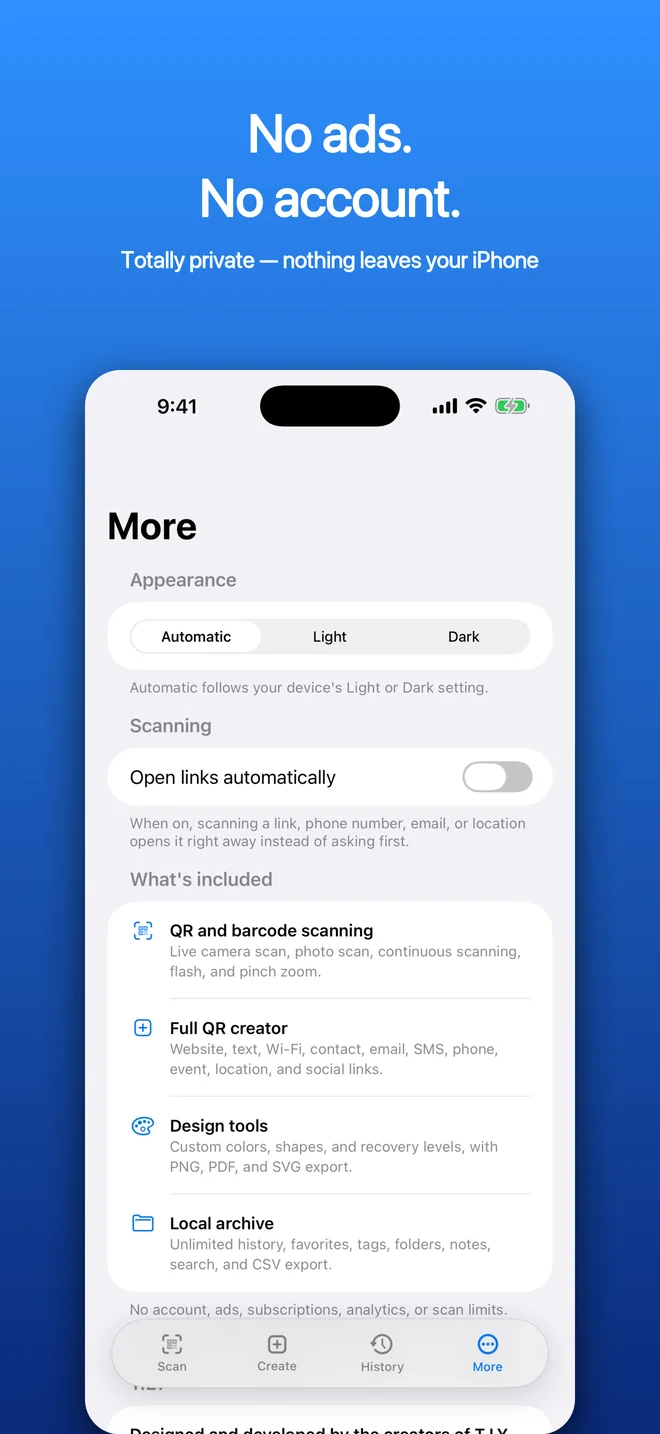
The idea is simple. Open the app, scan a QR code or barcode, create a new QR code, save useful ones, and move on. No account. No ads. No subscription. No weird scan limit.
Why I Built It
QR codes are everywhere now. Menus, flyers, packaging, events, business cards, classrooms, trade shows, and random signs taped to doors.
Your phone camera can scan a basic QR code, which is fine most of the time. But the moment you need a little more, things get annoying.
Maybe you want to scan a code from a screenshot. Maybe you want to make a Wi-Fi QR code for guests. Maybe you need to keep a history of scans, export them, favorite a few, or create a clean QR code without opening five websites.
That is where a dedicated app still makes sense.
The problem is that a lot of QR apps follow the same App Store playbook. The download is free, then the useful parts are wrapped in ads, subscriptions, limited scans, or “pro” upgrades. Sometimes all you wanted was to scan a code and make one decent-looking QR image.
I wanted the opposite.
What It Does
QR Code Scanner & Creator is meant to be a practical QR toolkit for iPhone and Android.
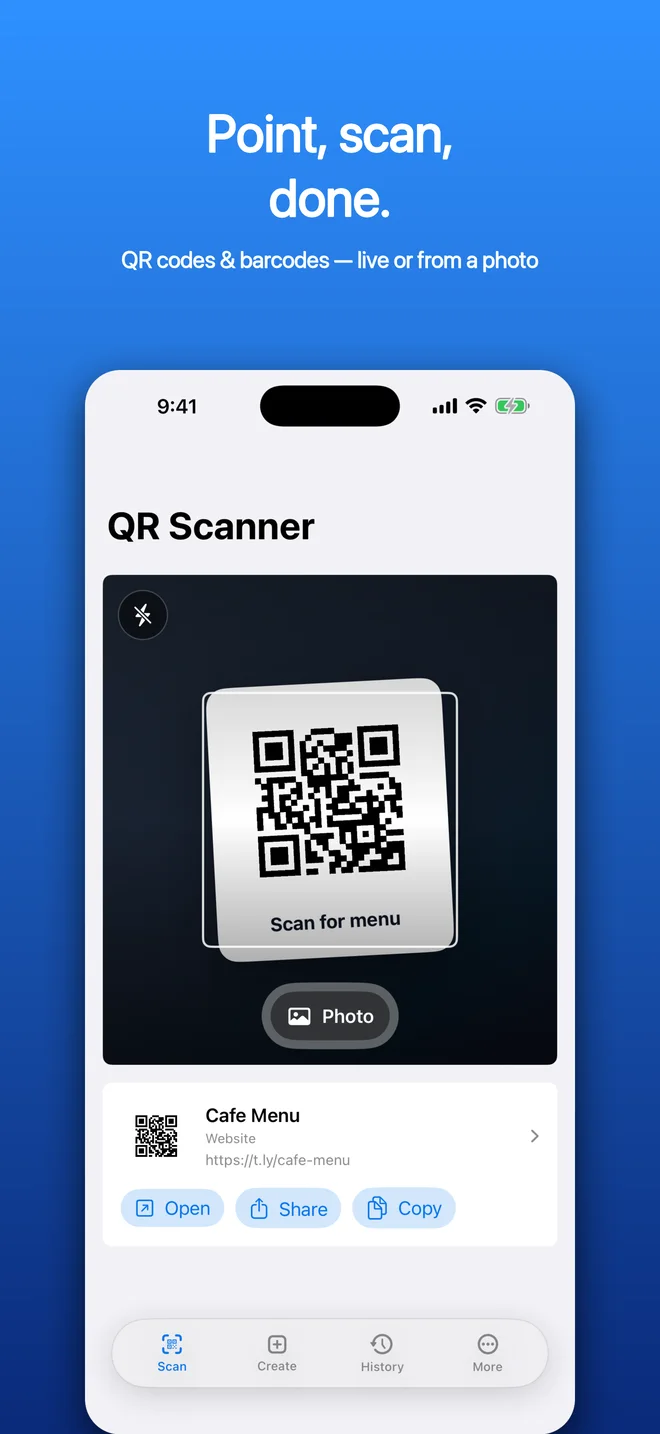
- Scan QR codes and common barcodes with the camera
- Scan codes from screenshots and photos
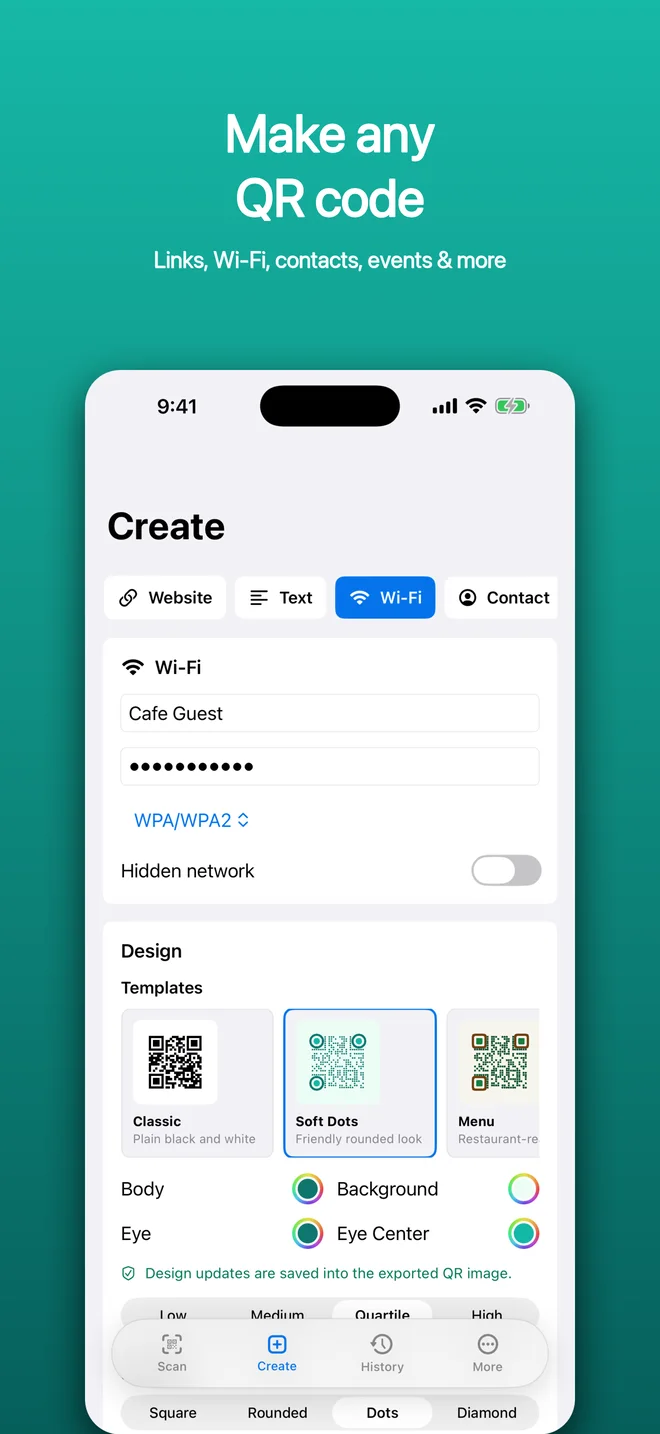
- Create QR codes for links, Wi-Fi, text, contacts, email, SMS, phone numbers, events, locations, and social profiles
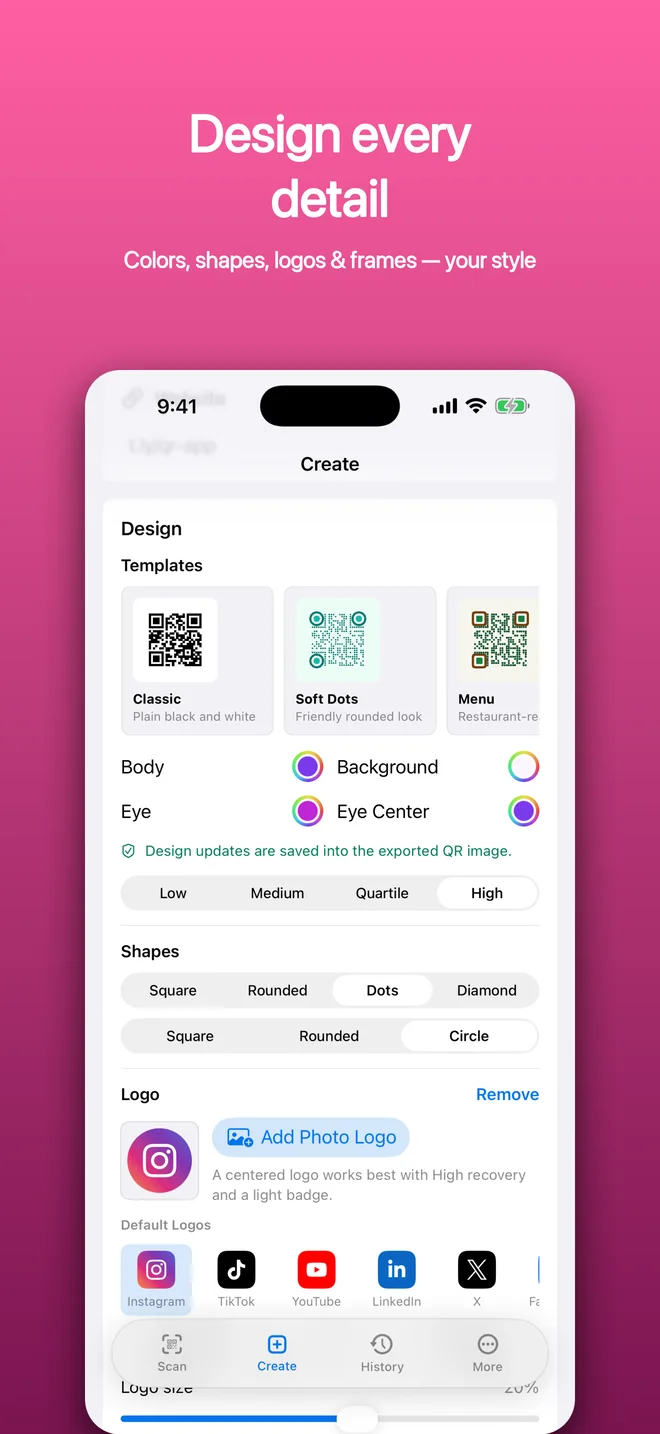
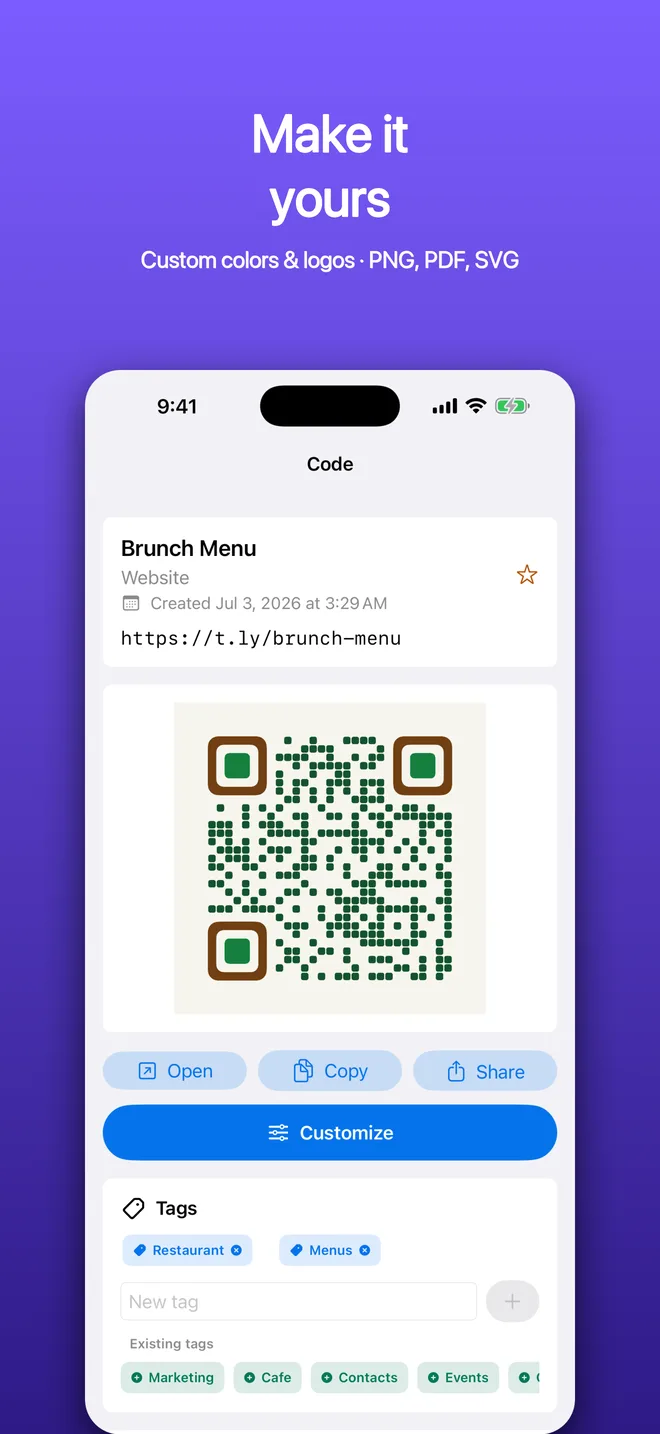
- Customize QR colors before sharing
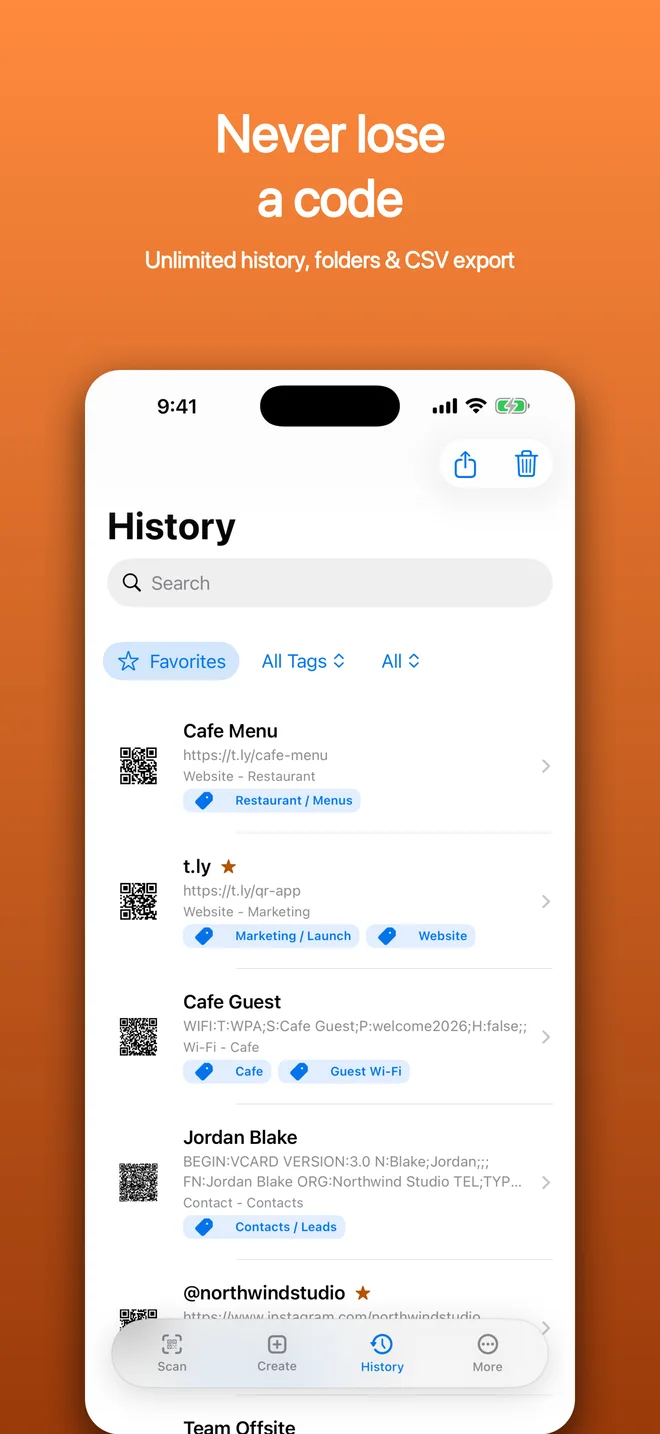
- Save unlimited local history
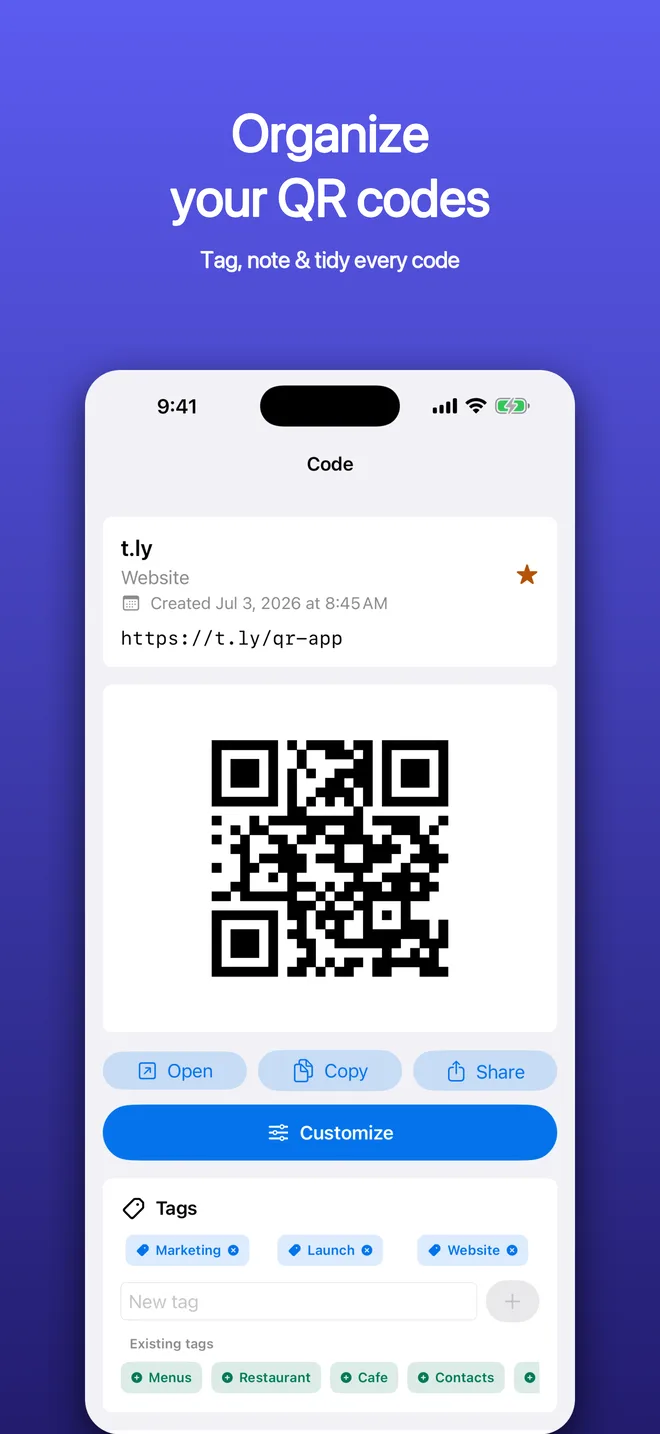
- Use folders, favorites, notes, and search
- Export scan history to CSV
- Copy, share, open, and regenerate codes from history
There is also a small optional T.LY shortcut if you want to shorten a long URL before making a QR code. It is optional. The app works fine without a T.LY account.
Free Means Free
The app is free.
Not “free with a full-screen ad every third tap.” Not “free until you want to export.” Not “free until you scan too many codes.” Free.
I get why paid QR apps exist. Some users need teams, analytics, dynamic QR codes, managed campaigns, and all the heavy business tooling around them. That can be worth paying for.
But most people do not need all of that on their phone. They need a fast scanner, a simple creator, a little organization, and clean sharing.
That is the lane for QR Code Scanner & Creator. It competes with the paid options by giving away the everyday utility layer.
Privacy
The app is built to stay local by default.
Scans, generated codes, folders, favorites, and notes live in the app’s private storage on your device. Camera scanning and photo scanning happen on device. There are no analytics SDKs, ad networks, accounts, or tracking systems in the app.
If you choose to open a scanned link, search a barcode on the web, share a QR code, or use T.LY to shorten a link, then you are leaving the local-only flow because you asked the app to do that. The core scanner and creator do not need an account or a server to work.
What Comes Next
The first version is focused on the basics: scan, create, organize, export, and share.
That is enough to make the app useful without turning it into another bloated QR product. I would rather make the common workflows fast and trustworthy first.
From there, I may add more QR templates, better styling options, import tools, batch workflows, or deeper T.LY integration. But the main promise should stay the same.
QR tools should be boring in the best way. Open the app, do the thing, and get back to your day.
You can download it from the App Store or Google Play.
If you mainly create codes for pages on your computer, I also wrote about my QR Code Generator browser extension.