Golf Swing Camera
Golf Swing Camera (Swing Cam on your home screen) is an iPhone and iPad app for recording, comparing, and sharing golf swings.
It opens straight to the camera, watches for swing motion, saves each swing, and gives you slow-motion playback right away. No account required. Your library stays on your device unless you turn on optional iCloud sync.
For coaches, Coach Review turns a saved swing into a video lesson with your voice and drawings. Manual recording, coming in version 2.7, lets you choose exactly when filming starts and stops.
Compare Swings Side By Side
Pick any two swings and play them together in a split-screen review. The clips stay in sync even when they have different lengths. You can slow them down, pause, or scrub both videos to the same point in the swing.
Start a comparison from the review screen, or long-press clips in a practice session and select the two you want. It is much easier to spot a setup change, a different top position, or what moved through impact when both swings are on screen at once.
Film A Player With Manual Recording
Coming in version 2.7. These instructions show the new manual controls. If you do not see Auto / Manual at the bottom of your camera screen, check the App Store for the update once it is available.
I built automatic recording for practice on a tripod. When you are coaching someone, you may want to hold the camera, film a drill, or keep a demonstration and the conversation around it. Manual mode gives you control over the whole clip.
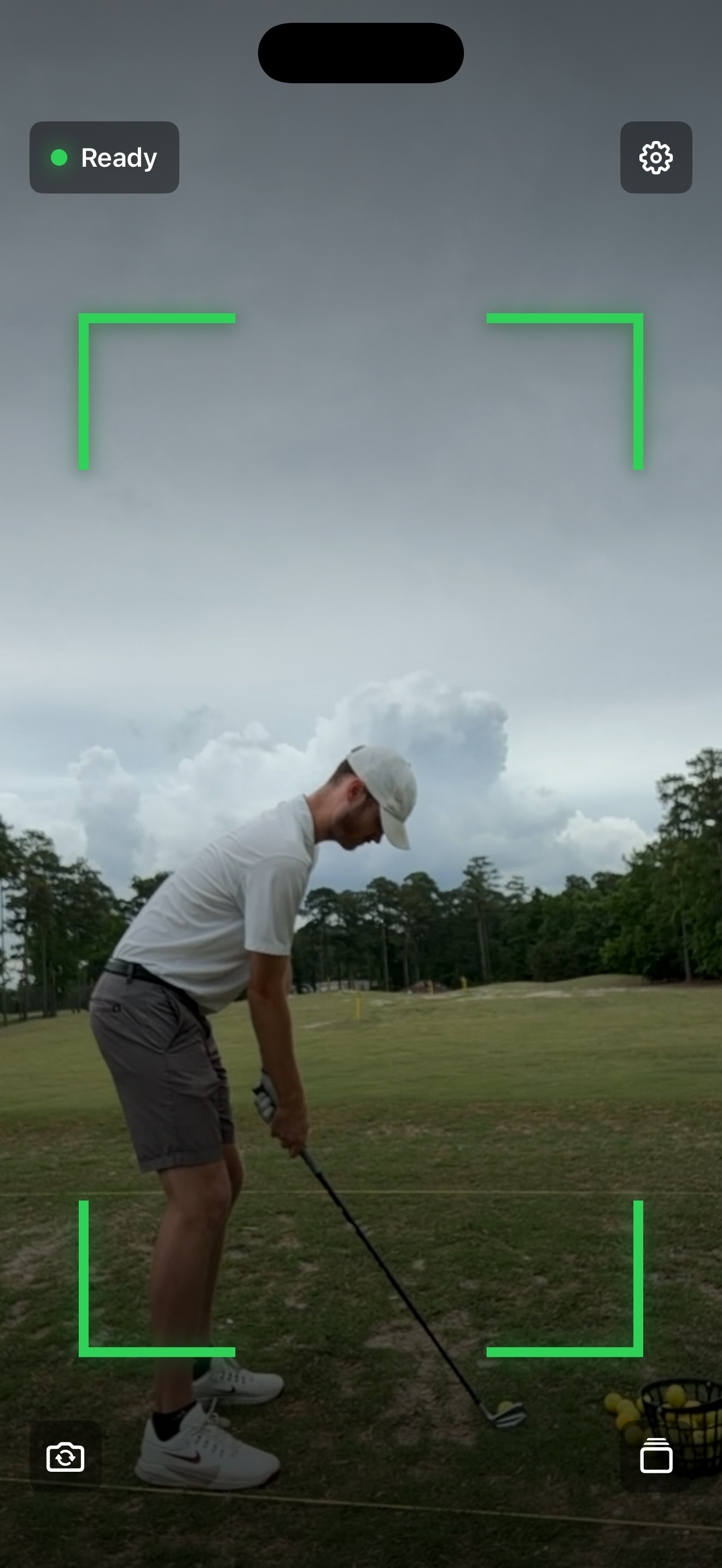
- Open the app and tap Manual in the switch at the bottom, between the camera flip and library buttons.
- Frame the player. Use the camera flip button before recording if you need the other camera.
- Tap the red record button to start. The timer shows how long you have been filming. Allow microphone access if you want the player’s swing and your comments recorded with the video.
- Tap the stop button when you are done. Wait for saving to finish, then open the library button at the bottom right to review the full recording.
Manual clips are not automatically trimmed around a detected swing. Keep recordings focused on a swing or drill so they are easy to find and review later. Keep the app open while filming; switching apps or a camera interruption can end the recording early.
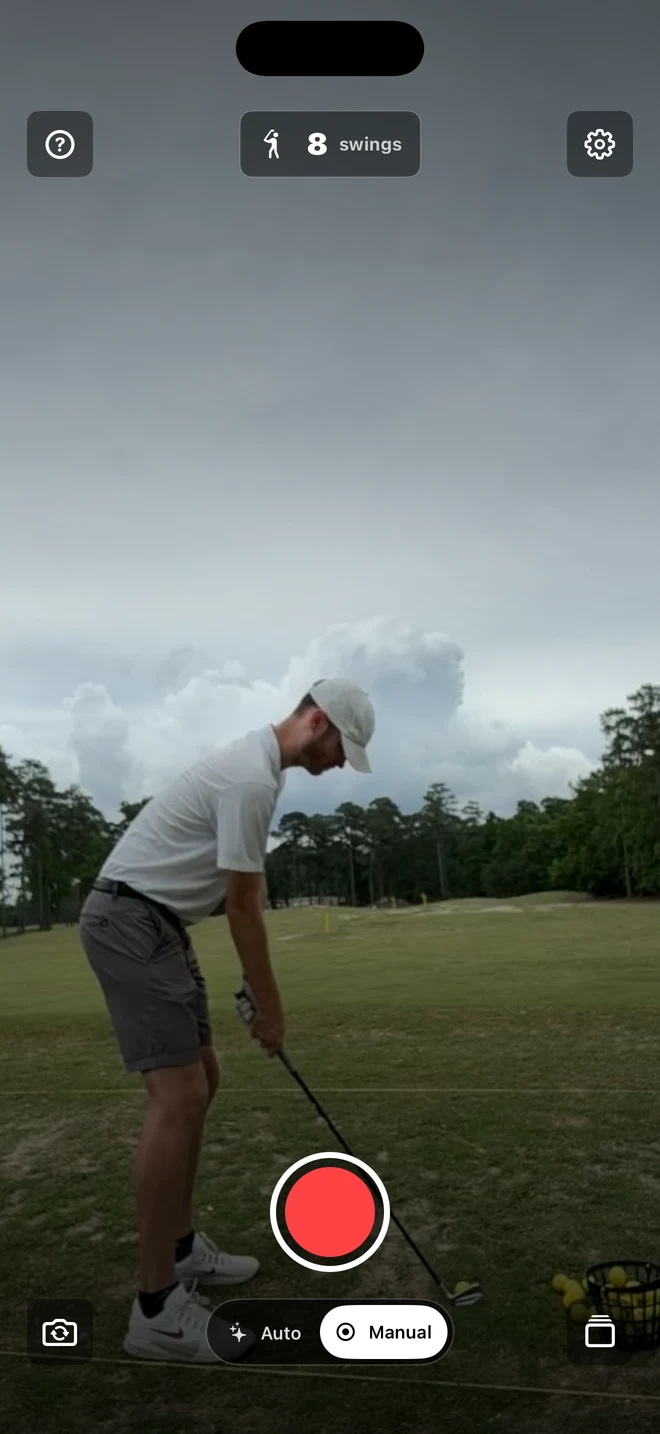
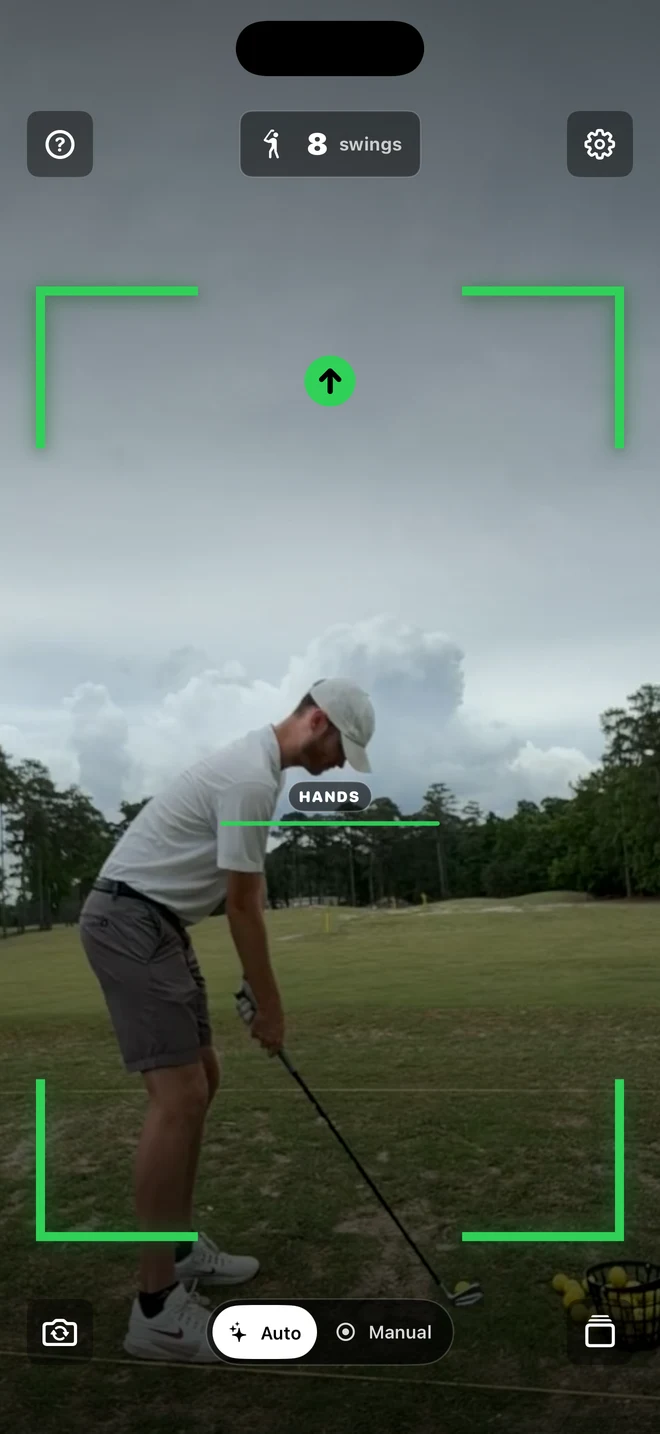
Automatic recording is still the default. If you mainly use the app for lessons, open Settings → Recording → Default recording mode → Manual. The camera switch changes your current mode; the setting chooses the mode when you next open the app.
Make A Coach Review, Step By Step
Manual recording films the player. Coach Review records your explanation of a saved video. You can use a swing captured automatically, a manual recording, or a video imported from Photos.
- Open a clip from the library. Find the swing or drill you want to explain. Pause or scrub to the part you want to start with.
- Tap the Coach Review icon. It looks like a person inside four framing corners at the top of the review screen. The first time, a short walkthrough appears; tap Start Coach Review. Allow microphone access when asked.
- Talk through what you see. Play, pause, scrub, and change playback speed while you narrate. Your review keeps those playback choices, so the player sees the moment you are talking about.
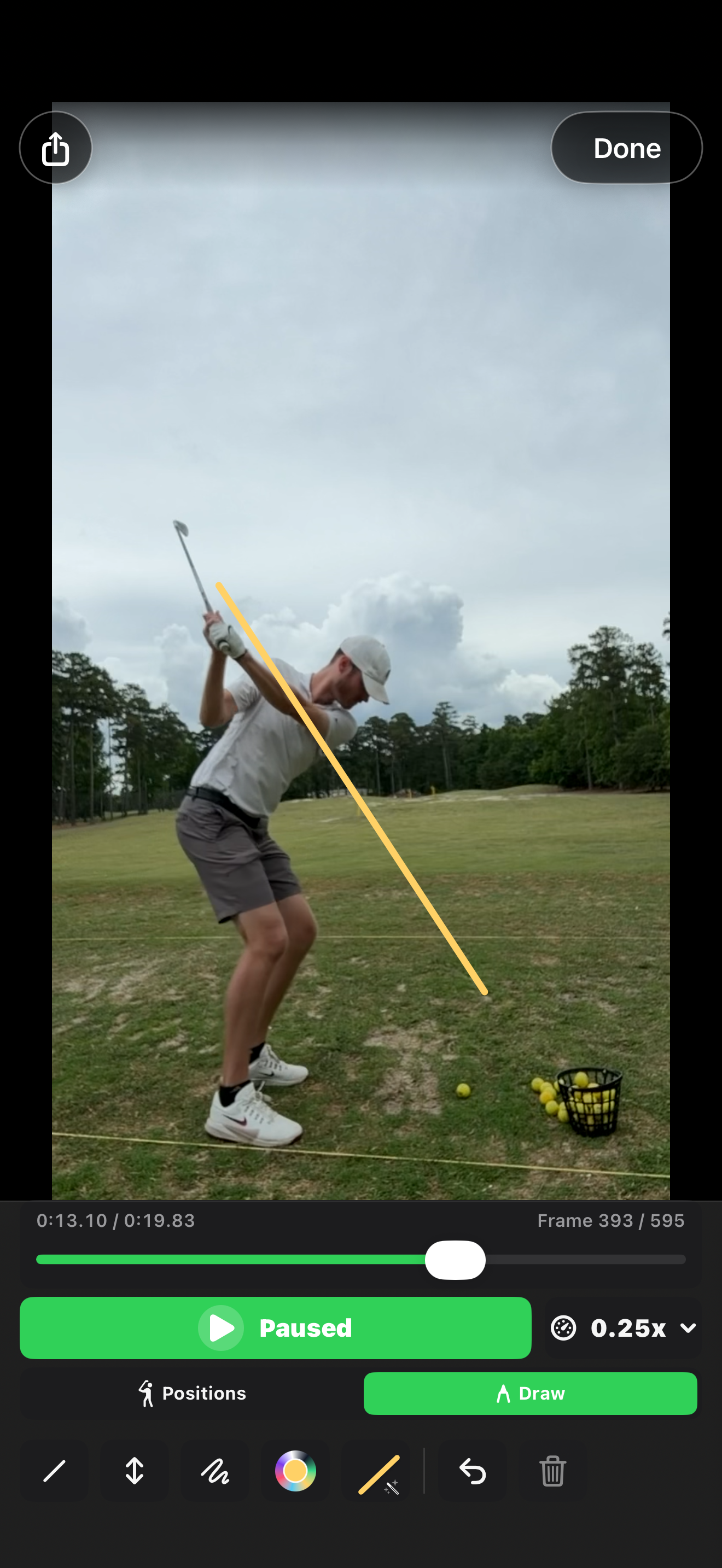
- Draw as you explain. Open the drawing tools to add lines, arrows, circles, or freehand notes. Drawings you add during the review are timed to your narration.
- Tap the red stop button. This finishes your Coach Review. Use the Coach Review icon again and choose Preview Coach Review to watch it before sending. Record Again lets you replace the narration if you want another take.
- Share the finished lesson. Tap the share button and choose Share Coach Review, then choose where to send it in the iOS share sheet. The export combines your voice, recorded playback, pauses, and drawings into one video. Choose Original Swing instead when you want to send the source clip without your review.
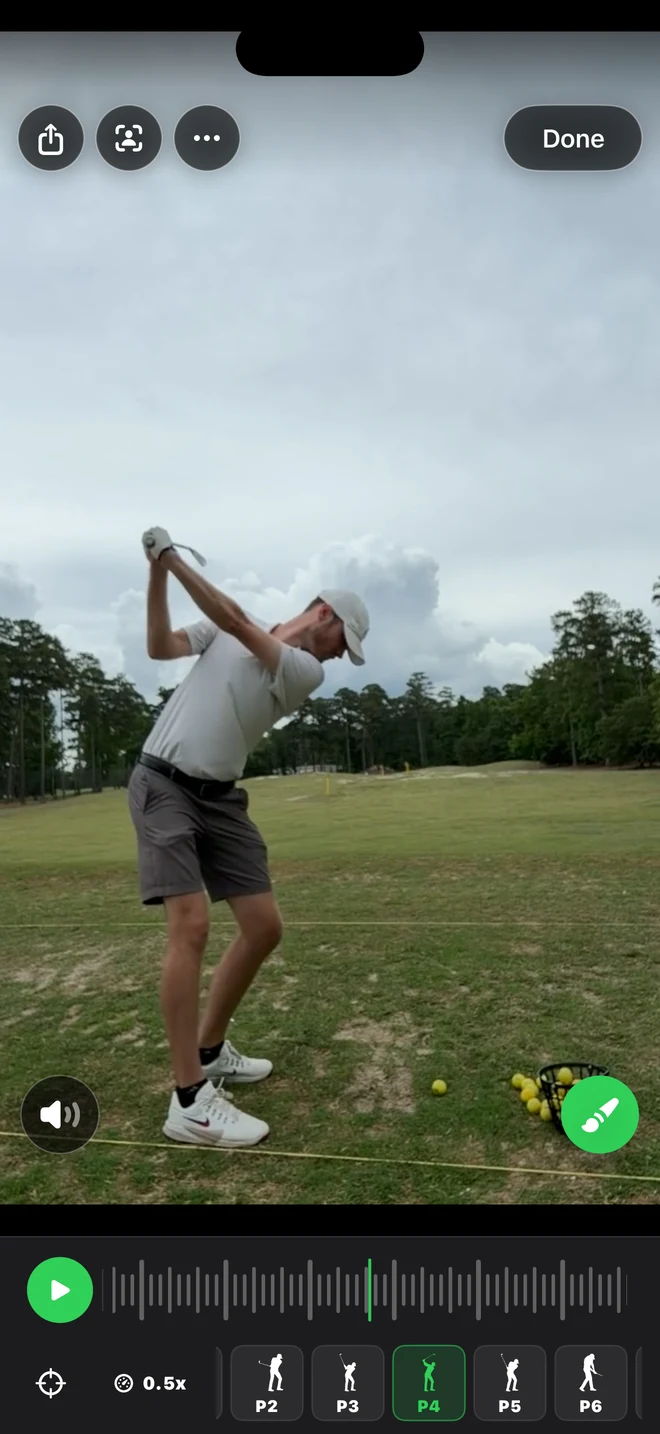
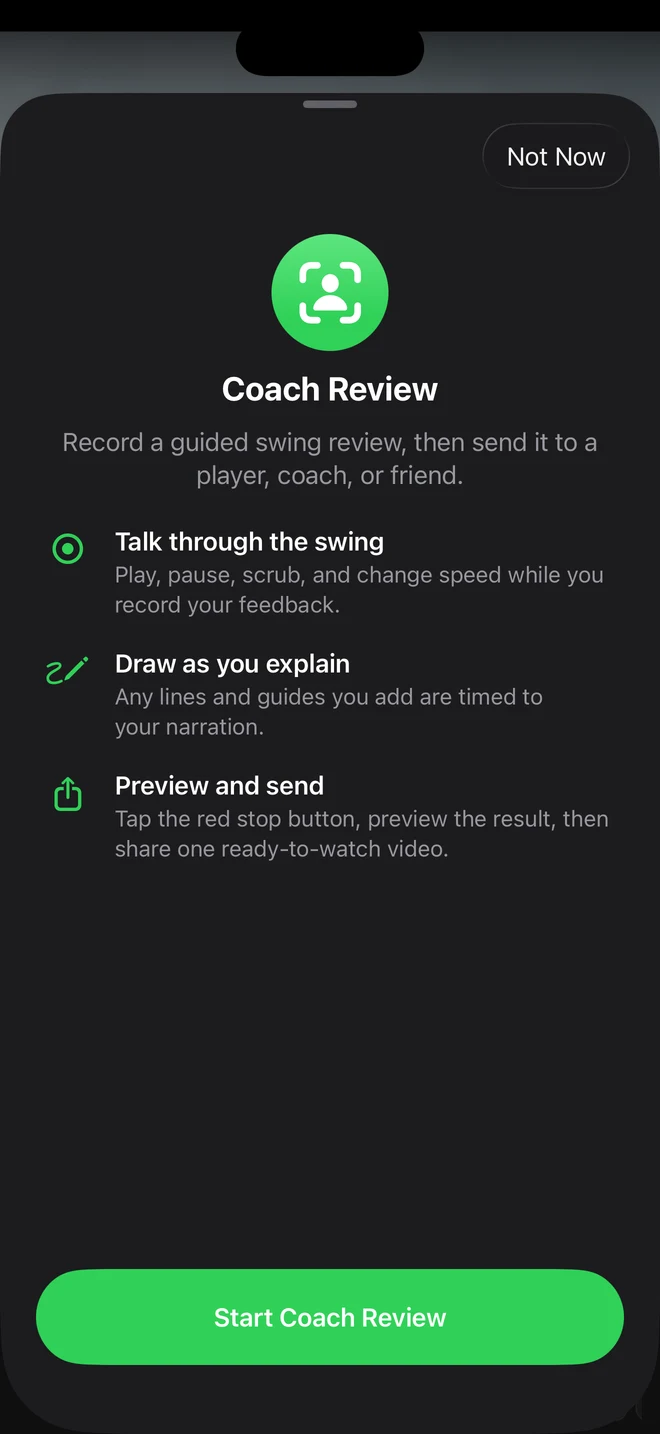
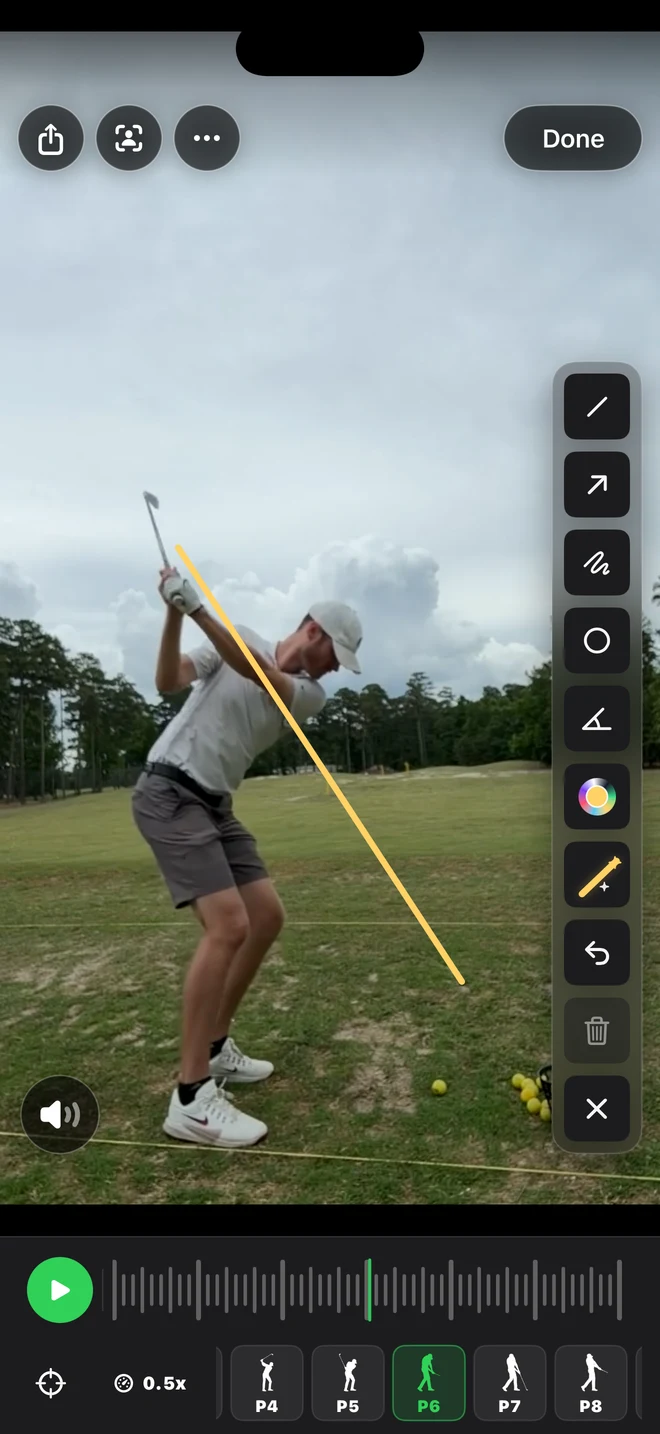
A useful first review can be short: pause at setup, point out one thing to work on, play through the swing, and give the player one drill to try. They can replay the finished video after the lesson instead of trying to remember every comment.
Clean Up A Session Faster
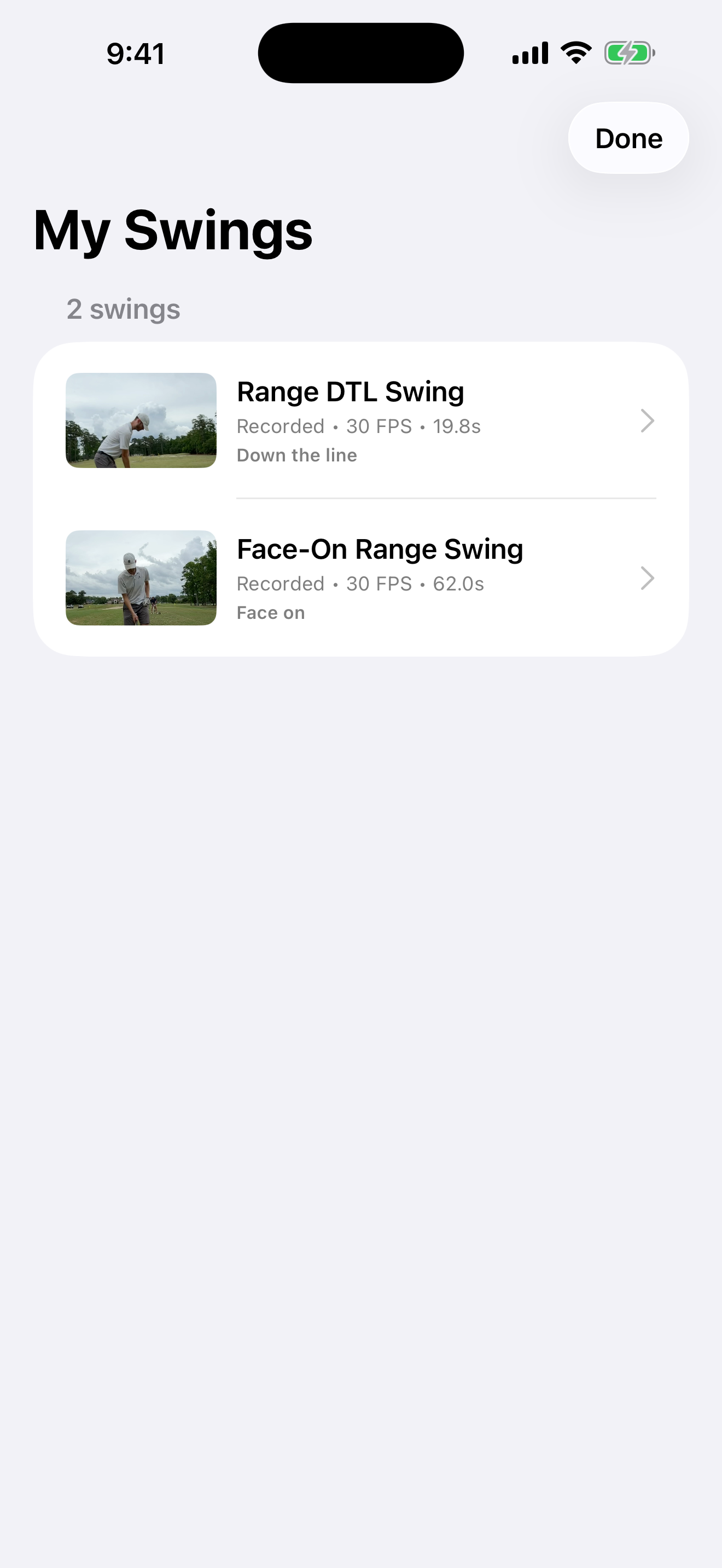
Long-press a swing to start selecting clips. Choose two to compare them, or select several old swings and delete them together. That makes it easier to keep a long range session useful instead of letting the library pile up.
Review Swings On Desktop
If you already have a clip, try the free Golf Swing Analyzer on this site. It runs in your browser, keeps the video local, and lets you slow the swing down, draw lines, mark checkpoints, and export an annotated clip.
Screenshots
What It Does
- Records your swing from the rear or front camera
- Adds manual start and stop for lessons and drills in version 2.7
- Captures at the highest supported frame rate, up to 240 fps
- Detects swing motion during a continuous practice session
- Trims clips with pre-roll and post-roll so you keep the full move
- Saves swings in a local library on your iPhone
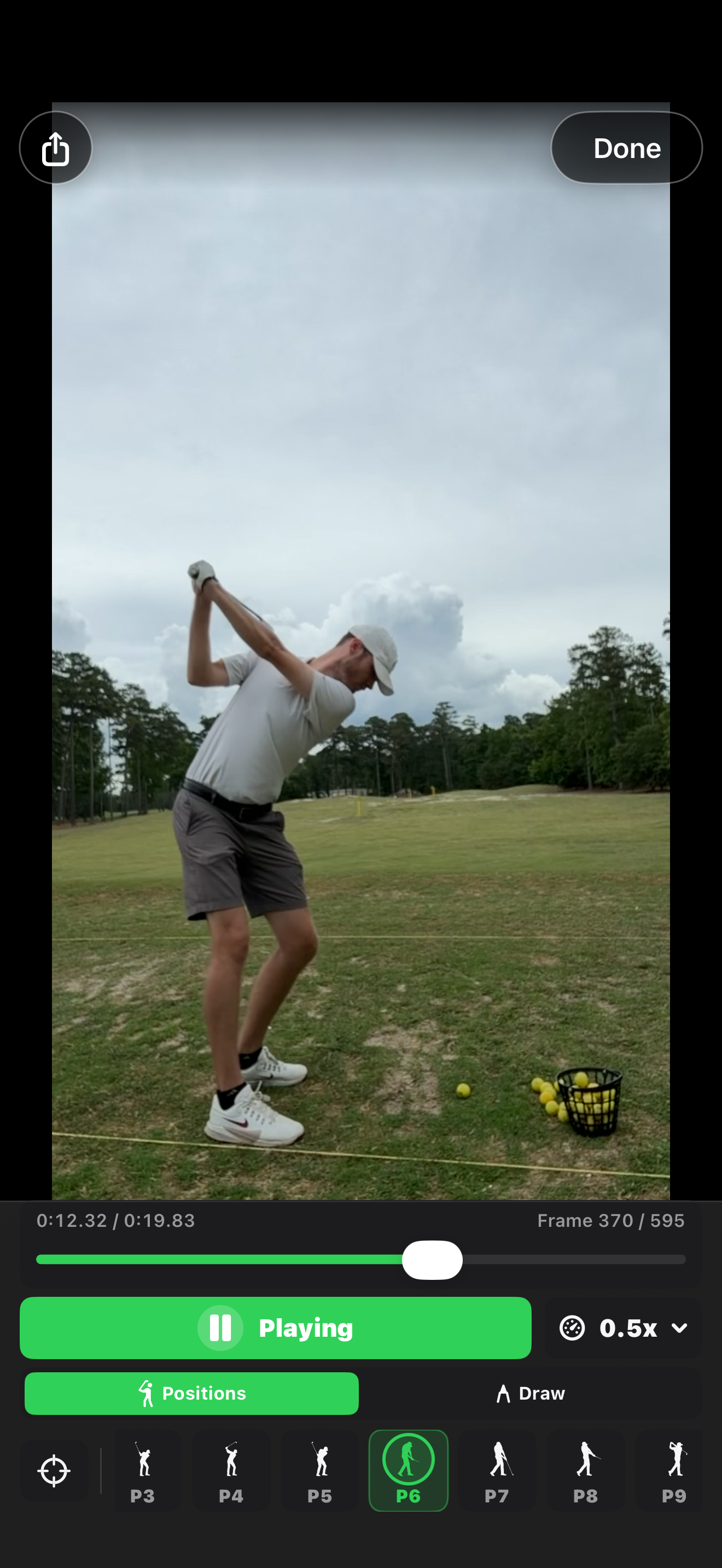
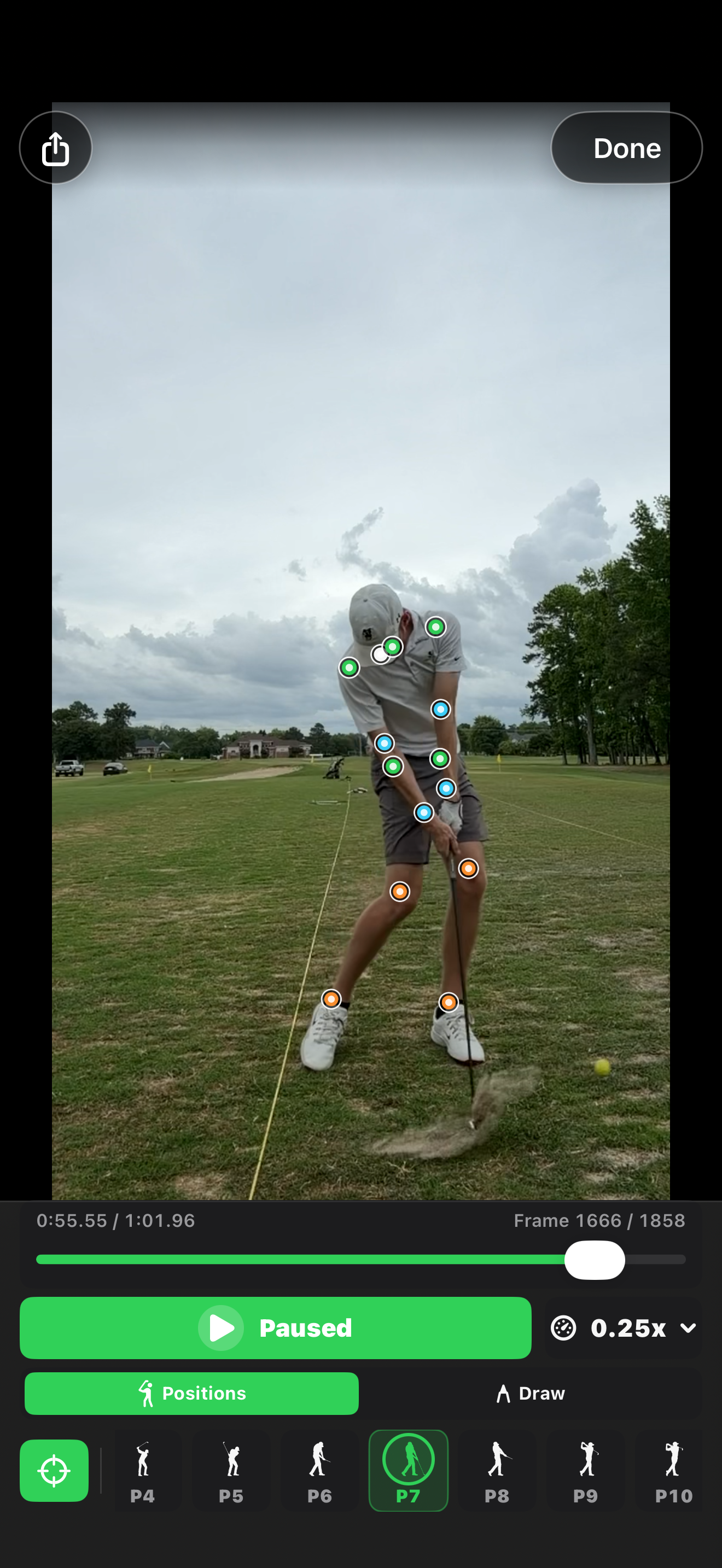
- Reviews clips at 0.25x, 0.5x, and 1x speed
- Steps through frames, loops playback, and scrubs quickly
- Compares two swings side by side with synchronized playback
- Records and shares Coach Reviews with narration and timed drawings
- Adds manual swing-position markers and drawing notes
- Shows detected body points and suggested swing checkpoints
- Selects multiple library clips for comparison or deletion
- Optionally syncs your library through your private iCloud account
- Imports existing swing videos from Photos
- Shares original or annotated swing clips
Built For Practice
The goal is to make recording less annoying. Set up the phone, step into view, and swing when ready. The app handles the capture flow so you can focus on the next rep instead of walking back to tap record every time.
On supported iPhones, the camera captures at up to 240 fps for a clearer look at fast motion. During automatic capture, the app can reduce the frame rate when the device gets hot or the camera comes under pressure. In Manual mode, a serious thermal or camera interruption can stop recording; the app attempts to save the footage captured so far.
Local First
Your swing videos are stored on your device by default. Golf Swing Camera does not require an account and does not send clips to my servers. If you enable library sync, your videos are stored in your private iCloud account, with a choice of Wi-Fi only or cellular and Wi-Fi transfers.
For setup help, bug reports, and common questions, use the Golf Swing Camera Support page. The app-specific privacy details are on the Golf Swing Camera Privacy Policy.