Building the T.LY Android App Was Harder Than I Expected
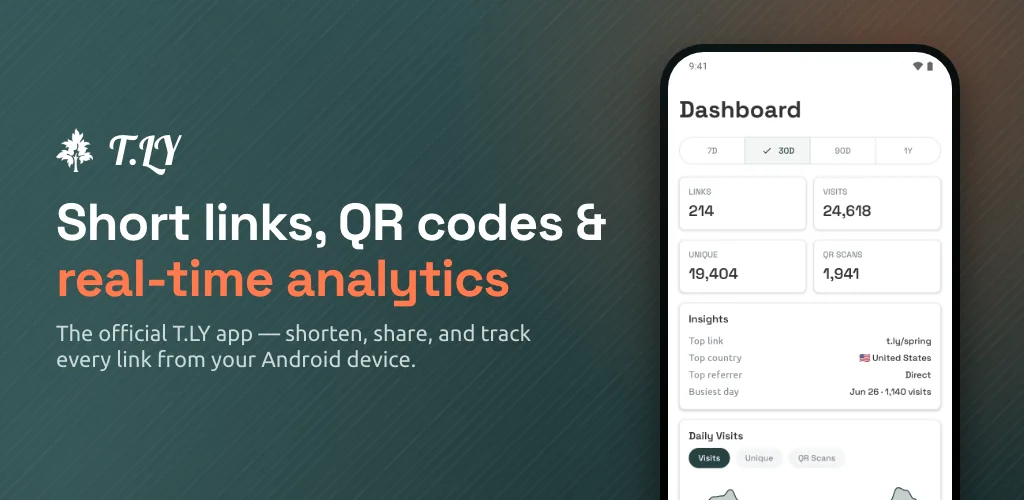
After building the T.LY iOS app, I started working on the Android version.
I expected Android to be easier.
I was wrong about that.
Maybe this is obvious if you have spent a lot of time in the Android world, but I was surprised by how much harder it felt to get an Android app ready to publish. I always assumed Apple would be the difficult one. Apple has the reputation. App Review. Certificates. Provisioning profiles. The locked-down ecosystem.
You do need a Mac to build an iOS app, which is a real barrier. Apple makes you buy into the ecosystem before you even start. But if you already have the hardware and know Xcode, building an iOS app is pretty smooth. Not perfect. Nothing involving app stores is perfect. But the path is clear.
Android felt like walking into a room where every light switch controls a different room.
The First Surprise
To publish on Google Play, I first had to pay the $25 developer fee.
That part is fine. Apple charges $99 per year, so a one-time $25 fee sounds better on paper.
I get why fees and extra checks exist. They are there to slow down spam, throwaway accounts, and malicious apps. App stores would be unusable if anyone could publish anything with zero friction.
But like most systems built to stop bad actors, the friction does not only hit bad actors. It also hits real developers who are just trying to build and ship something useful.
Then I had to prove I had access to an Android device. That is where things got funny.
I do not know many people with Android phones. T.LY is used by people all over the world, so of course Android matters. I need the app to work well for Android users. But in my day-to-day life, almost everyone I know uses an iPhone.
So I bought an Android phone.
Specifically, I bought this Straight Talk Alcatel TCL K33 5G prepaid phone from Walmart for about $20.
Honestly, I was shocked by how much phone you can get for $20. The hardware does not feel terrible. It looks decent. It feels like a real phone. If you handed it to me without the price, I would have guessed it cost a lot more.
Of course, it is slow. The Android experience feels buggy in places. It also comes loaded with bloatware. But still. Twenty bucks for a working Android test device is wild.
Then The Phone Had Its Own Paywall
The cheap prepaid phone came with one more surprise.
During setup, it told me I needed to activate the phone on the prepaid cellular plan before Wi-Fi would work.
Read that again.
I bought the phone so I could test an app over Wi-Fi. The phone wanted me to activate a prepaid plan before letting me use Wi-Fi.
After some trial and error, the workaround was basically tricking Android into letting me set up the phone offline:
- Pull out the SIM card
- Restart the phone
- Set it up offline
- Get past the carrier activation screens
- Connect to Wi-Fi after setup
Once I did that, I could finally connect to Wi-Fi, install the Google Play Console app, and use the device for what I actually needed: confirming to Google that I owned an Android device for testing.
That whole process felt ridiculous. Not technically hard, just full of weird little traps.
Google Play Console Is A Lot
The next surprise was the Play Console itself.
With iOS, most of the build and release workflow happens through Xcode and App Store Connect. There are still plenty of things to configure, but the process feels more connected. Build the app. Archive it. Upload it. Fill out the App Store details. Submit.
Google Play Console felt much more scattered.
There are testing tracks, release types, policy declarations, data safety forms, app access rules, production access requirements, device checks, signing settings, store listing fields, and a lot of screens that sound similar but do different things.
Some of this exists for good reasons. Google Play is huge. Android runs on a ridiculous number of devices. Google has to manage fraud, malware, policy abuse, and low-quality apps at a massive scale.
I get it.
But from the developer side, it feels like a lot of configuration before the app ever reaches a real user.
The 12 Tester Problem
The biggest surprise was the closed testing requirement.
For newer personal developer accounts, Google requires a closed test with at least 12 opted-in testers for 14 continuous days before you can apply for production access. Google explains the requirement in its Play Console testing docs.
This sounds reasonable if you already have an Android audience.
I do not.
I am building the app so T.LY users around the world can use it. That does not mean I have a neat list of 12 Android users ready to beta test a new app for two weeks.
That is the part that surprised me most.
I understand wanting apps to be tested before they go live. I want that too. But the requirement assumes every developer has a nearby pool of Android users who are willing to opt in, install a test app, and stay opted in long enough to satisfy the rule.
If you are an indie developer, that can be harder than building the first version of the app.
I do not even know 12 people who own Android phones.
Again, I understand the intent. Google is trying to keep junk and malicious apps out of the Play Store. But the side effect is that honest developers end up spending a surprising amount of time proving they are not the problem.
I Thought Apple Would Be The Hard One
Before doing this, I assumed Apple would be harder than Android.
That was based on reputation more than reality.
For me, iOS was easier because I already live in that ecosystem. I have an iPhone. I already have the Mac you are required to use. I know Xcode. I understand the rough shape of App Store Connect. When something goes wrong, it is annoying, but it usually feels like a known kind of annoying.
Android was different.
I had to buy a device. Work around a prepaid carrier setup flow. Learn the Google Play Console. Figure out release tracks. Deal with production access. Recruit testers. Wait.
It was not one huge blocker. It was a pile of small ones.
That is often worse.
Android Still Matters
None of this changes the reason for building the app.
T.LY should work well wherever people are creating and sharing links. For a lot of the world, that means Android.
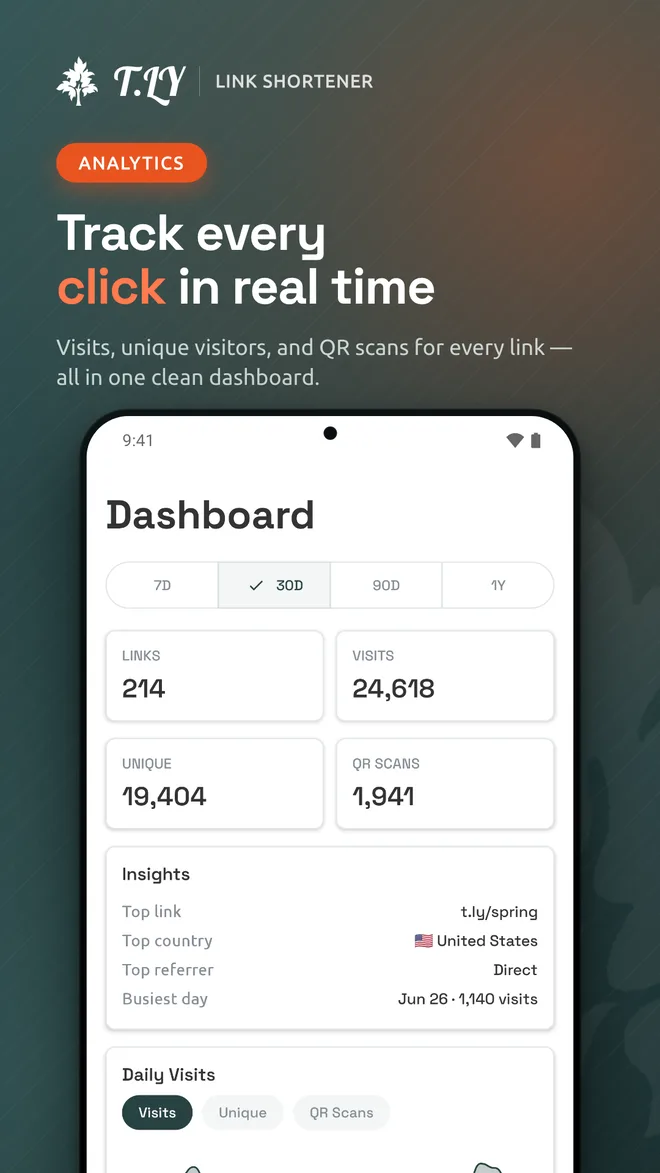
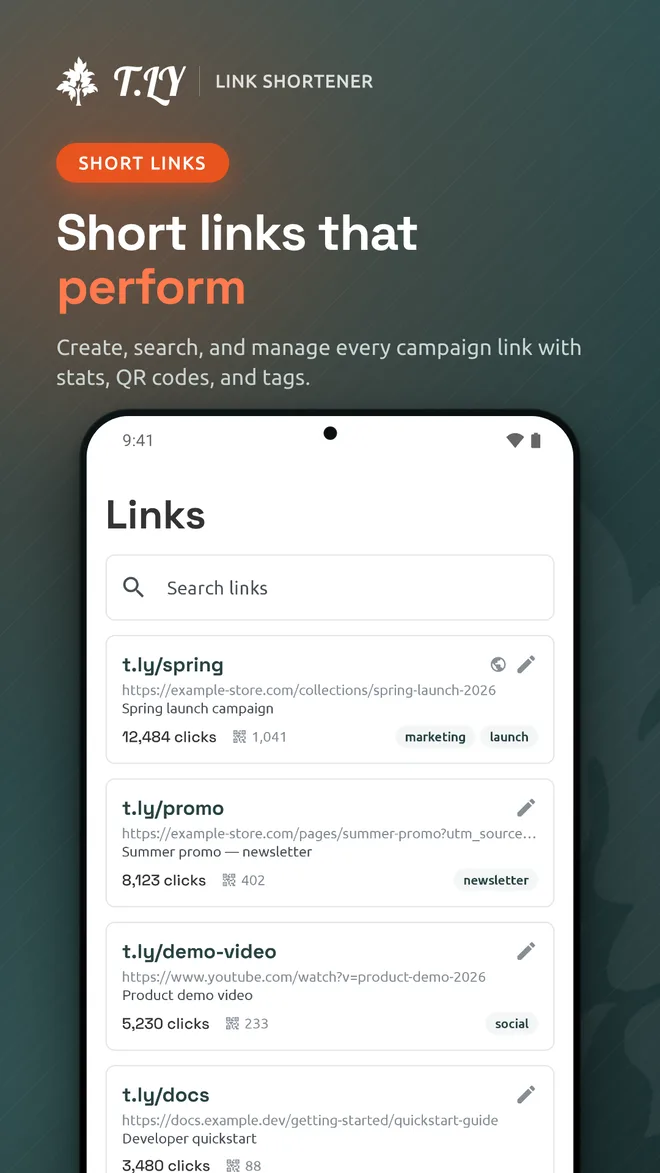
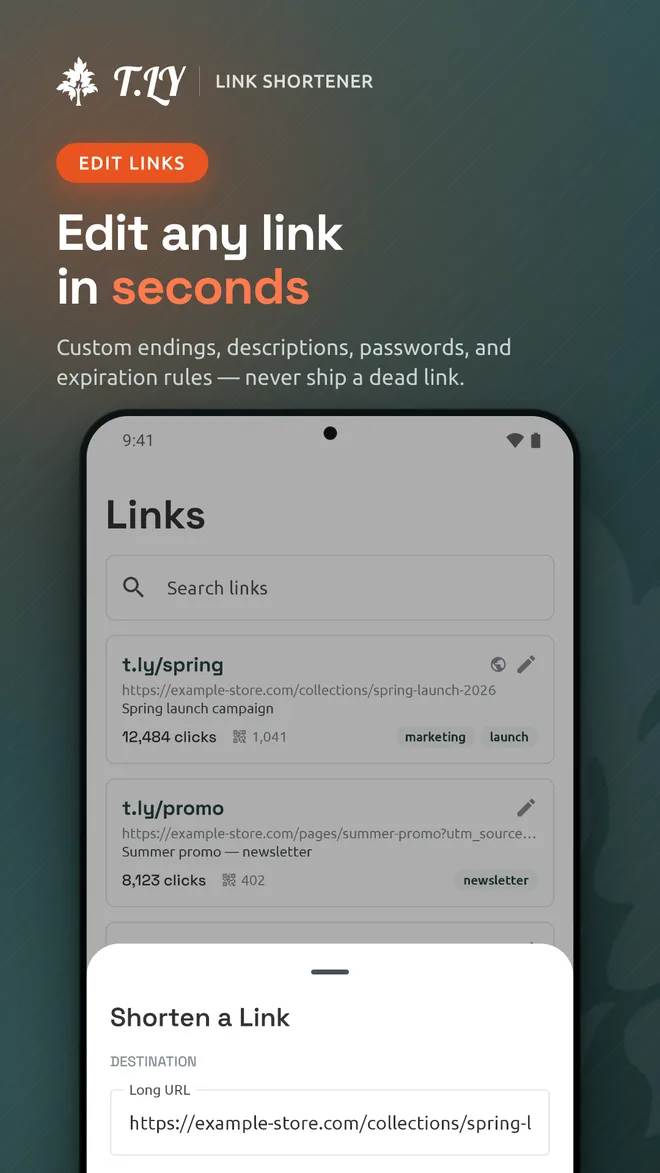
The Android app needs to make it easy to shorten links, manage links, check analytics, and work with QR codes from a phone. The goal is the same as the iOS app: make the mobile workflow fast without trying to cram the entire web dashboard into a smaller screen.
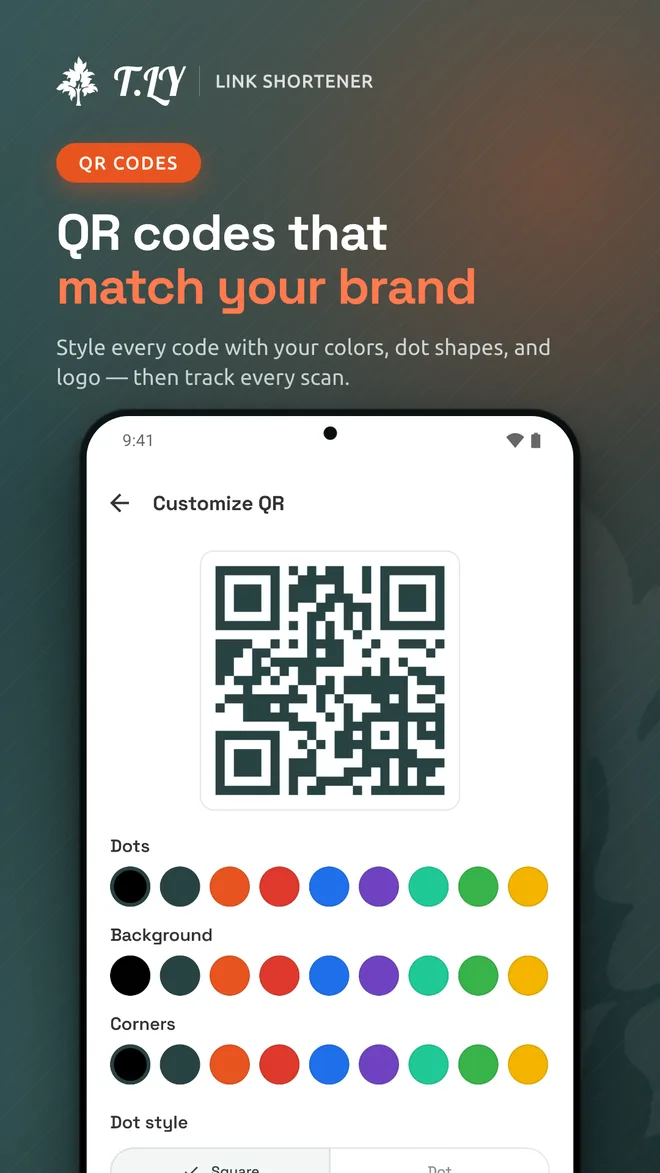
The QR Code App Is Available Too
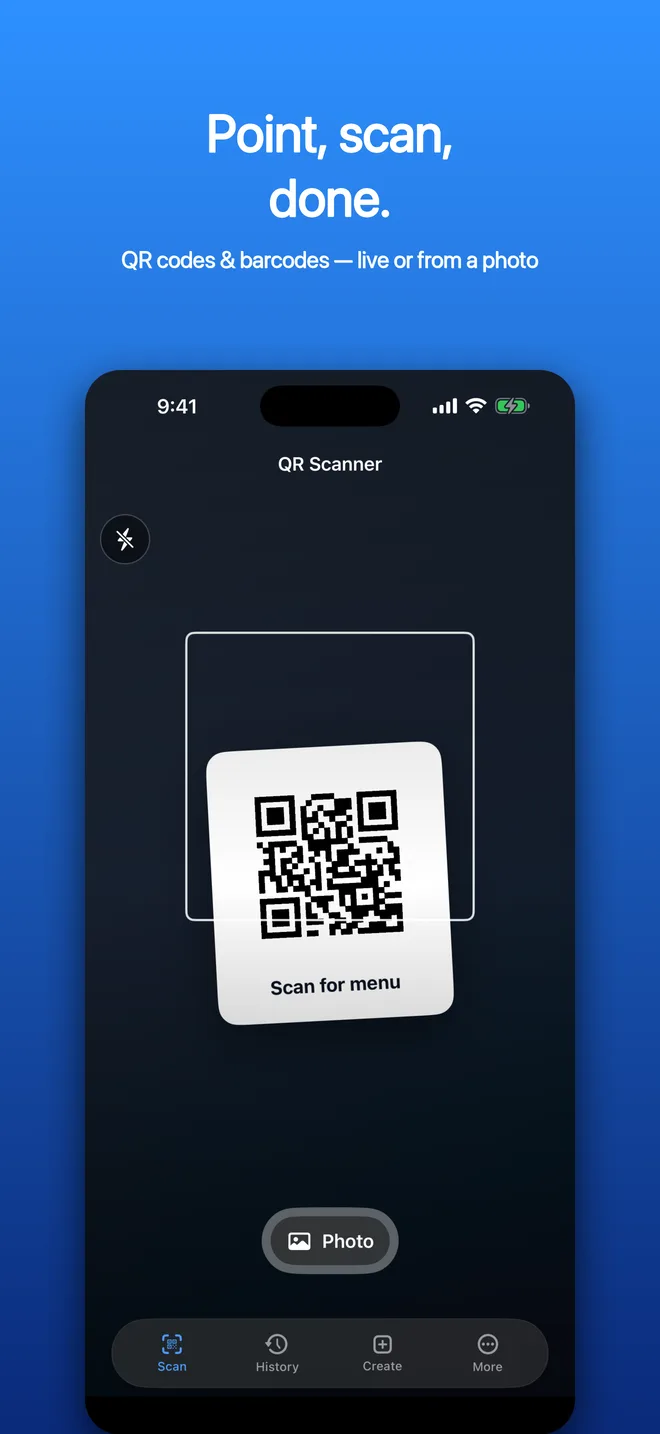
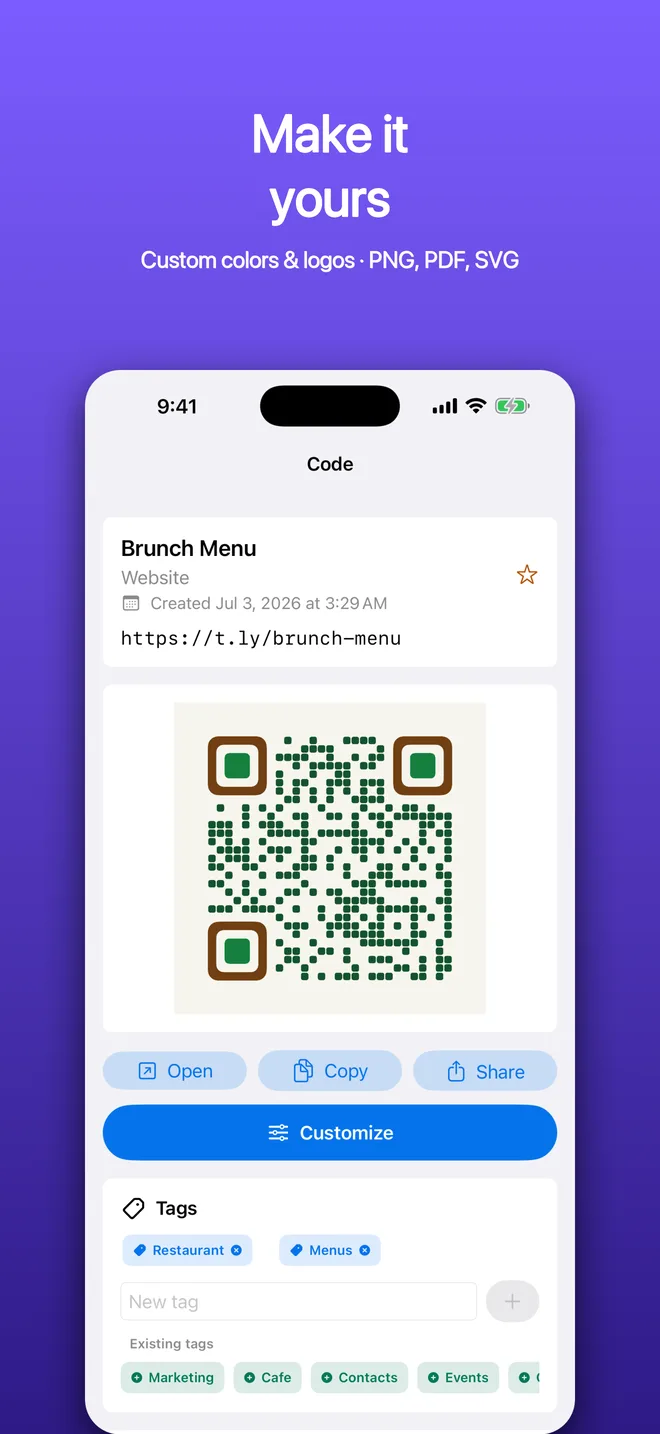
I also released a separate app for iPhone and Android: QR Code Scanner & Creator.
That is a different product from the T.LY app, but it comes from the same idea: mobile should be fast when you are doing small, practical jobs.
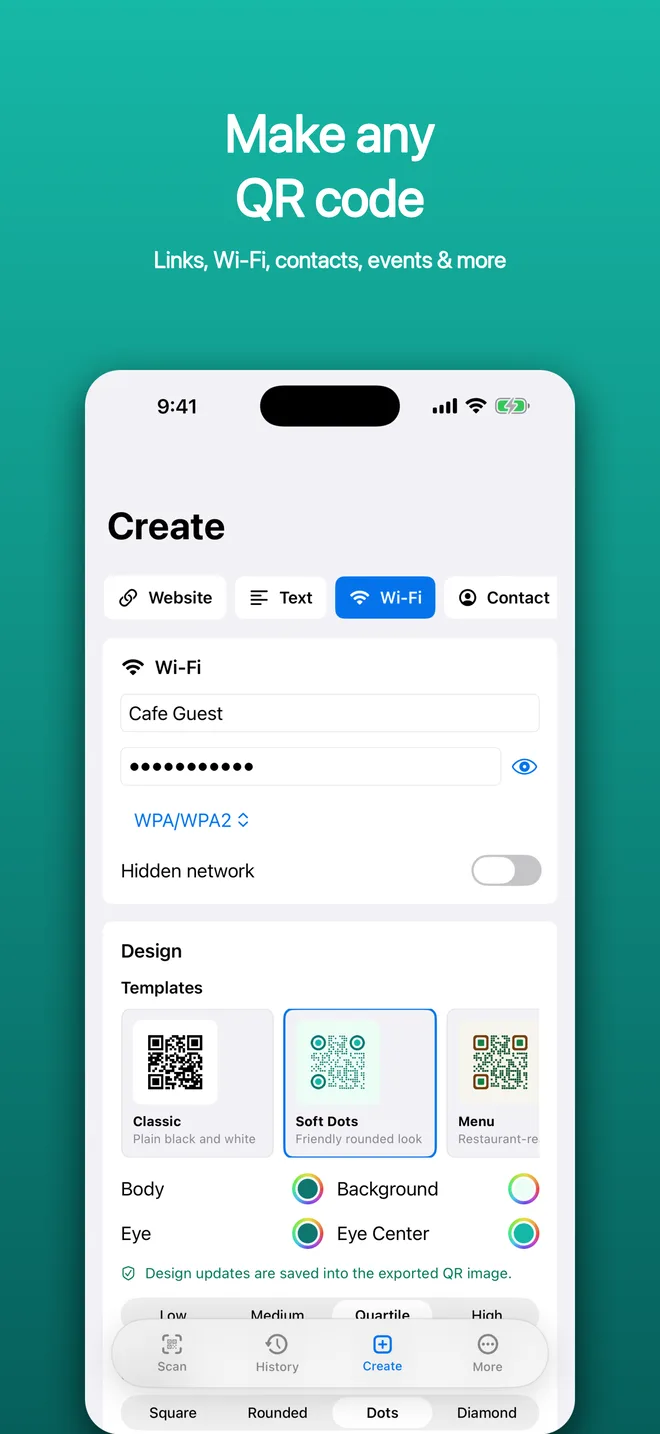
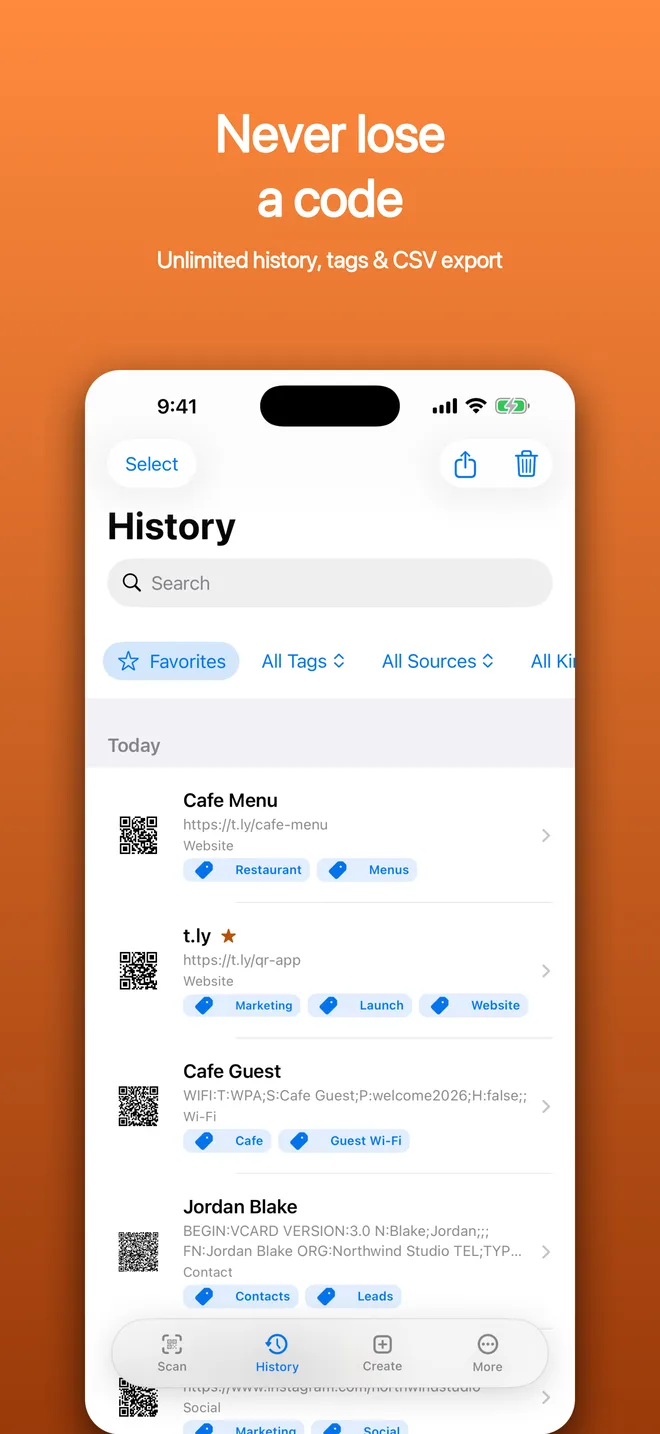
The T.LY app is for links you want to manage, track, and share. The QR Code app is more focused on scanning codes, creating codes for things like websites, Wi-Fi, contacts, and events, then saving and organizing them so they are not lost five minutes later.
I did not want to cram every possible QR workflow into the T.LY app. Some QR code work belongs there, especially when it is connected to a short link. But a standalone QR app makes sense for people who just need a scanner, generator, history, tags, and export tools without signing into a link management dashboard.
You can download it from the App Store or Google Play.
Update: The T.LY URL Shortener app is now live on Google Play.
I just did not expect the path there to feel harder than Apple.
Maybe that is the lesson. The hard part is not always the code. Sometimes it is the store. Sometimes it is the device. Sometimes it is finding 12 people with the right phone who are willing to help you through a rule you did not know existed when you started.
Building software is weird.
Shipping it is weirder.