Alternatives to Bitly
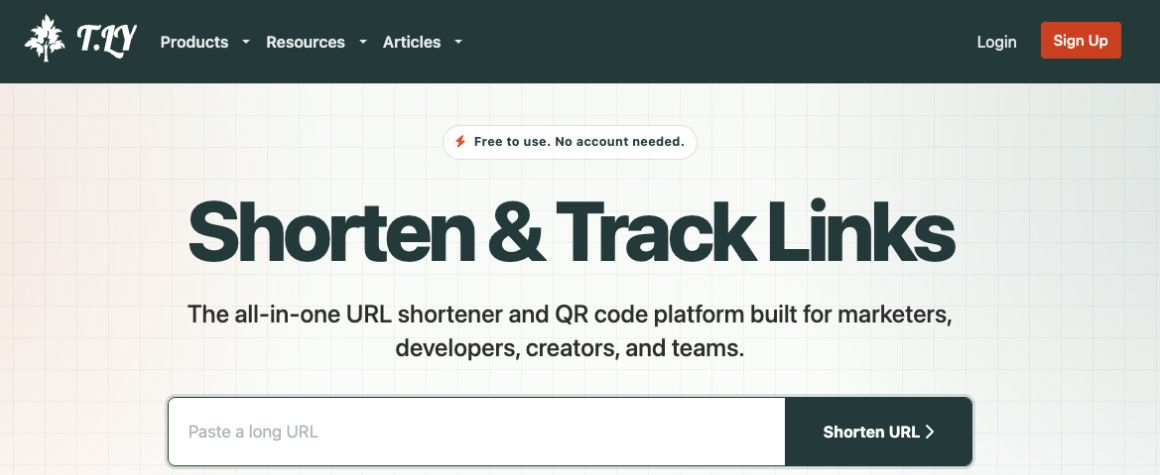
I started T.LY in 2019 because I wanted my own shortener for my browser extension. It has grown into a lot more since then. You can still paste in a URL and get a short link right away, but now you can also edit it later, track clicks, and make custom QR codes. If you’re looking for a Bitly alternative, I’d like you to give it a try.
Short links you can change later
Paste a URL into T.LY and copy the short link. It takes a few seconds, and the link goes straight to your destination without an ad page in between. For links I plan to keep using, I can choose a custom ending or put them on my own domain. I can also change the destination after sharing, add a password, or set an expiration date or click limit.
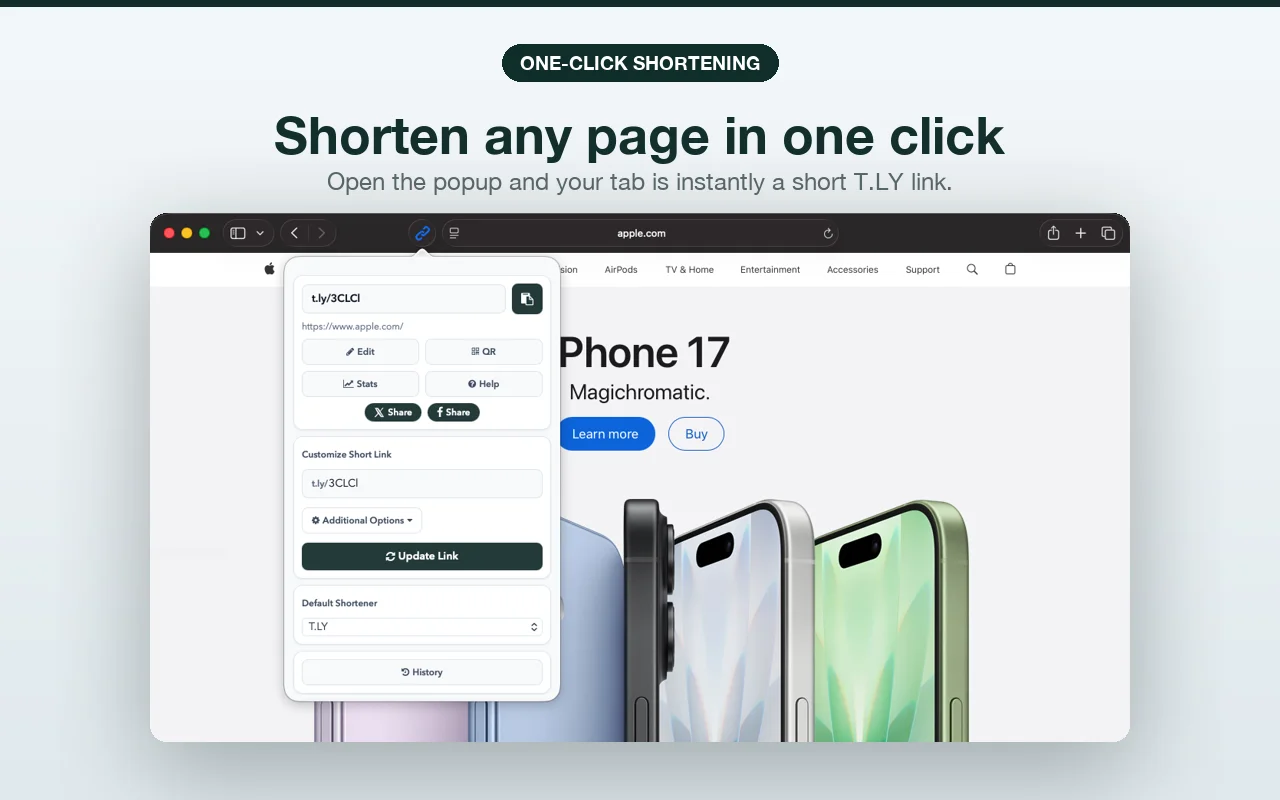
When I’m already on a page, the browser extension saves me a trip to the site. One click shortens the page and copies the link. You can get it for Chrome, Firefox, Edge, Opera, and Safari.
If you’re building an app, there’s also an API for creating and managing short links.
Make a custom QR code
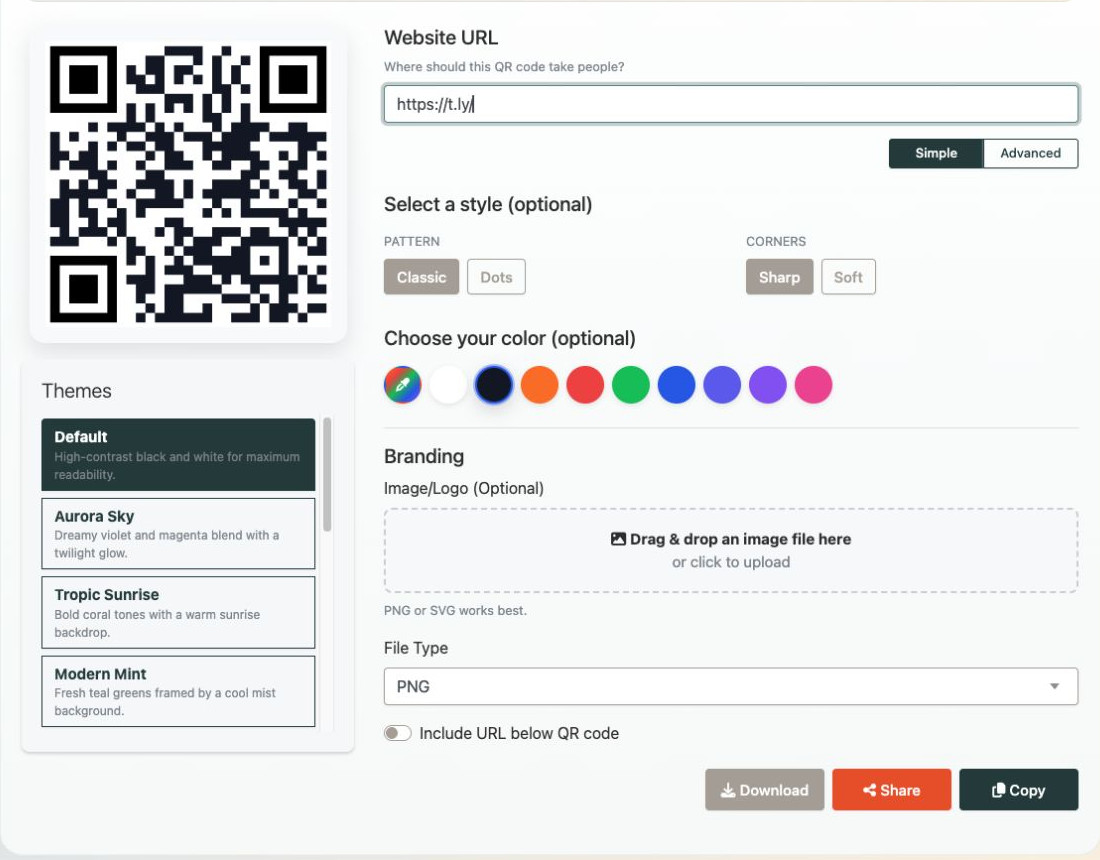
You can make custom QR codes with T.LY’s generator. Pick a style and colors, add your logo, and download the finished code. If you’re putting it on a flyer or business card, you can make it trackable. You’ll be able to see scans and update the destination later without printing a new code.
See what’s getting clicked
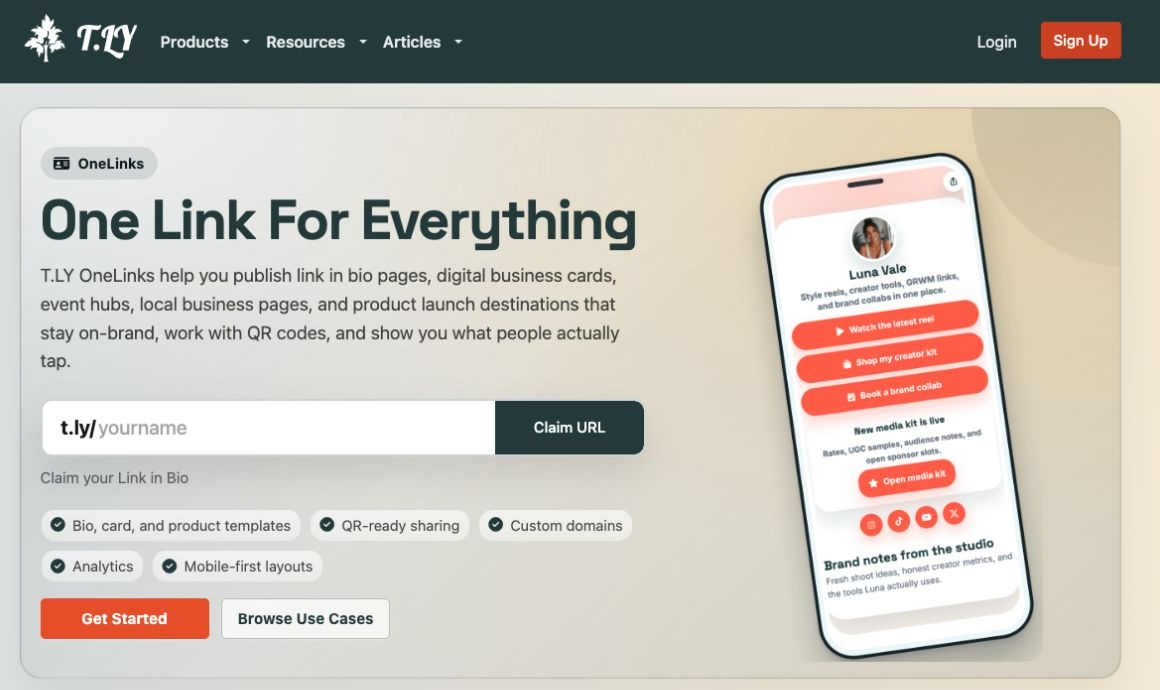
After I share a link, I want to know whether people clicked it. T.LY shows clicks, referrers, devices, and QR scans. If I need to share several links at once, OneLinks puts them on one page I can share as a URL or QR code.
I’m still adding to T.LY. If there’s something you’d like me to build next, let me know.