Introducing T.LY
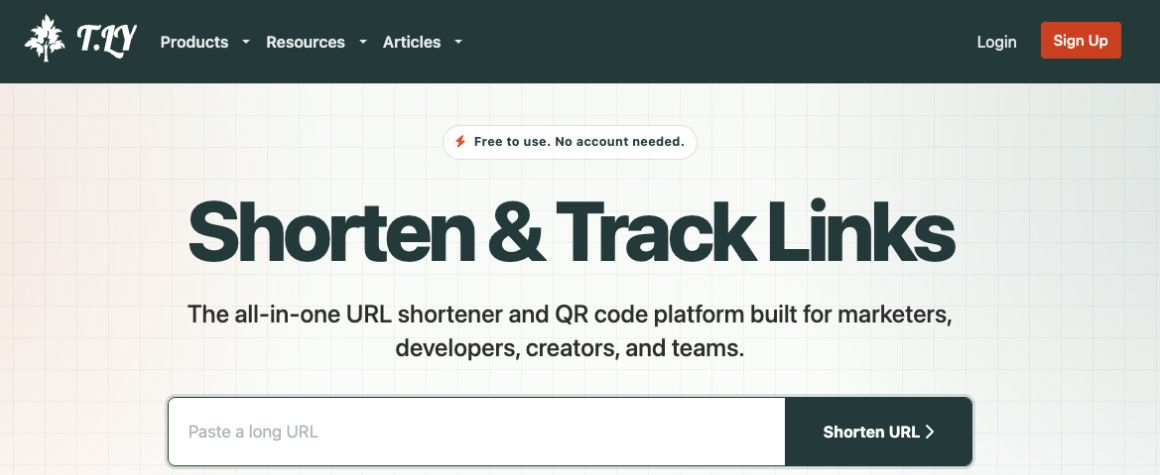
I launched T.LY in 2019. The site has changed quite a bit since then, so I kept these screenshots in the post. It’s fun to look back at where it started.
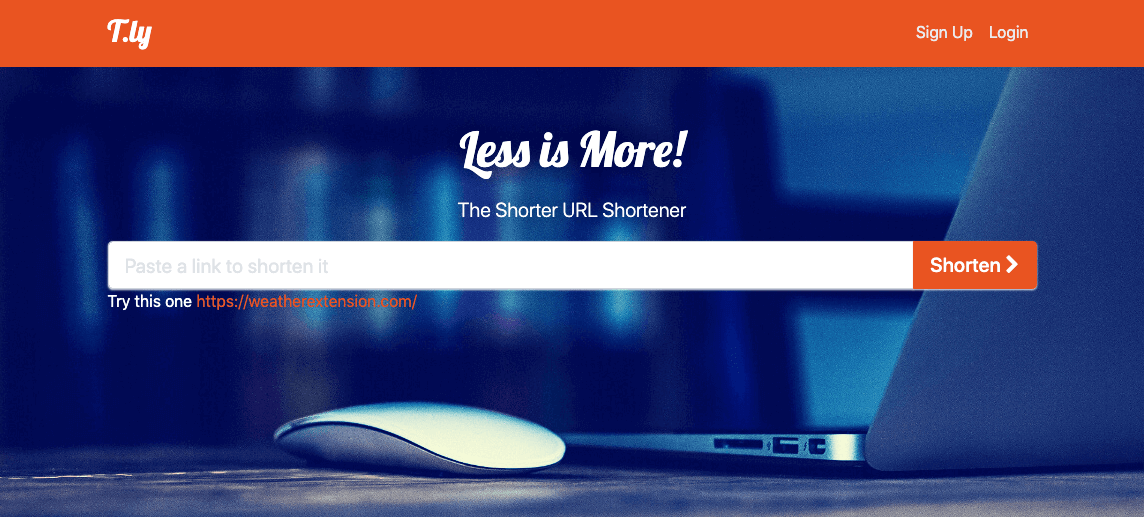
2019: The first T.LY site
My Link Shortener Extension already let people shorten a page in one click. It worked with several services, but I didn’t love relying on someone else’s shortener. Google had announced the end of goo.gl, which made that feel even more urgent. So I built T.LY and made it the extension’s default.
At first, I kept it simple. Paste in a long URL, get a short one, and copy it. You could add a + to see public stats, and I added an API for developers who wanted to use T.LY in their own apps.
I wrote down a few things I wanted to add next:
- Let links expire after a date or number of clicks
- Change where a short link goes
- Pick custom link endings
- Use custom domains
I ended up building all four, and a lot more.
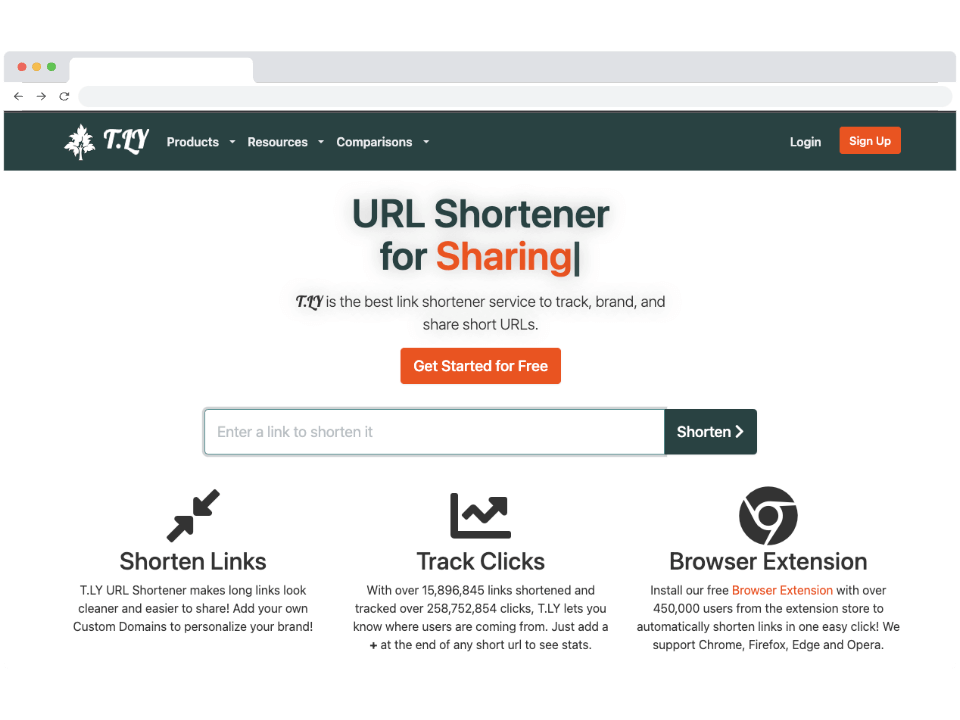
2023: Links and click stats
By 2023, I was giving click stats and the browser extension more space on the homepage. You could still shorten a URL right away, then see how the link performed after you shared it.
May 2026: QR codes and OneLinks
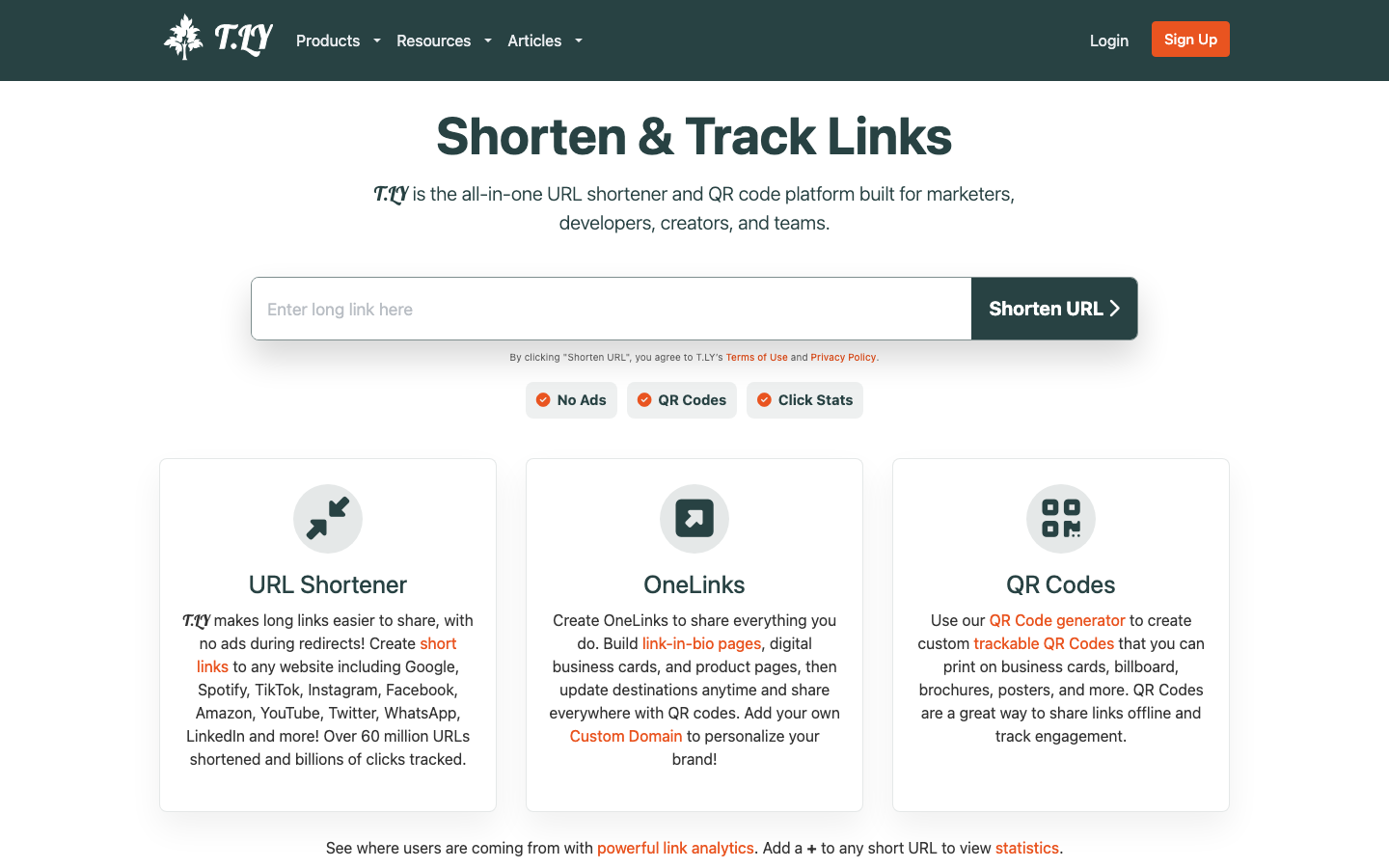
By May 2026, T.LY could handle a lot more: QR codes, OneLinks, custom domains, editable links, private stats, teams, and the API. I like that you can start with one short link and add the other tools when you need them.
I finally brought the extension to Safari that June. It now works in Chrome, Firefox, Edge, Opera, and Safari.
September 2026: T.LY today
The shortener is still the first thing you see. Paste in a URL and get a short link. Done. The rest of T.LY is there when you need it.
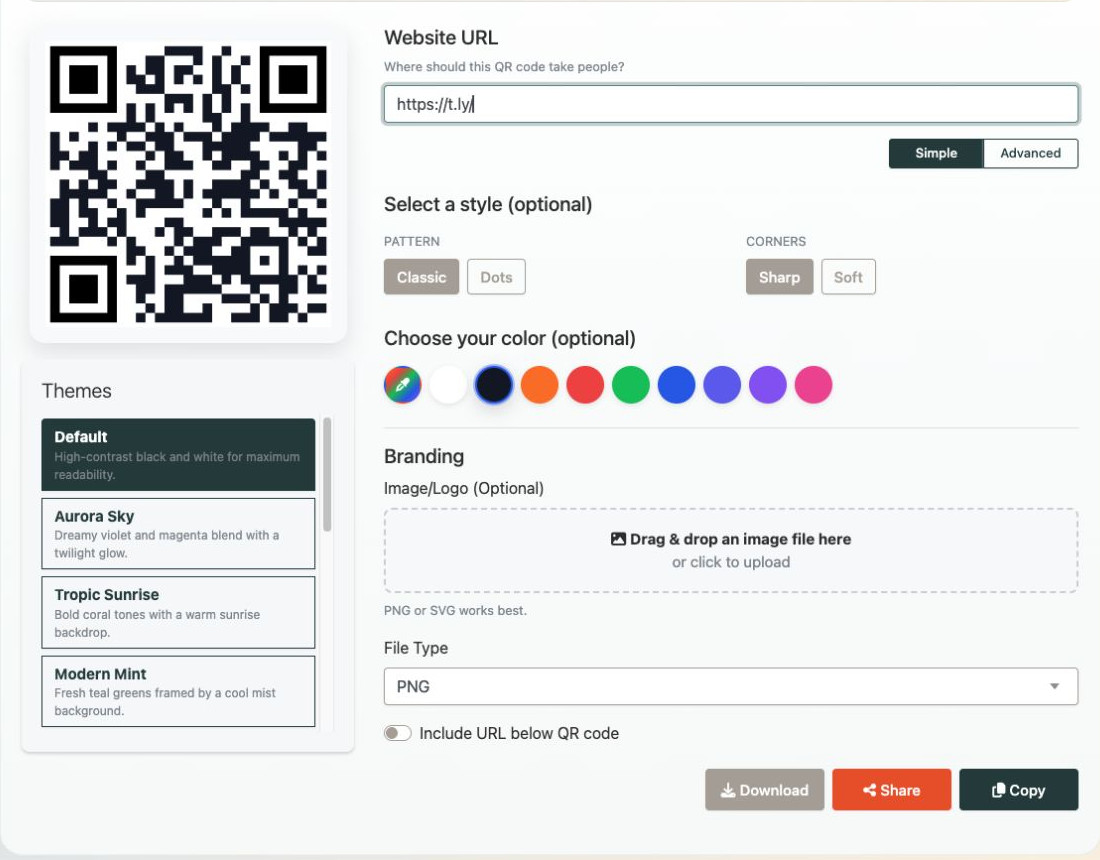
You can use the QR code generator to create a custom QR code for any URL. Change the colors, pick a style, add a logo, and download it when it looks right.
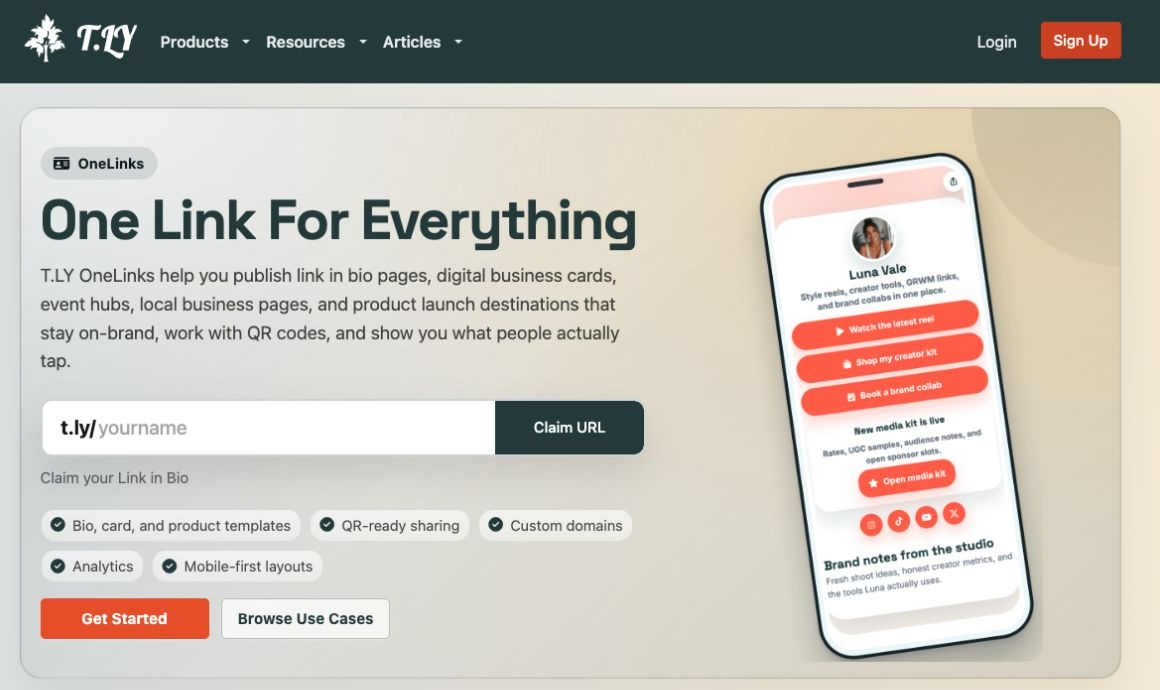
With OneLinks, you can put your links on one page instead of sending people a list of URLs. It works well for a creator bio, digital business card, event, or product launch. Share it as a link or QR code.
I’m proud of how much T.LY has grown, and I still want it to feel fast for the simple stuff. Try it out or add the extension if you want to shorten links without opening another tab.