Category: How To - Page 12
-
DigitalOcean Load Balancers
Performance and reliability are two key factors that contribute to a user being happy when using a website/app. They tend to not be forgiving when a website fails to load especially when it comes to browser...
-
How to Market Browser Extensions
For the past year and a half I’ve been testing different ways to market my Weather Extension. Currently Weather has over 125,000 users. Here are some of the strategies that have worked well for me: Share the...
-
Nginx Real Time Metrics
To get a better idea of how my server for Weather was handling request, I needed a way to get some insights into nginx. I wanted to calculate request per second and routes being accessed. I came across a great tool...
-
Ways to Improve Laravel Performance
Over the past few months my Weather Extension has grown to over 118,000+ users and averages 14 req/sec. Weather uses Laravel primarily as an api and VueJs to render the html. Speed is very important. Currently...
-
Zero Downtime Laravel Forge Deploys
So you’re a Laravel developer and of course you are using Forge to manage your servers. You enjoy how simple Forge makes it to deploy your applications but you may notice a few seconds of downtime when your app is...
-
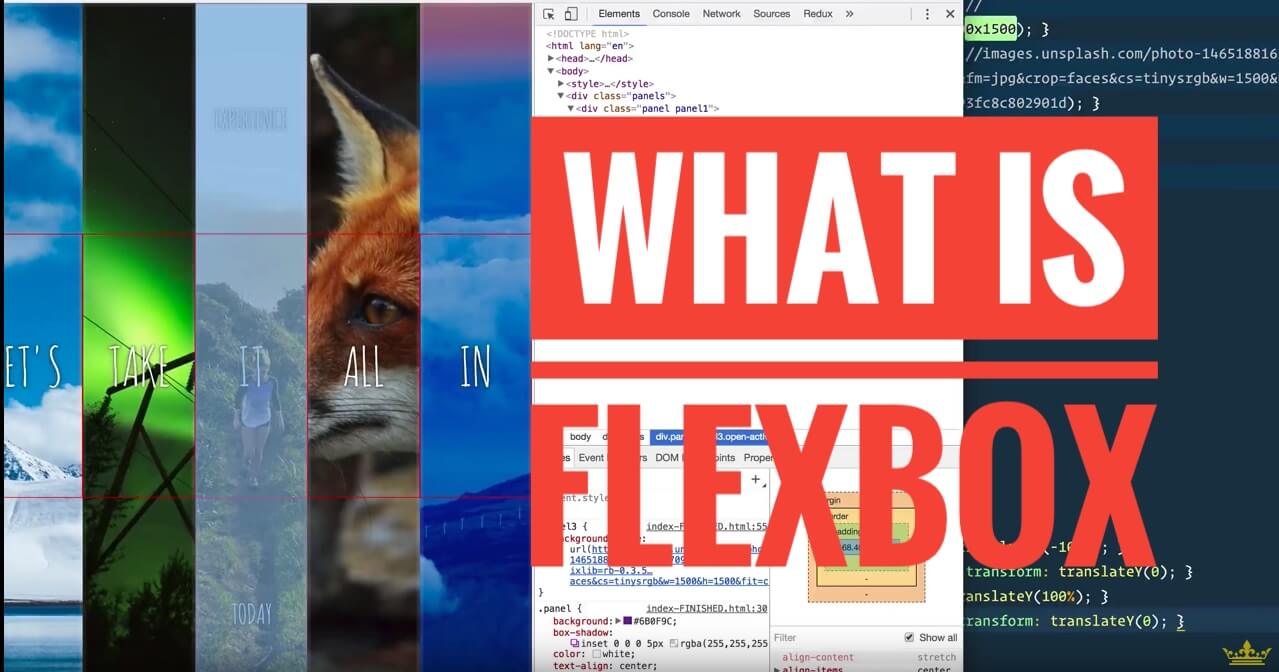
What is Flexbox
If you are a web developer you probably have heard of Flexbox . Flexbox is becoming the new way to layout web pages and solves some of the issues when using floats. When considering using new features, you should...
-
Blog Post Photos
A challenge that a lot of bloggers face is choosing images for their post especially if their theme uses a feature image. Sal Ferrarello recommends new bloggers to not use featured images because choosing them often...
-
Amazon Drive Chrome Extension
If you use Amazon Drive you may have seen the message, “We don’t support playback of videos longer than 20 minutes.” After some research I discovered a way to get around this using javascript. I decided to create a...
-
Google Home to Control Wireless Power Outlets
This is version 2 for my guide on how to control cheap wireless power outlets using a Google Home and a Raspberry Pi . This guide is a much better method than my first attempt using IFTT . This tutorial assumes you...
-
How to run a Linux Program on Startup
Here are the steps to have a program or script start on boot on a linux machine using Systemctl. I’m currently using this start several services on my raspberry pi . DigitalOcean wrote an article that goes into more...