Converting My Link Shortener Extension to Safari
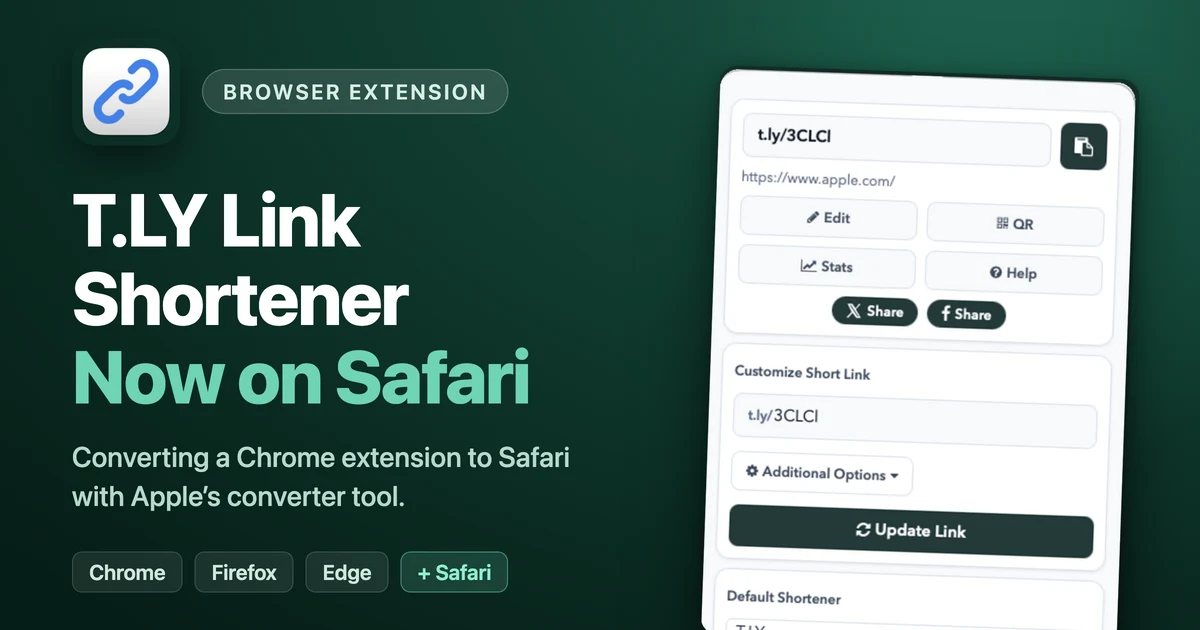
The T.LY Link Shortener extension is finally available for Safari.
It has been on Chrome, Firefox, and Edge for years. Safari was always the browser I put off, and Safari users kept asking for it. I finally sat down and did the conversion, so I figured I would write up what the process actually looks like.
The short version: Apple gives you a conversion tool that gets you most of the way there. Then you spend the rest of your time on signing, bundle identifiers, review policies, store assets, and a $99 fee. The code was the easy part.
The Conversion Tool
Safari extensions used to be their own thing with their own APIs. Now Safari supports web extensions, which means the same manifest, background scripts, and popup code you write for Chrome mostly work in Safari.
The catch is that a Safari extension cannot just be a folder of JavaScript. It has to ship inside a native Mac app. Apple provides a command line tool called safari-web-extension-converter that takes your existing extension folder and generates an Xcode project with a wrapper app around it:
xcrun safari-web-extension-converter ../linkshortener/app \
  --project-location . \
  --app-name "T.LY Link Shortener" \
  --macos-only \
  --copy-resources
To Apple’s credit, this part works well. I pointed it at the same extension source that powers the Chrome version, and a few seconds later I had a Mac app with my extension inside it. I opened it in Xcode, ran it, enabled the extension in Safari’s settings, and the popup came up and shortened links on the first try.
If that were the whole story, this would be a very short post.
The Conversion Is Not the Finish Line
Getting the extension running locally and getting it approved for the App Store are two different projects.
Here is a sampling of what I had to deal with after the converter did its thing:
- Bundle identifiers. The app and the extension each need their own bundle identifier, and the extension’s identifier has to be prefixed by the app’s or Xcode validation fails. I got this wrong the first time and had to regenerate and fix it.
- Code signing. Everything has to be signed with your Apple Developer account, and the app and extension have to use the same team. More time in Xcode build settings than I would like.
- App categories. Your wrapper app needs an App Store category. A browser extension is not really an “app,” but Apple wants to know what shelf to put it on anyway.
- Safari quirks. Small things behave differently. My popup did not scroll in Safari the way it does in Chrome, so that needed a fix. Local testing also fought me on keychain access before I could even sign in during development.
- The wrapper app itself. The converter generates a bare window that basically says “go enable this in Safari.” Apple’s reviewers expect the app to look intentional, so you polish a window that most users will open exactly once.
- Store assets. Mac screenshots have to be exact sizes (1280x800 in my case), plus a 1024x1024 icon, privacy details, and descriptions. Every store has its own version of this, and none of them share.
None of these are hard individually. But they add up, and you only discover most of them by failing validation, reading the error, fixing it, and trying again.
The $99 Toll Booth
Here is the part that still bugs me.
To publish anything on the App Store, including a free extension, you have to join the Apple Developer Program. That costs $99 per year. Not a one-time fee. Every year, forever, or your app comes down.
For comparison, Chrome charged me a $5 one-time registration fee years ago. Firefox and Edge are free. Apple wants $99 a year for the privilege of giving Safari users a free extension.
I get why Apple does it. But if you are an indie developer with a free extension, the math is weird. You are paying Apple every year to give their users something for nothing. I already pay for the developer account because of my iOS apps, so the marginal cost for me was zero. If Safari had been my first browser, that $99 might have been the reason the extension never existed.
One Extension, Four Sets of Rules
The bigger theme here is not Safari. It is that shipping a browser extension in 2026 means maintaining the same product under four different rulebooks.
Chrome forced everyone to migrate to Manifest V3. Firefox supports MV3 but handles some APIs differently, so I have Firefox-specific tweaks in the code. Edge is basically Chrome but with its own store, its own listing, and its own review queue. And now Safari, where the extension lives inside a Mac app and every update means a trip through Xcode and App Store review.
Every minor change gets multiplied. Fix a small bug and you are uploading to four stores, writing four sets of release notes, and waiting on four review processes that each move at their own speed. A change Chrome approves in a day might sit in Apple’s review queue for a week. Meanwhile users on one browser are on the new version and users on another are emailing me about the bug I already fixed.
To keep myself sane, I keep one shared extension source and a sync script that regenerates the Safari wrapper from it. Make the change once, sync, rebuild, and submit everywhere. It helps, but it does not make the store-by-store busywork go away.
Was It Worth It?
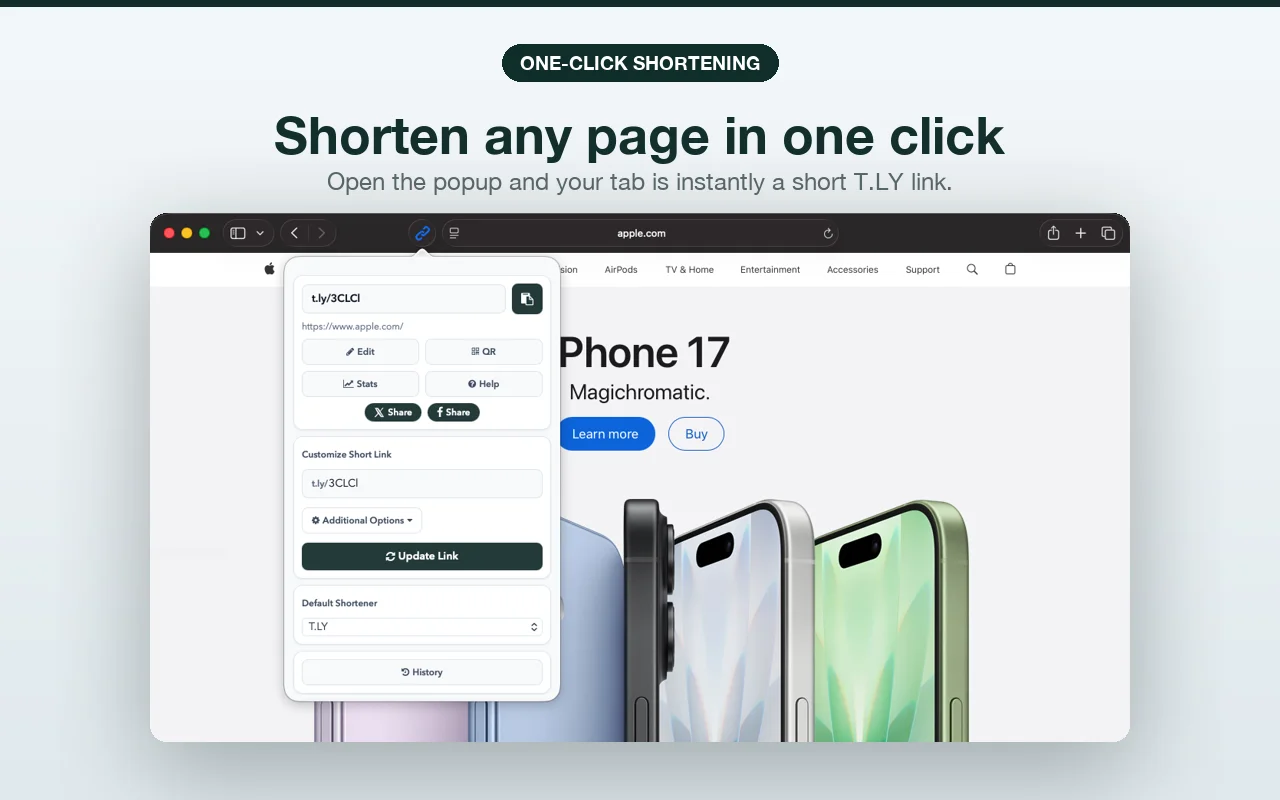
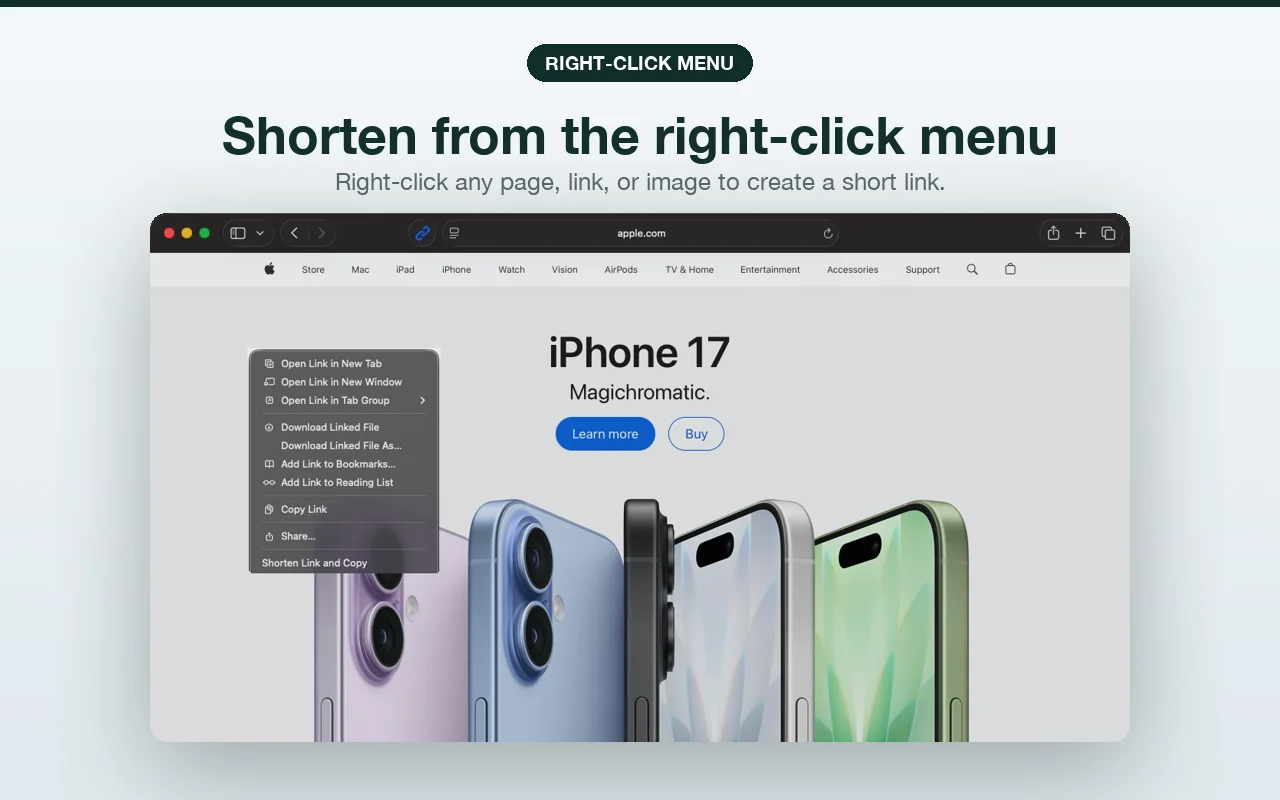
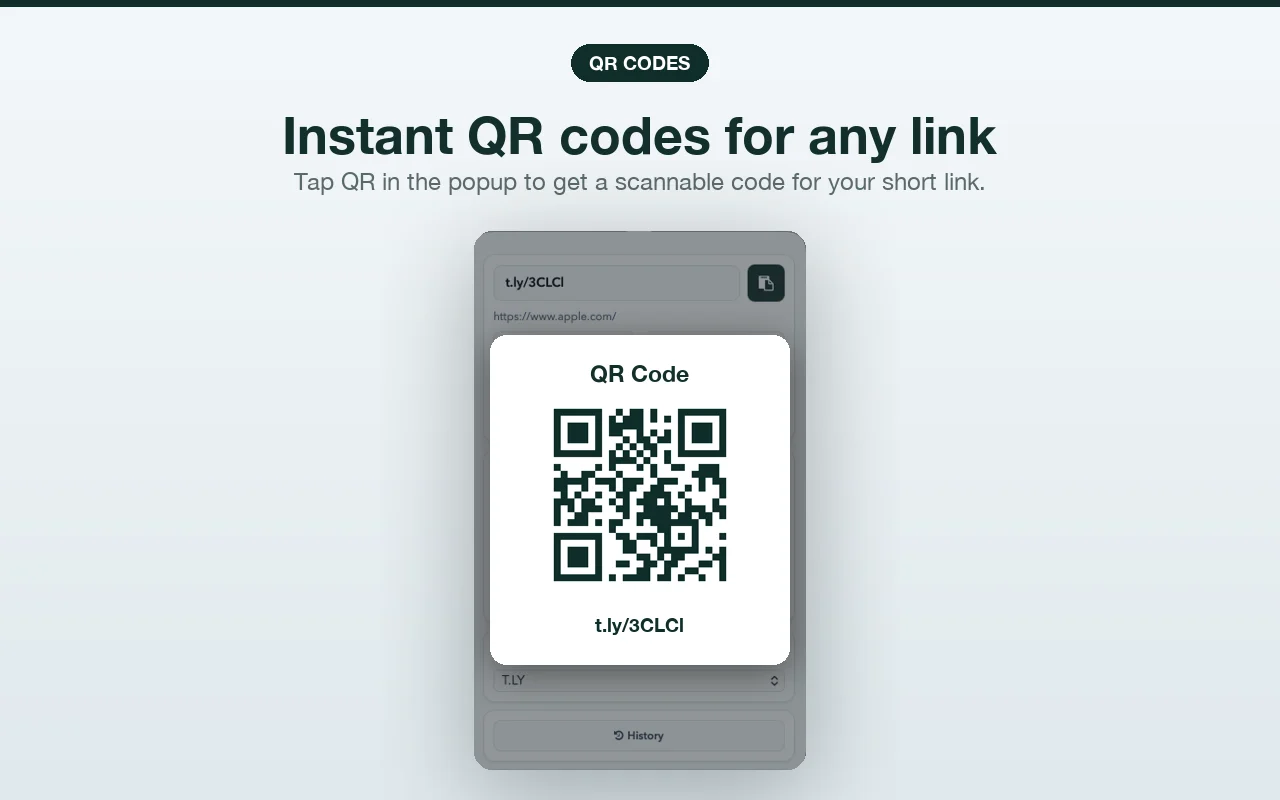
Yes. Safari users have been asking for this for a long time, and the extension works great there. One-click shortening, right-click shortening for pages, links, and images, QR codes, custom back-halves, link history, and support for T.LY, Bitly, Rebrandly, and more. Same features as every other browser.
If you use Safari, you can grab it now from the Mac App Store or find all the browser versions at t.ly/extension.
And if you are a developer thinking about porting your own extension: do it, but go in with your eyes open. Budget an afternoon for the conversion and a week for everything around it. Apple’s tool solves the code problem. It is the only problem it solves.