Control DatePicker from Text Field Ios

How to create a text field that controls a UIDatePicker on Ios.
See the Code: https://github.com/timleland/Ios-UIDatePicker
Create a new single view application.
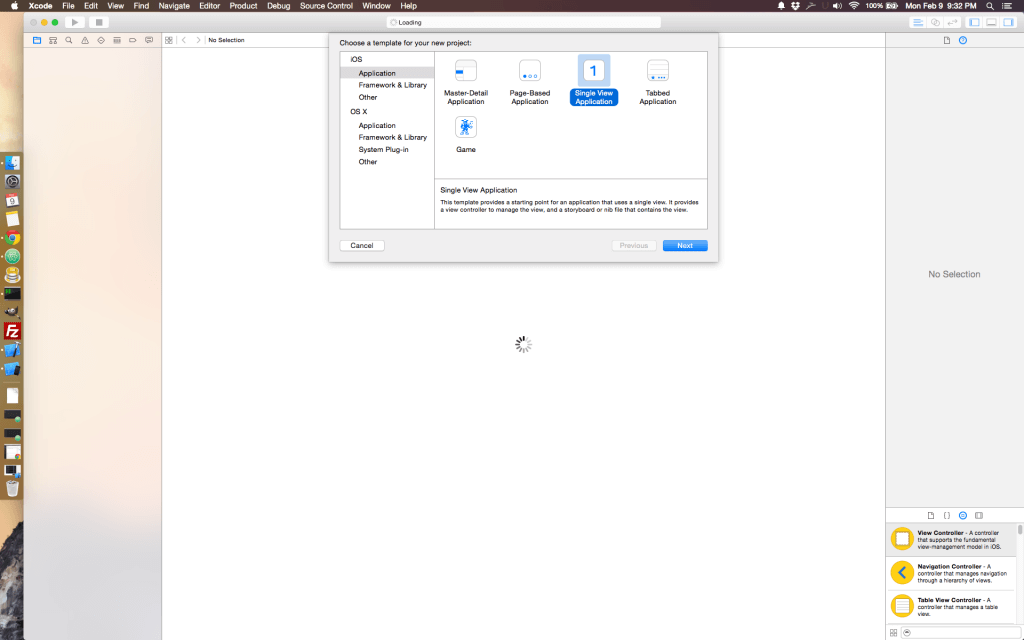
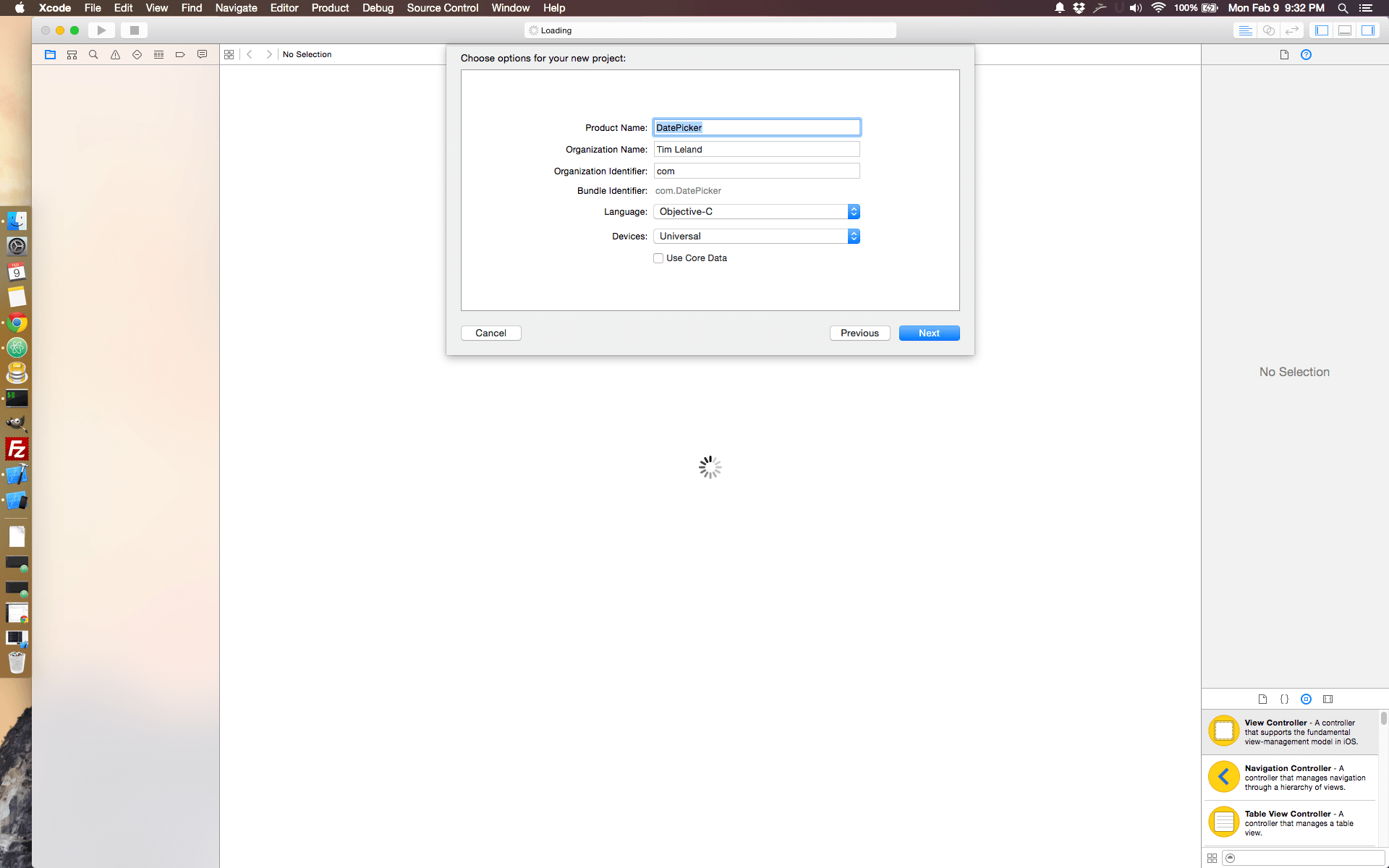
Make sure to select Objective C
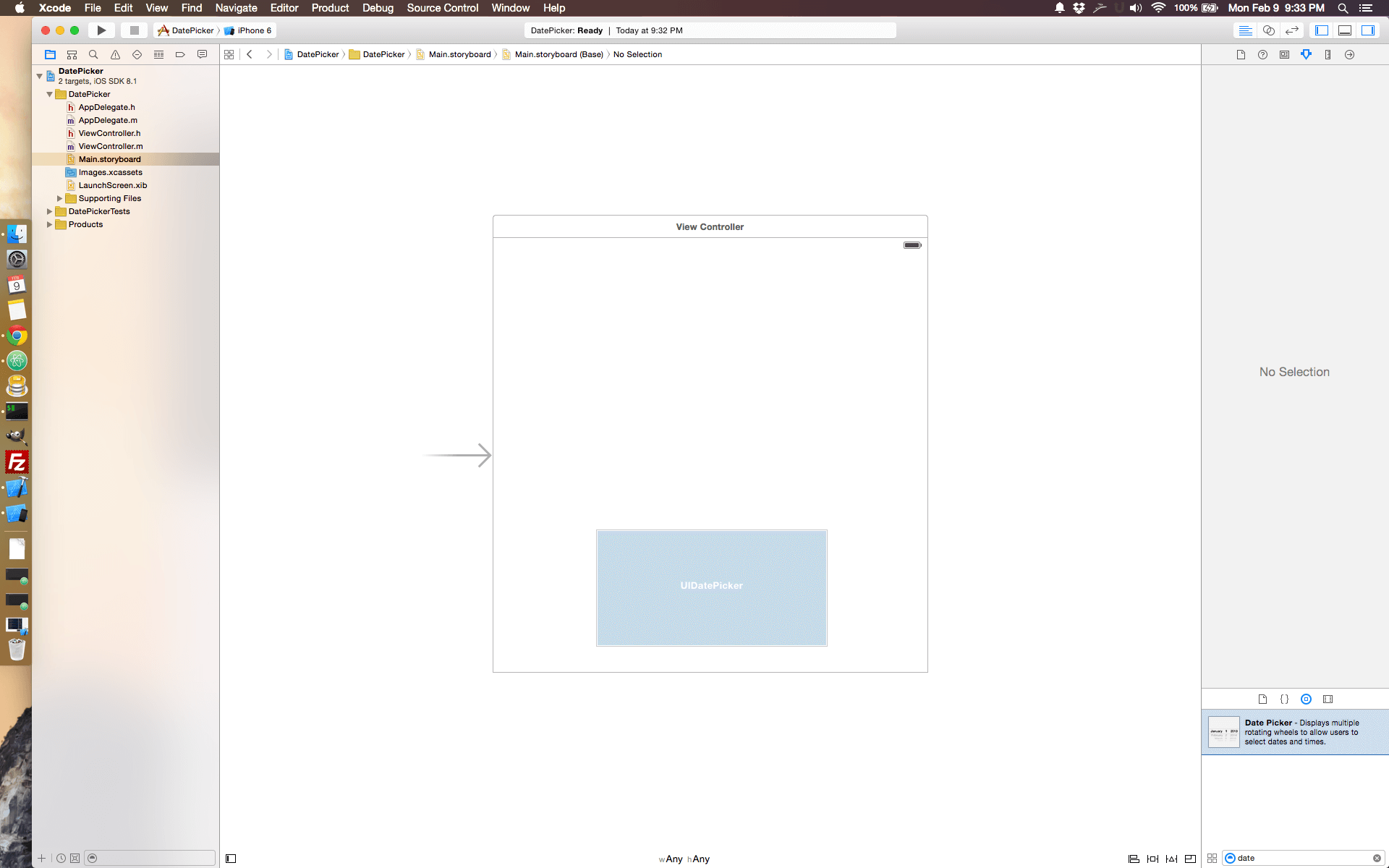
On the main storyboard drag the Datepicker object to the view
Then drag the Toolbar above the Datepicker
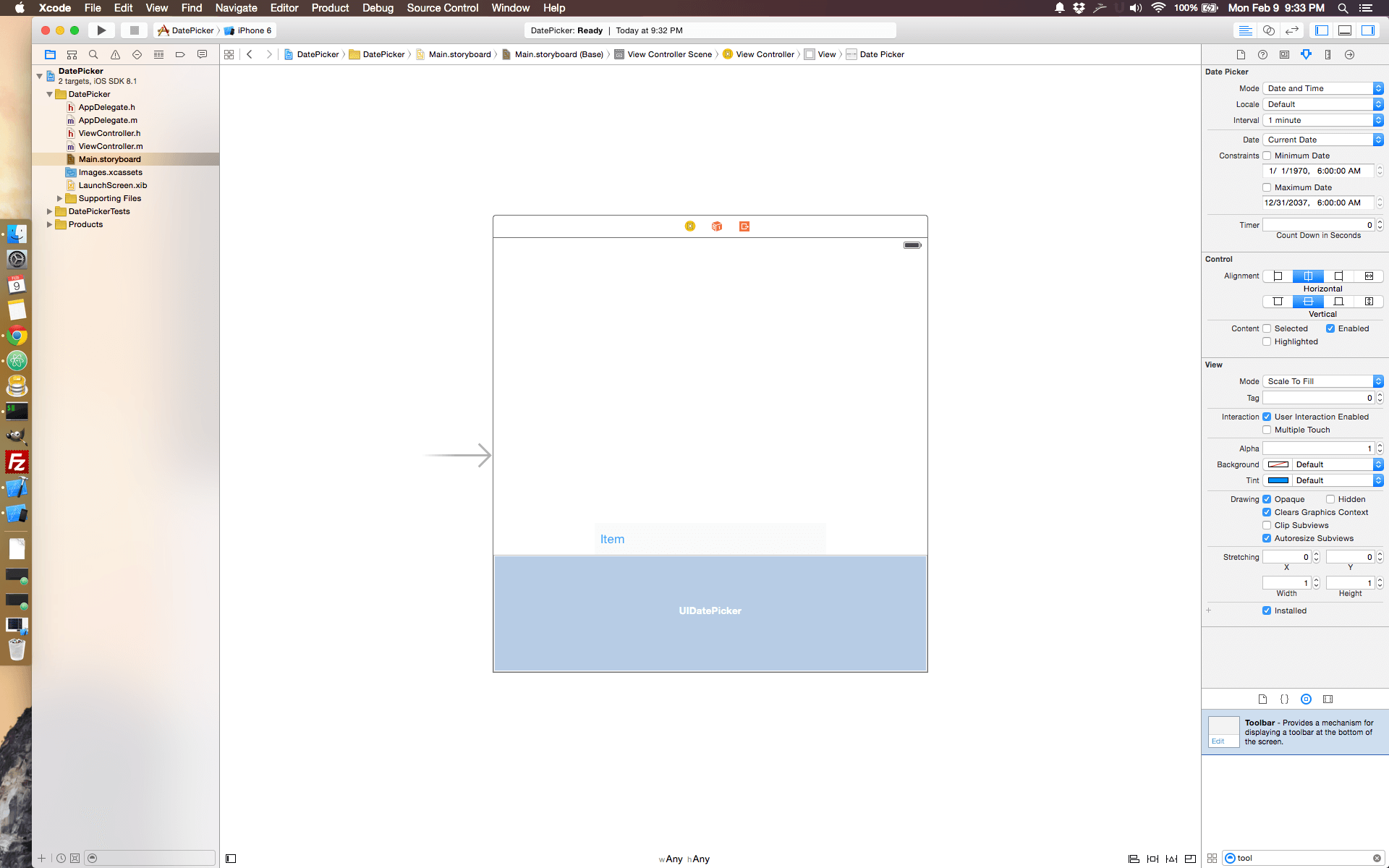
Drag the flexible space bar button item to the left of the ‘Item’ button. This will push the ‘Item’ button the the far right.
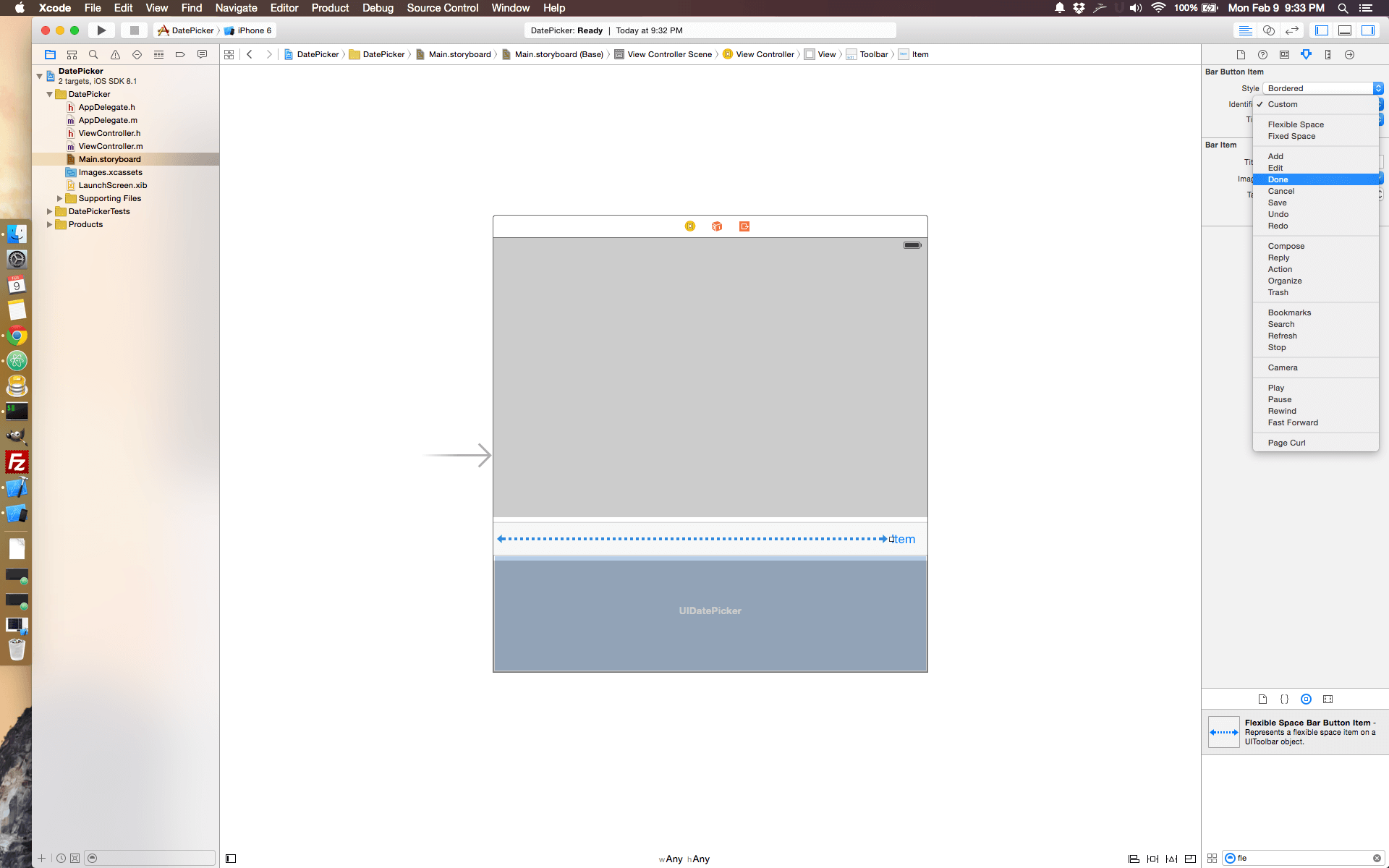
Change the ‘Item’ button to ‘Done’
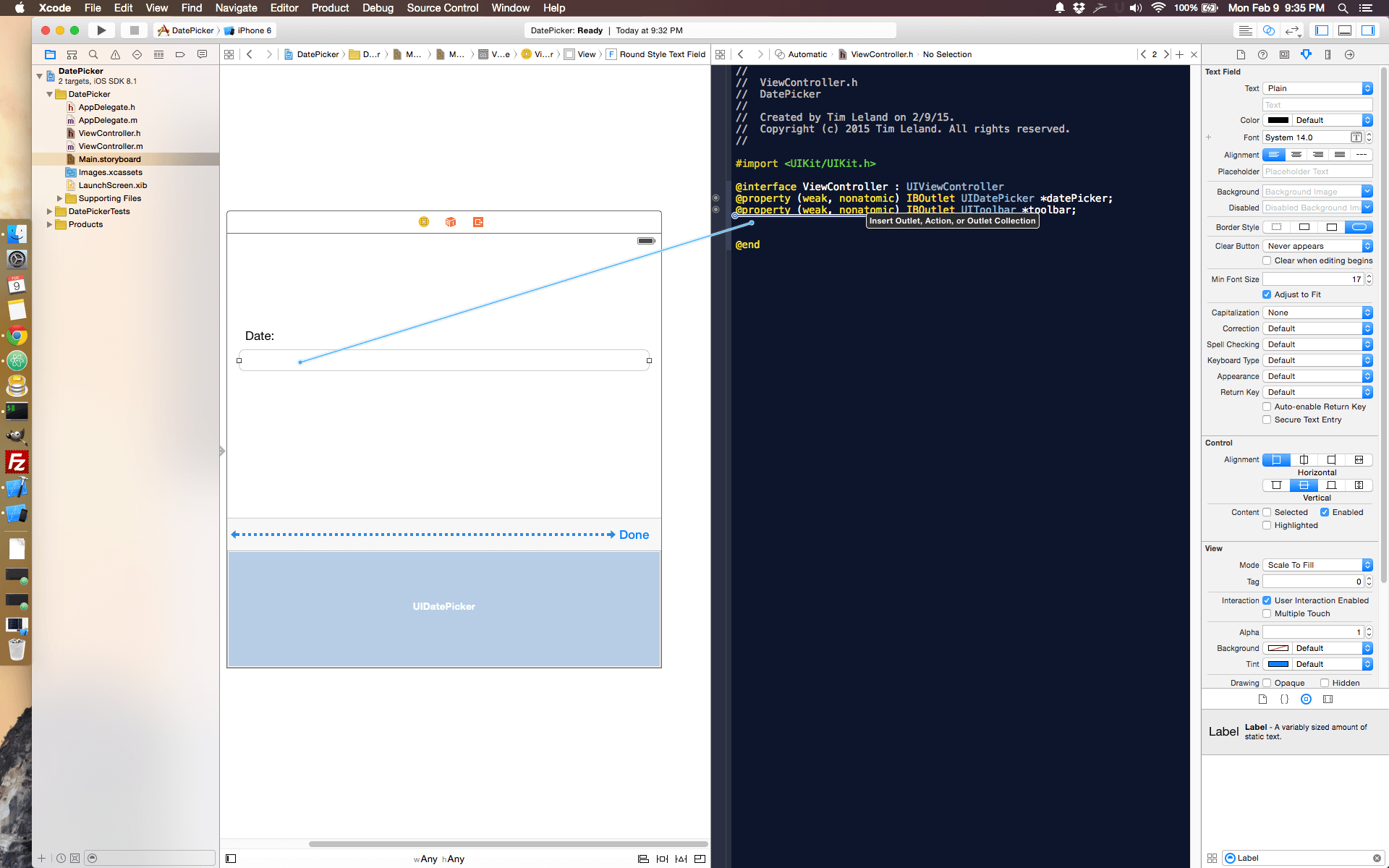
Open the Assistence editor and ‘ctrl’ drag the toolbar, datepicker and text field to the ViewController.h file
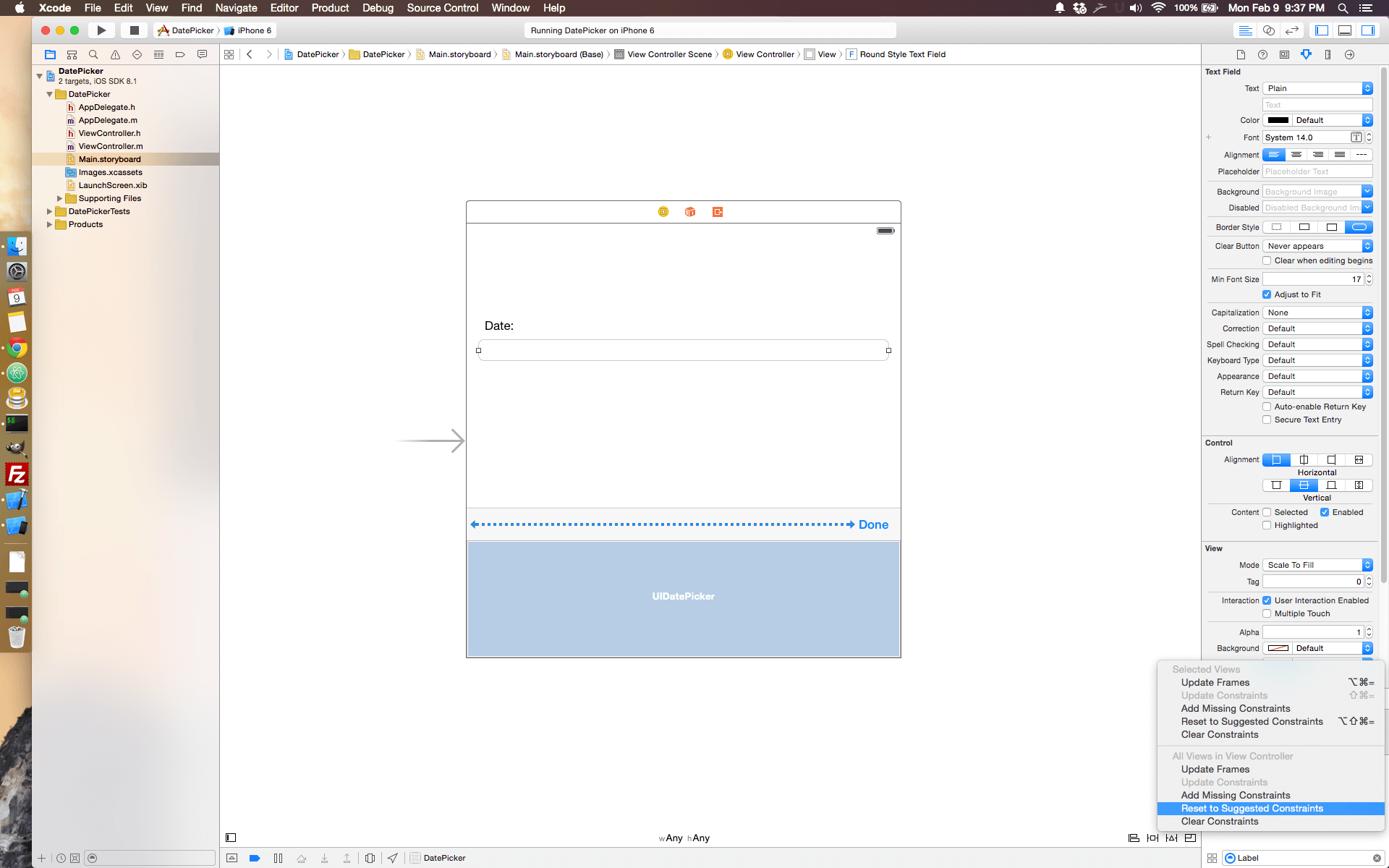
To fix constraints so the app will look good on other devices click ‘Reset to suggested constraints’
Connect actions for text field to show the datepicker
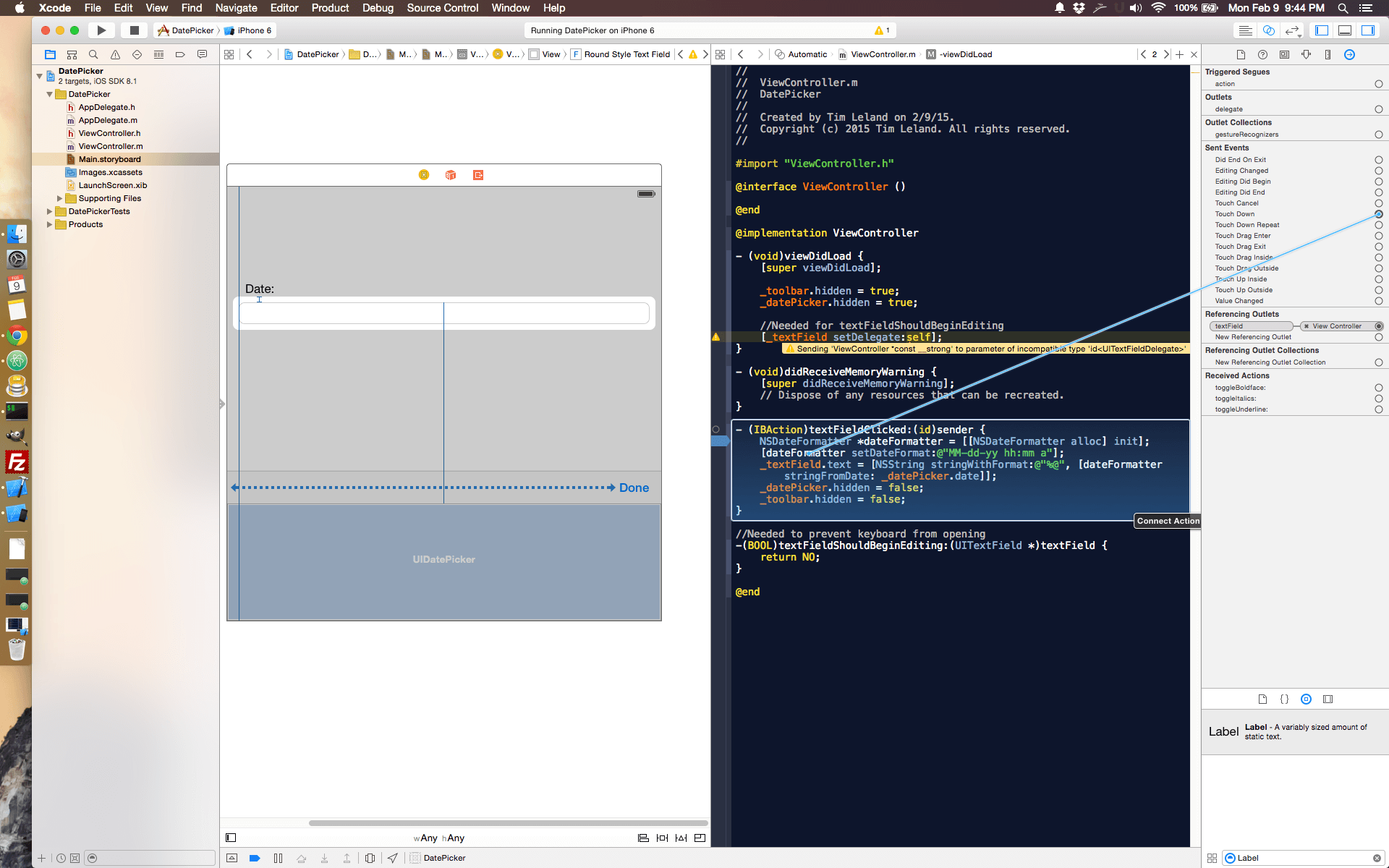
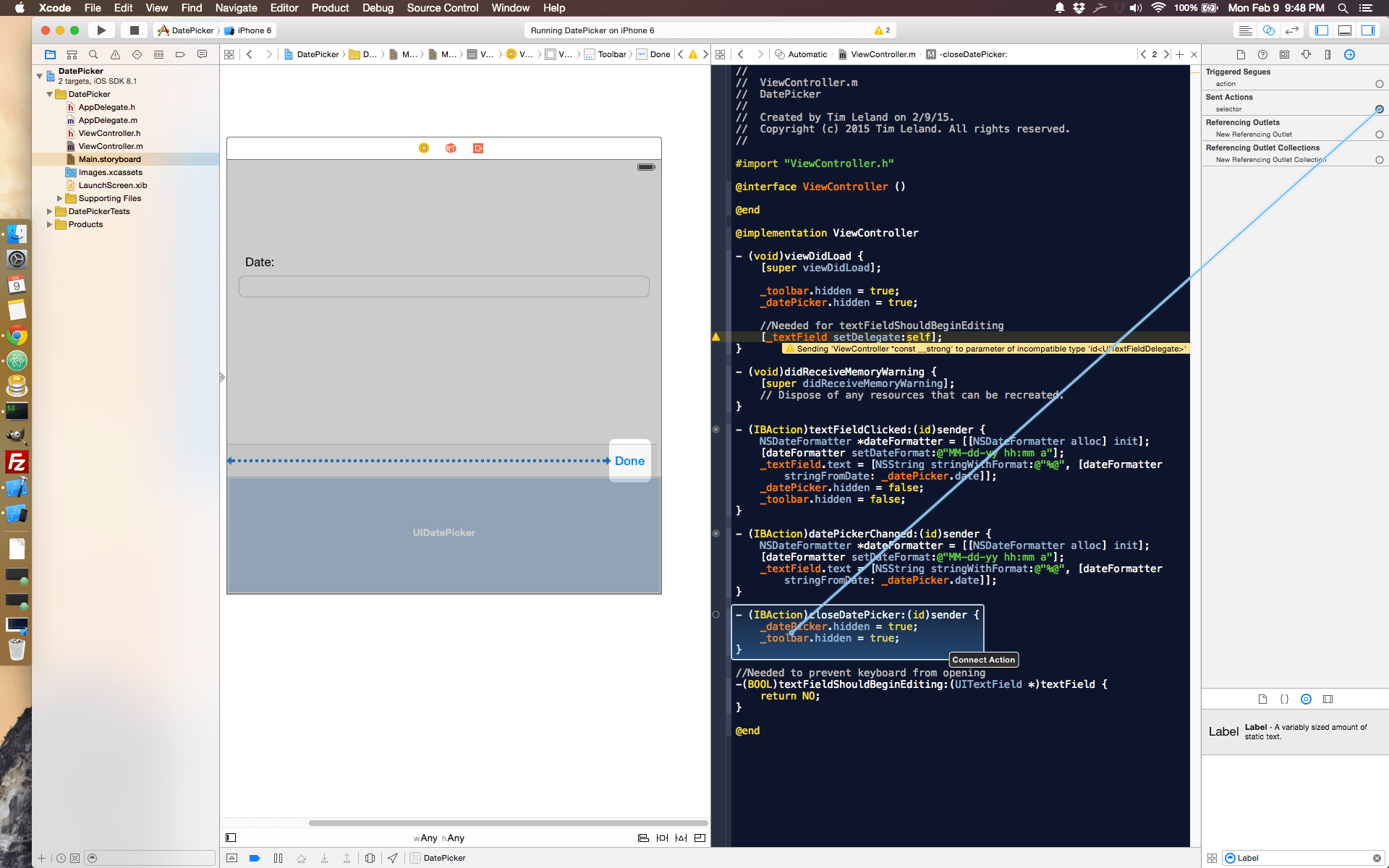
Connect the ‘Done’ button to the close date picker action
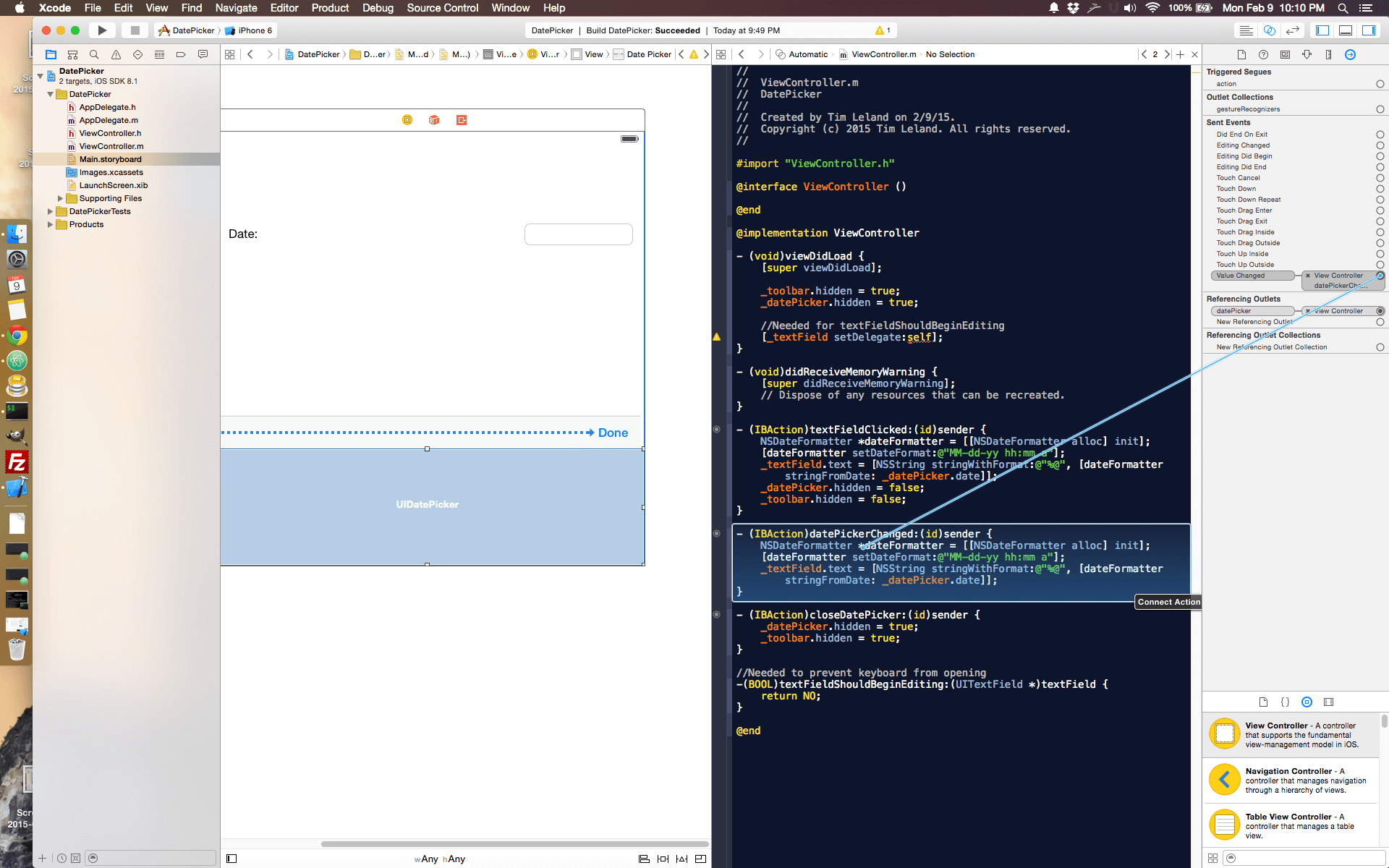
Connect the datepicker change to the action
Let me know in the comments if you have any questions!