QR Code Extension
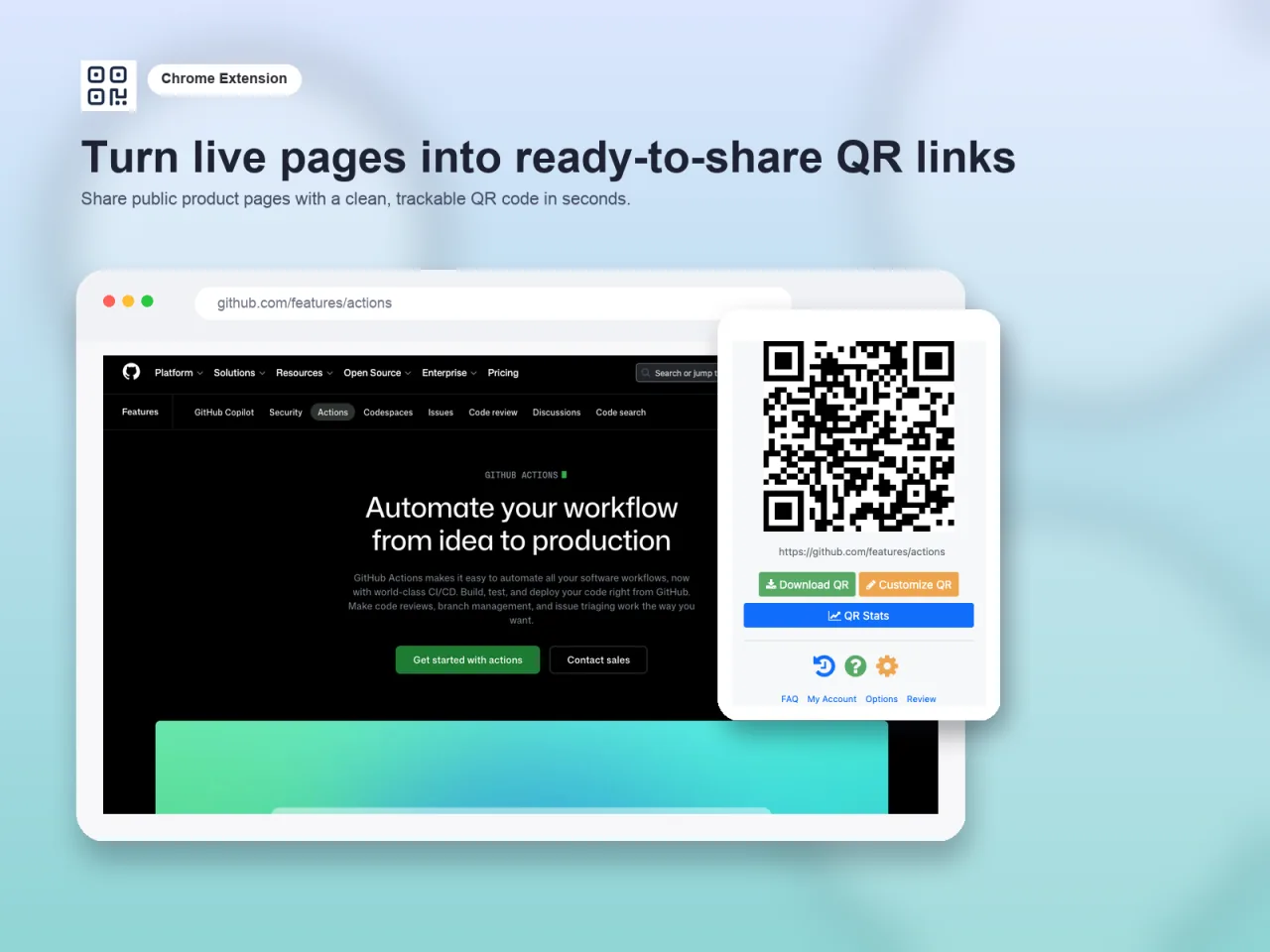
Every day, thousands of people are searching for a simple way to turn a URL into a QR code. They do not need a complex solution, just a quick and easy tool.
That is the idea behind QR Code Generator for Chrome. If you are already on the page you want to share, the fastest workflow is not to copy the URL, open another website, paste it, and wait for a result. The fastest workflow is to click an extension and generate the QR code immediately.
That sounds simple, but simple is the point.
Install QR Code Generator Download iPhone App
Why a browser extension makes sense
QR codes are one of those tools that people do not think about until the exact moment they need one. It might be for a flyer, a table tent, a presentation slide, a product insert, or a quick handout. In that moment, the main requirement is how to get a QR Code for my advertisement.
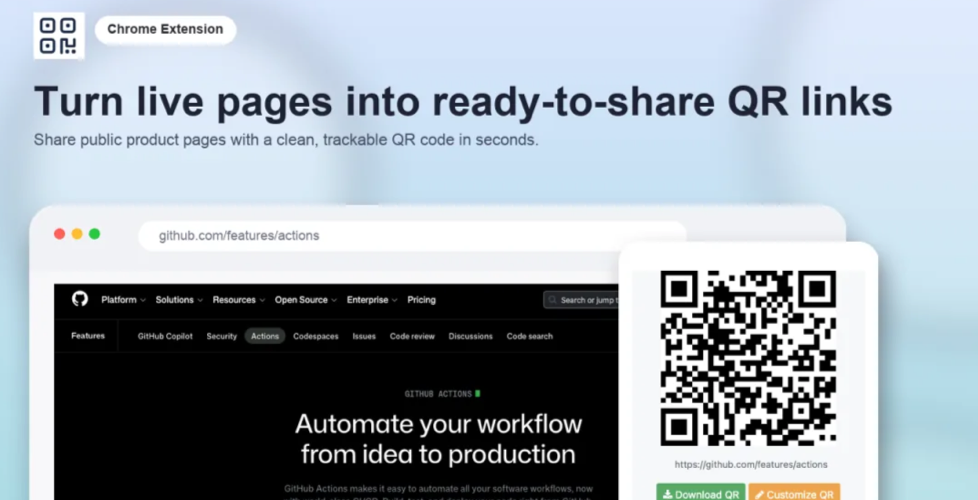
A browser extension is perfect for that because the URL is already sitting in the tab you have open. There is no extra context switching. You stay in your normal workflow, click once, and get a scannable code for the page you are already looking at.
That is a much better experience for the huge group of users who only need one thing: turn this URL into a QR code.
Who this is for
I think a lot of software gets overbuilt because product teams focus too much on advanced users and not enough on the people who want the job done. QR Code Generator is aimed at a larger audience.
This includes:
- marketers who need a quick QR code for a landing page or campaign
- small businesses printing menus, signs, receipts, or packaging inserts
- creators who want a scannable link to a video, newsletter, or media kit
- teachers sharing assignments, forms, or classroom resources
- real estate agents linking signs to listing pages
- event organizers pointing people to schedules, maps, or registration pages
- Anyone who simply wants to share a webpage from a laptop to a phone in seconds
That last group is bigger than people think. Sometimes the use case is not even business-related. You are on a desktop page, want it on your phone, and a QR code is the quickest way to get it there.
Practical use cases
The nice thing about QR codes is that the use cases are not theoretical. They show up everywhere once you start noticing them.
- Flyers and posters: turn a campaign page, signup page, or event landing page into something people can scan from a wall or counter.
- Restaurant menus: generate a QR code for a live menu, so updates happen on the web page, not on the printed material.
- Product packaging: add a code that points customers to setup instructions, product videos, warranty forms, or reorder pages.
- Trade shows: send booth visitors to a demo page, lead form, or one-page overview without asking them to type a long URL.
- Business cards and handouts: point people to a portfolio, booking page, or contact form.
- Presentations: let an audience scan a resource page, case study, or PDF while you are presenting.
- Internal company docs: link physical signage or printed instructions to the exact knowledge base article employees need.
In all of these cases, the value is not complexity. The value is removing friction.
Simple first, more powerful if you need it
What I like about this kind of extension is that it can serve both casual users and more advanced users without making the basic workflow harder.
At the simple end, it is just a fast way to generate a QR code for the current page.
At the more advanced end, it can become part of a broader T.LY workflow for teams seeking greater control over their links and QR codes. That is where features like analytics, editable destinations, branded short links, and trackable QR codes start to matter. That broader product story is part of why I originally built T.LY in the first place.
That is an important product pattern: help users solve the immediate problem first, then give them a path into the more advanced platform only when they actually need it.
Why browser extensions are great for marketing a SaaS product
I have become a big believer that browser extensions are one of the best marketing channels for the right kind of SaaS product. I wrote more about that in How to Market Browser Extensions, and I still think the core idea holds up.
The reason is simple: an extension can solve a narrow problem at the exact moment someone has that problem. That is an incredibly strong product marketing.
Instead of asking someone to read a long sales page and imagine how your software might help them someday, the extension demonstrates value immediately. Install it, click it, and the problem is solved.
That creates a few advantages:
- High intent users: people searching the Chrome Web Store for something like a QR code generator already know what they want.
- Built-in distribution: marketplaces like the Chrome Web Store can surface the product to people who would never discover a standalone SaaS homepage.
- Low-friction onboarding: a simple extension can be easier to try than signing up for a full account before seeing any value.
- A natural upgrade path: once users trust the extension, some of them will want deeper features from the main SaaS product.
That is why I think extensions are especially effective for products like T.LY. The extension is not the whole business. It is the fast, useful entry point. The SaaS product behind it handles the bigger needs once users move beyond the basic use case.
A good example of product-led distribution
QR Code Generator is a good example of product-led distribution because it meets users where they already are: inside the browser, on the page they want to share. No pitch is required to explain why it matters. The value is obvious in a few seconds. That makes it useful as a standalone tool and a smart way to introduce people to the broader T.LY ecosystem.
Some users will always stay in the simple mode, and that is fine. They got what they needed. Others will eventually want scan analytics, branded links, editable destinations, or more advanced QR workflows. The extension becomes the first touchpoint that leads them there.
It also fits the same pattern I described in Growing SEO with Free Tools: small utilities can become strong entry points for search traffic, product discovery, and, eventually, paid conversions.
Final thoughts
Not every product needs to start with a giant feature set. Sometimes, the better opportunity is helping a very large group of people do one common thing faster.
That is what makes QR Code Generator interesting to me. It targets the millions of users who need to turn a URL into a QR code, and it does so where the URL already lives: the browser. In many ways, it also reflects the broader lessons from my builder journey: simple, useful tools often create the best openings.
If you want to try it, install it here: QR Code Generator for Chrome. If you want a native iPhone app for scanning and creating codes, download QR Code Scanner & Creator on the App Store.